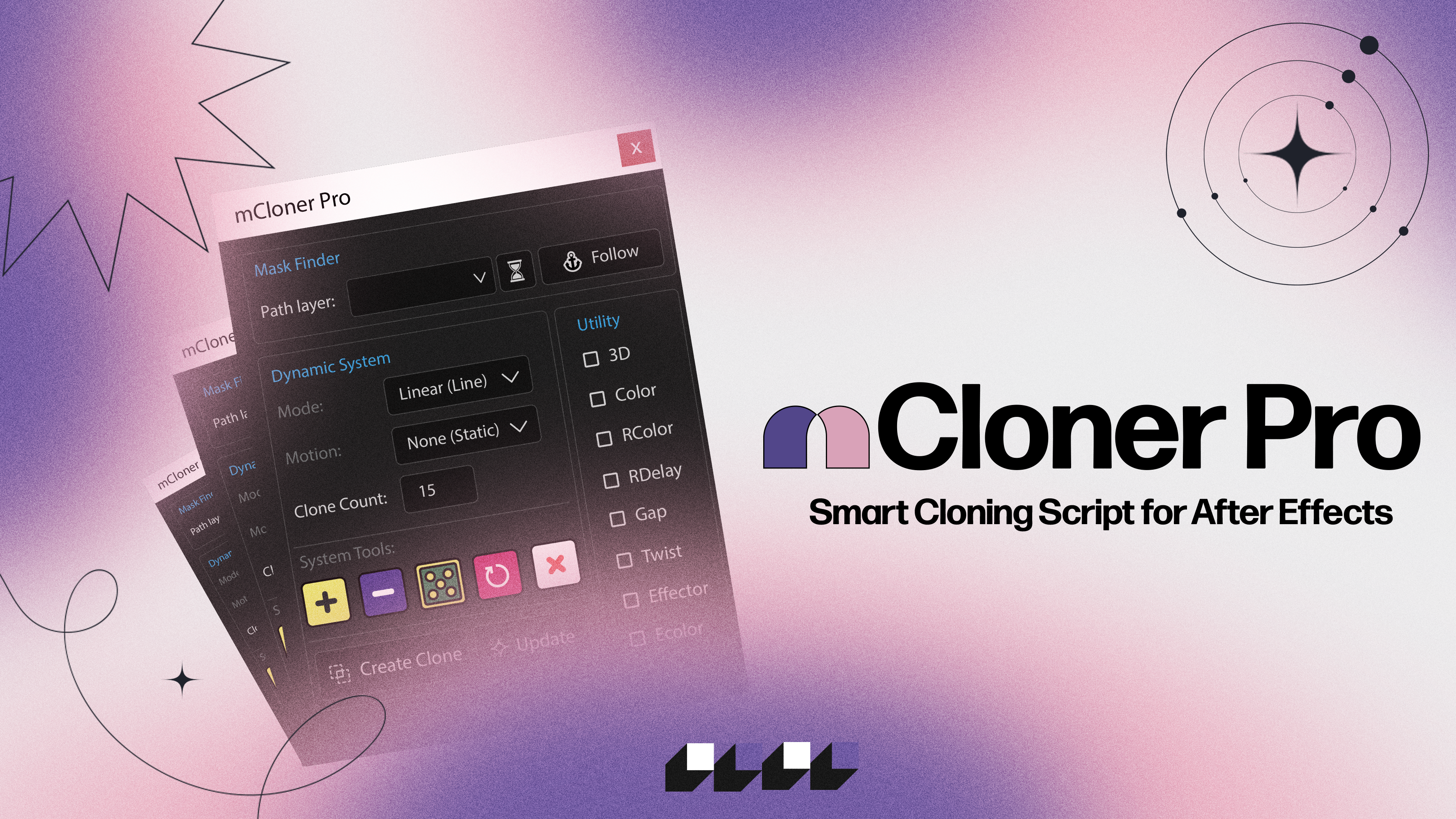
mCloner Pro is an Adobe After Effects tool for generating, distributing, and animating multiple copies of layers, called clones. The MahiCG listing on aescripts describes a Live Update architecture and workflow tools for effects and pre-comps. Its controls cover source layers, clone distribution, paths, and animation.
Choose sources and layouts
Start with one or more source layers. Mix Source adds selected layers to the existing source pool. Ctrl/Cmd-click replaces the pool with the selected layers, while Subtract Source removes selected layers from the clone calculation. Shuffle randomizes the assignment order across clones.
After setting the source pool, choose a radial, linear, or grid distribution. These modes arrange clones in different patterns while keeping them within the same system. Multiple Distribution Mode allows further customization of the layout.
Animate timing, paths, and interactions
Animation controls include delay and sine-wave behavior. Dynamic sliders can create spiral and arc effects. Effectors add proximity-based interaction, which can drive animation according to the distance between elements.
Path Mode supports multiple masks in both 2D and 3D, so clones can follow complex mask paths. The product page also includes a tutorial broken into chapters on orientation, base transformation, animation, delay, sine waves, and path animation.
Work with 3D models and text
The listed 3D model integration supports OBJ and GLB files. Other tools include Cylinder mode and kinetic text, alongside color and gradient controls. Together, these options suit After Effects compositions built around repeated shapes, moving text, or model-based elements.
Check compatibility and purchase details
The November 28, 2026 capture of the aescripts listing showed version 2.3, compatibility with After Effects 2022 through 2026, and a listed price of $29.00 with 25% off at checkout. Version details, compatibility, pricing, and promotions can change, so check the seller listing before installing or purchasing.