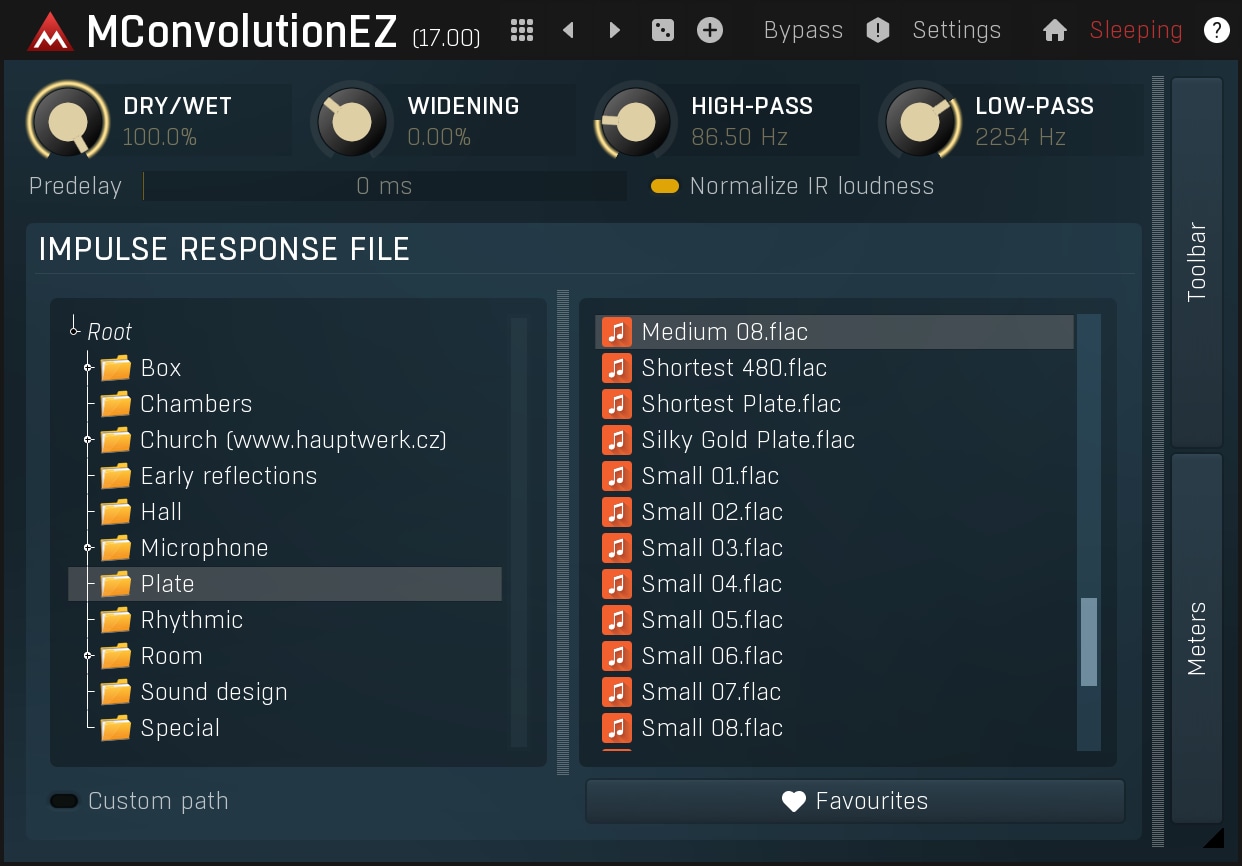
MConvolutionEZ is a convolution reverb from MeldaProduction. It processes audio with a selected impulse response (IR), whose character can come from a room, hall, plate, guitar cabinet or effect. The product page lists a factory IR library and identifies MConvolutionEZ as a free effect available with MFreeFXBundle.
Choose and shape an impulse response
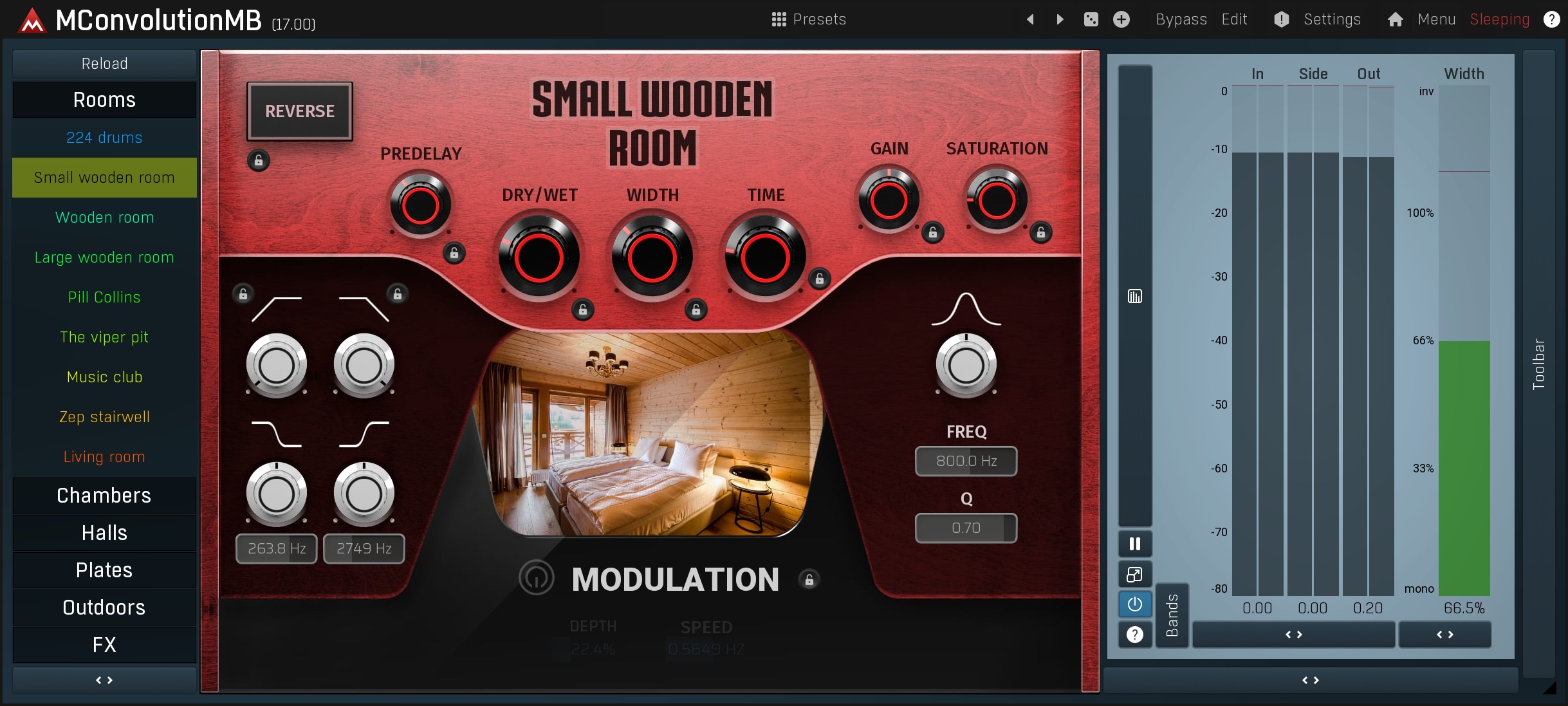
Start with an IR from the installed factory library or select an IR file from another library. The Favorites control saves library locations for quicker access. Predelay sets the gap before the response begins; High-pass and Low-pass trim its spectrum; Dry/Wet adjusts the balance between the processed and dry signals. Normalize IR loudness brings responses to similar levels, which helps when comparing them. The MConvolutionEZ manual documents these controls.
Compare settings and process multichannel audio
The A-H slots hold up to eight sets of settings, but do not store channel mode, oversampling or some other global controls. A/B switches between the active and previously active state, while the X/Y morph control blends the first four slots. The morph gesture itself cannot be automated, and its parameter changes are not reported to the host. Morphing affects only automatable or modulatable parameters and overwrites the selected slot; choose a spare slot to preserve A-D.
Channel modes cover left and right, mid and side, surround, and ambisonics. For separate left/right or mid/side settings, the manual describes using two instances in series, one for each channel mode. MConvolutionEZ supports up to eight surround channels and up to 64 channels of 7th-order ambisonics. Surround and ambisonics need compatible multichannel tracks and buses. MeldaProduction's host notes say Ableton Live does not handle the reported buses correctly; its VST version reports stereo capabilities only by default. The manual describes DAW support for ambisonics as rare. VST2 surround requires global activation and a host restart. Ambisonics requires its own global activation and a host restart in all DAWs. VST3, AU and AAX do not require activation for surround. See the feature details for channel-mode information.
Compatibility and licensing
MeldaProduction lists 64-bit support for Windows 10 and 11 with VST, VST3 or AAX hosts, and for macOS 10.14 or newer with VST, VST3, AU or AAX hosts. The listed Windows processor requirement is Intel or AMD with SSE2; macOS lists Intel, AMD or Apple Silicon CPUs. Check the developer's support page before installing.
Activation uses personal license files. The product feature page says activation needs no dongle or internet connection and that the license holder may use the software on their computers. Only that license holder may operate it.