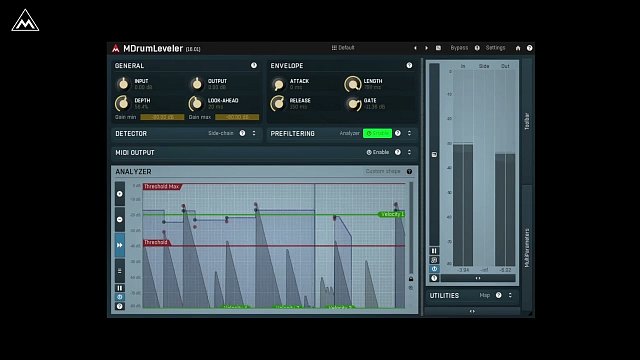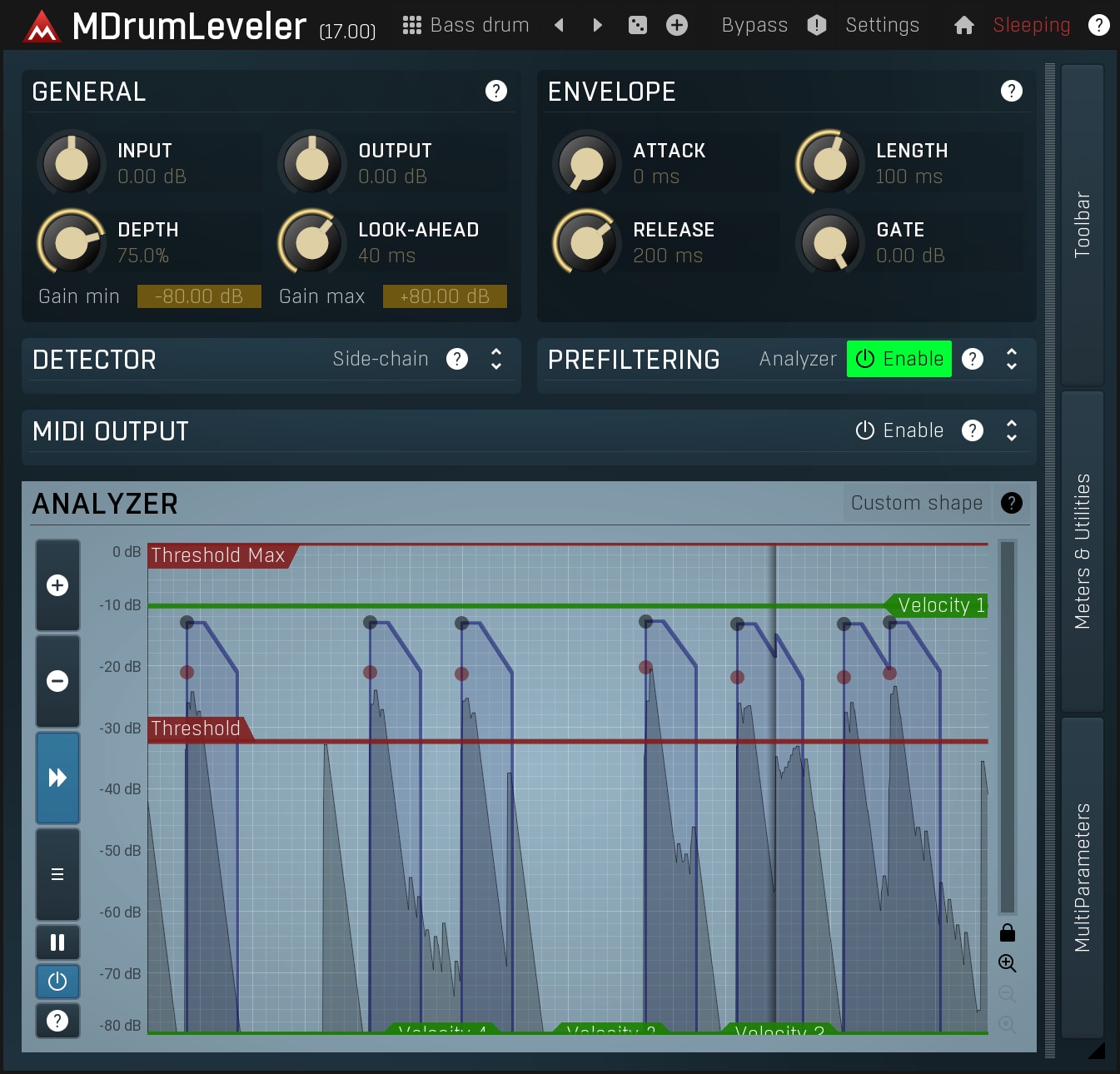
MDrumLeveler is a dynamics processor that detects events such as drum hits, then adjusts their levels. The gain remains constant during each event's set Length, while Attack and Release shape its transitions. Longer Length and Release settings can help keep the level adjustment transparent. It is suited to drum recordings with uneven hit levels or microphone bleed, and can also process other rhythmic audio.
Set target levels for drum hits
In the analyzer, set the threshold so the hits you want to process count as events and quieter spill is ignored. You can then use up to four velocity markers to set target levels. One marker brings hits toward a common level; several can keep ghost notes, regular hits and accents at different levels. The Depth control determines how far each event moves toward its target, so you can keep some of the drummer's original dynamics.
A maximum threshold can exclude hits above a chosen level, which is useful when you want to process quieter hits such as ghost notes while excluding louder hits from event detection. The MDrumLeveler guide explains the detector, markers and a step-by-step starting workflow.
Control bleed and shape each event
Gate sets the level between detected events. Leave it higher when room sound is part of the recording, or lower it to reduce leakage between hits. Length and Release shape how long the gain change holds and returns to normal. Shorter settings can suit a crisp hi-hat; toms may need more time for their full hit to ring out.
When spill makes detection difficult, two parallel resonant band-pass filters can focus the detector on frequencies associated with the drum. For multi-microphone recordings, the side-chain can use a cleaner microphone as the detection signal for a noisier one. In Source mode, detection uses the side-chain instead of the main input; Remove from input attenuates the detector signal so events are detected only when the side-chain is silent enough; Present in both combines the signals and requires enough signal in each.
Live use and MIDI output
Look-ahead gives the detector time to measure a hit's level, but adds latency. The default is 20 ms. MeldaProduction says settings below 5 ms can work for live use, while its guide recommends at least 2 ms. At 0 ms, MDrumLeveler can detect events but cannot measure their level; shorter look-ahead also lowers the chance of finding an event's peak, so check detection at the latency your setup allows.
The plugin can also send a configured MIDI note for each detected event. With audio output muted, that lets you use detected hits to trigger a drum sampler in a compatible host.
Compatibility and licensing
MDrumLeveler supports VST, VST3 and AAX hosts on 64-bit Windows, and VST, VST3, AU and AAX hosts on 64-bit macOS. The listed minimums are Windows 10 or 11, or macOS 10.14 Mojave or newer. Windows also requires an Intel or AMD processor with SSE2; macOS supports Intel, AMD and Apple Silicon CPUs. Linux is not directly supported; MeldaProduction notes that running the plugins through Wine may be possible. MeldaProduction says its plugins may still work on systems below those listed minimums and recommends using the trial to check. Check the product support page for installation information and the system requirements before choosing a host setup.
MeldaProduction offers a free trial. Activation uses a license file and does not require a dongle or internet access; the license is assigned to the user and can be used on that user's computers. The feature page also states that purchased software includes free updates.