MDrumReplacer is an effect plugin for replacing or layering drum sounds in a recording. It detects hits in the incoming audio and triggers a sound from its MDrummer engine. You can blend that sound with the original track or use it as the replacement. It also includes controls for evening out hit levels, so it can help when a kick, snare or tom recording needs a different sound or a steadier performance.
Detecting hits through bleed
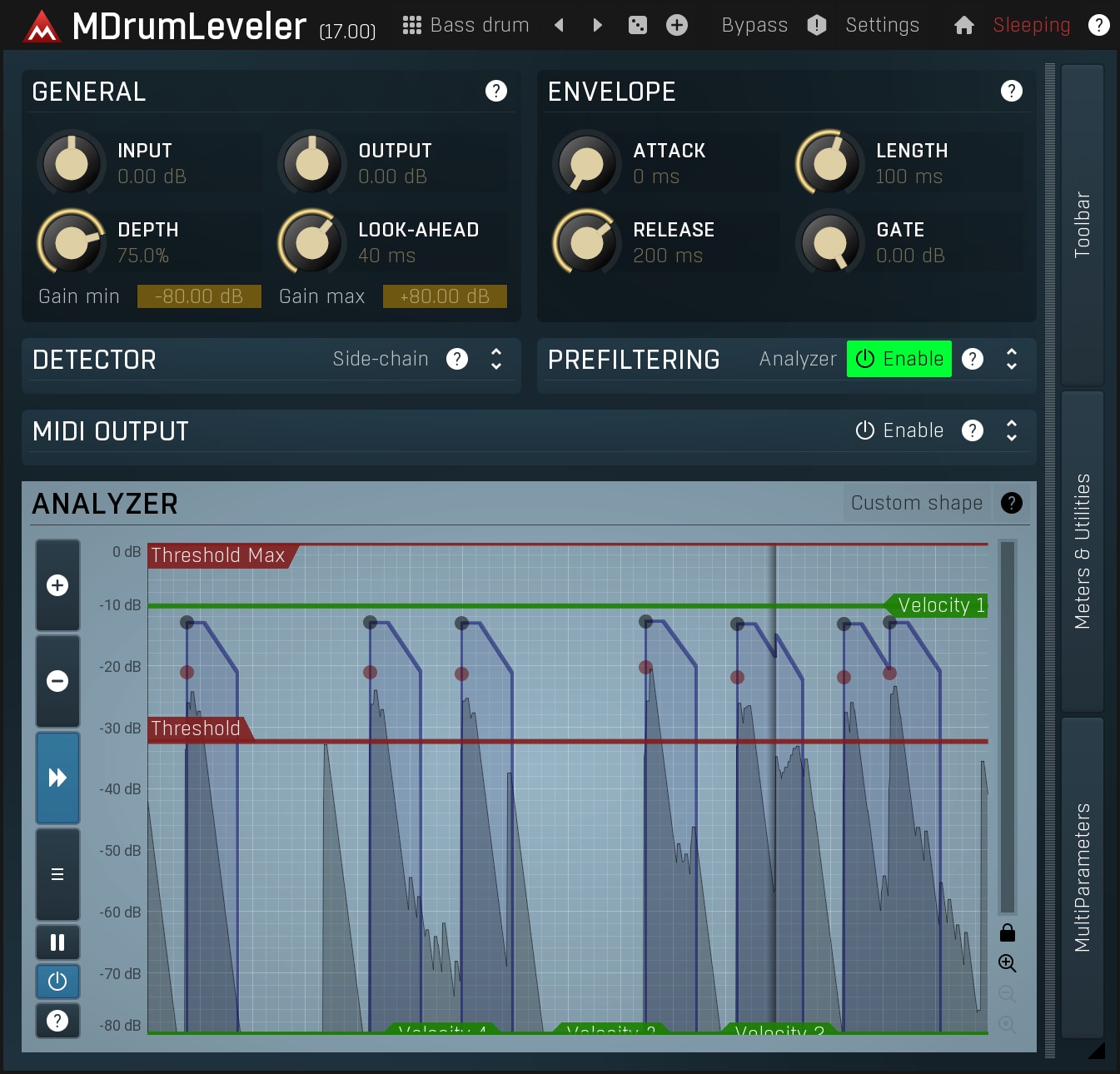
The detector displays events on a graph. Set the threshold so the hits you want are detected and quieter spill is ignored. A maximum threshold can exclude louder hits when you want to process only a particular level range. If one strike triggers several events, the Retrigger and Time below threshold controls can help prevent duplicate triggers.
Bleed from the rest of the kit may need more setup. The prefilter uses parallel resonators to focus detection on selected frequencies. Its Learn function analyzes the signal and sets resonators to prominent frequencies; Listen lets you audition the filtered signal while adjusting them. Learn sub and side-chain subtraction can help the detector ignore a competing sound. The product page says the detector can sometimes work on mixed drum sessions, while the quick-start guide focuses on individual instrument recordings and explains that bleed can make detection harder.
Replacing, layering and leveling
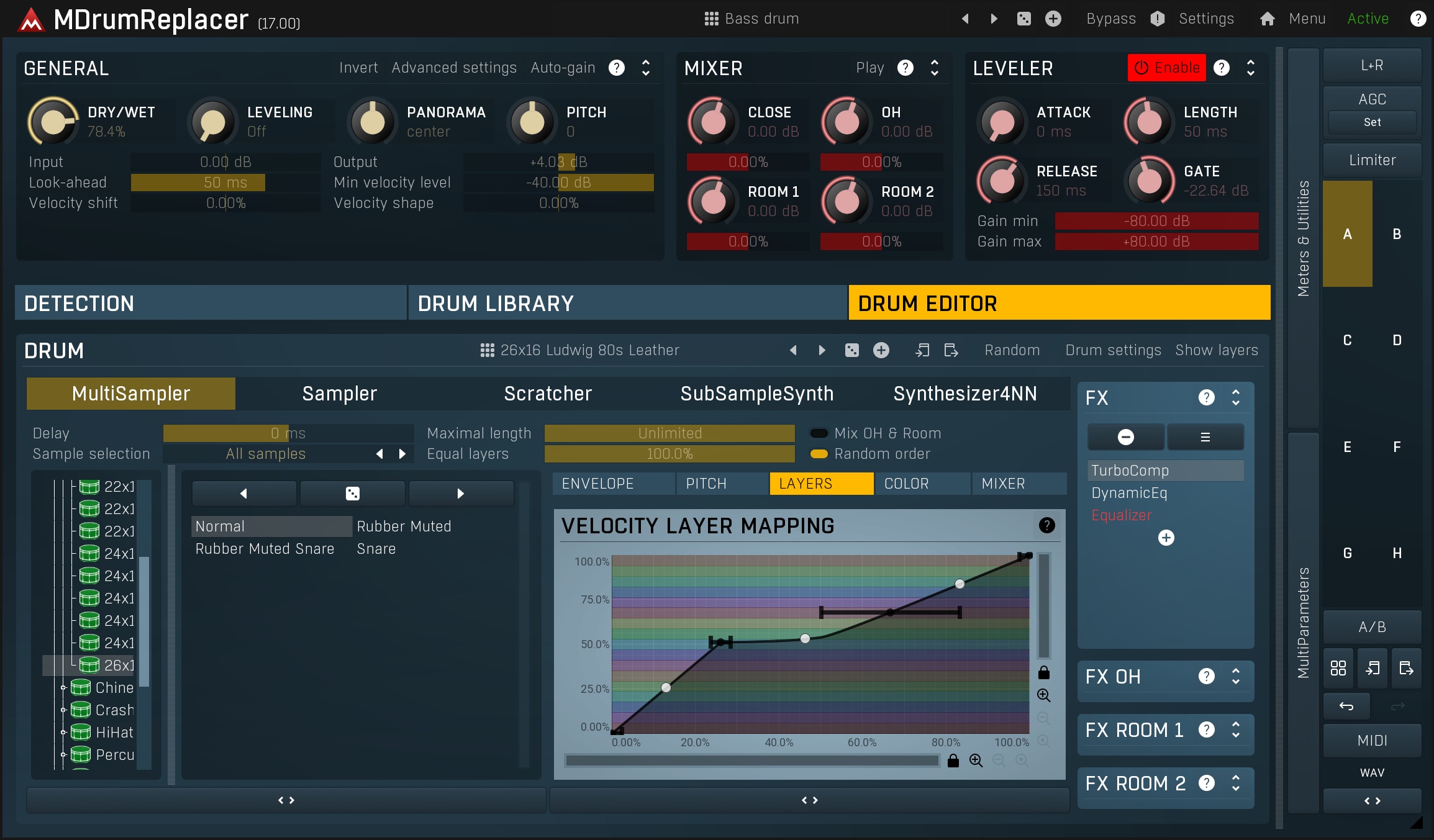
Choose a sound in the Drum library, then adjust the generated signal to fit the track. The dry/wet control sets the balance between the recorded audio and the synthesized or sampled drum. Velocity shift and velocity shape change how detected hit levels drive the replacement sound.
The integrated leveler can move hit levels toward up to four velocity markers. Use a lower leveling amount to retain more of the drummer's dynamics; the manual notes that strong leveling can make a performance sound overly uniform. Its gate control can reduce the signal between detected events, which may help trim spill or ambience. Automatic gain compensation helps compare settings at a similar output loudness.
Sound library requirements
MDrumReplacer uses MDrummer's sound engine, which includes synthesized drums and multisampled acoustic sounds. Its library and components are shared with MDrummer. If you already use MDrummer, the quick-start guide says you do not need to install additional factory content. Without MDrummer, you need to install drum packs; the plugin directs you to them on first launch. The Drum editor lets you adjust the selected sound. See the MDrumReplacer quick-start guide for the detector and sound-engine workflow.
Compatibility, latency and licensing
Melda lists 64-bit VST, VST3 and AAX versions for Windows, and VST, VST3, AU and AAX versions for macOS. Its support page lists Windows 10 or 11 with an Intel or AMD processor supporting SSE2, and macOS 10.14 or newer with Intel or Apple Silicon. Linux is not directly supported; Melda describes running the plugins through Wine as a possible workaround. Check the product support page and system requirements for current setup details.
Look-ahead gives the detector time to read a hit's peak level, and the plugin reports the resulting latency to the host. More look-ahead adds delay. The manual recommends keeping it low for real-time use and says a compatible host should compensate for it during mixing. Melda says activation uses a personal license file, with no dongle or internet access required for activation; the same user can use the license on their computers. A trial is available through the MeldaProduction downloads page, which lets you check the plugin with your DAW and drum tracks.