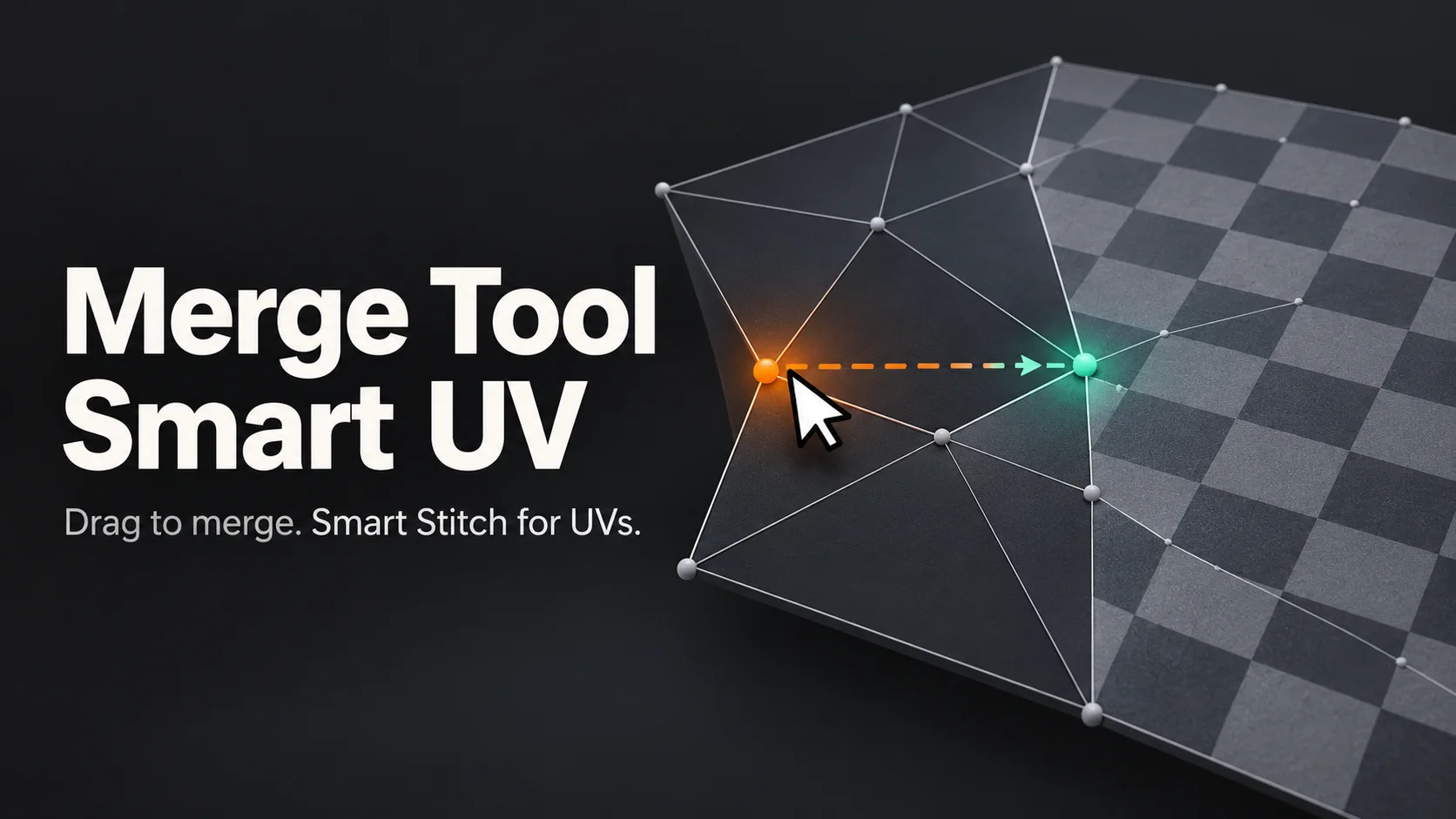
Merge Tool Smart UV is a Blender add-on for merging vertices or edges while managing the corresponding UVs. In Edit Mode, select Merge Tool Smart UV in the toolbar, drag a vertex or edge to its target, and choose the first point, center, or last point as the merge location.
Merge mesh elements with Smart Stitch
During a mesh merge, Smart Stitch adjusts the UV connections to help preserve the existing unwrap. This can reduce manual UV repair when cleaning up a textured model or joining parts of a mesh. Complex cases may still need manual adjustments.
Work with UV points and small gaps
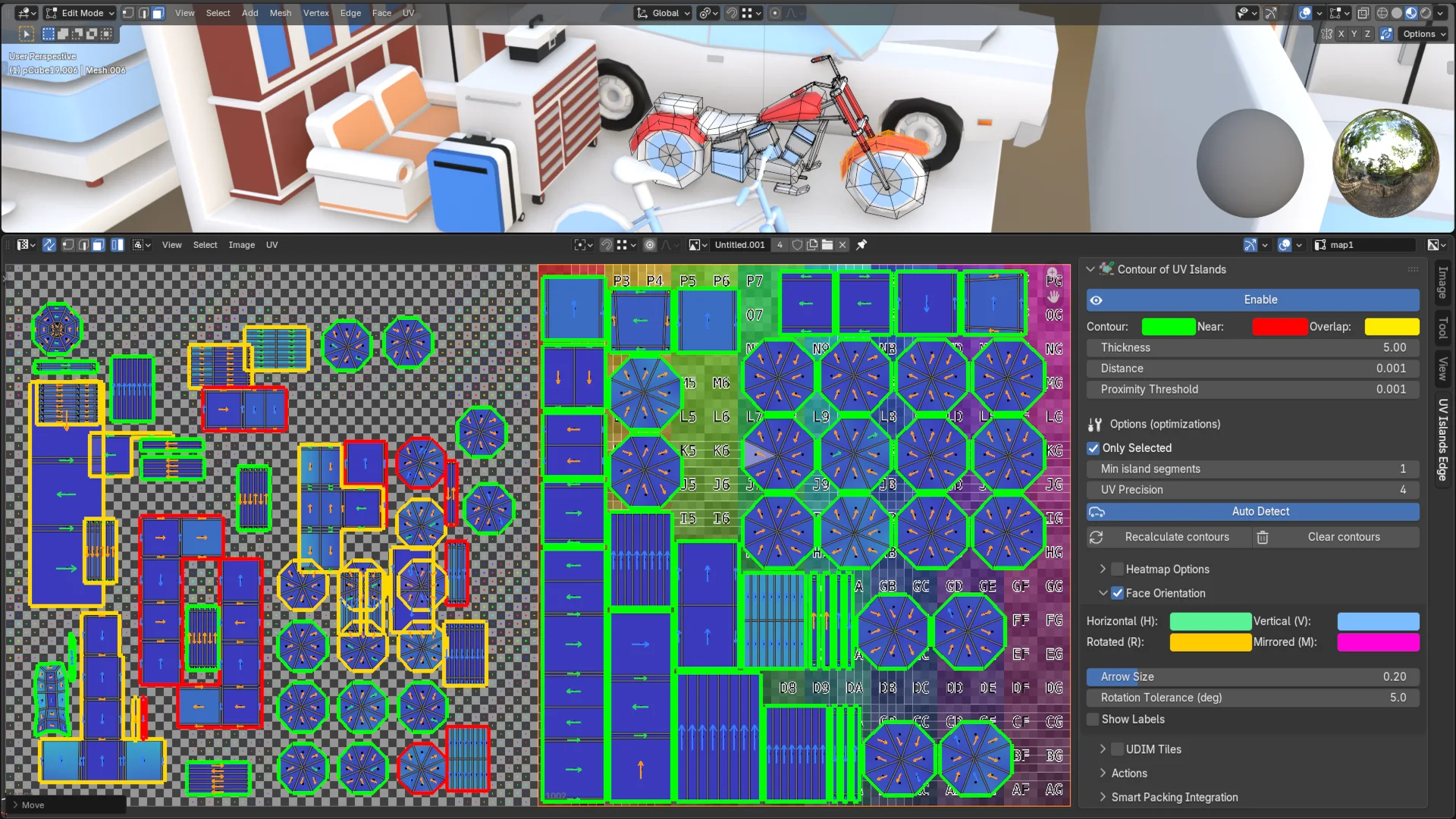
The tool also works in Blender's UV Editor, where you can capture and merge UV points without changing the mesh. For small gaps, Cleanup UV Cracks reconnects nearby UVs. Mark intentional UV boundaries as seams before using this cleanup tool so those boundaries are protected.
Where it can help
- Merge unnecessary vertices on a textured model, then check how Smart Stitch handled the UV connections.
Compatibility and setup
Version 2.3.3 is listed for Blender 5.0 and newer. Disable older Merge Tool editions before enabling this extension. The listing identifies Magomedkhabib-Magomedov as the developer and gives the license as GPL-3.0-or-later. See the Blender Extensions listing for release details and a link to the Blender Manual's extension installation instructions.