What Mesh Designer does
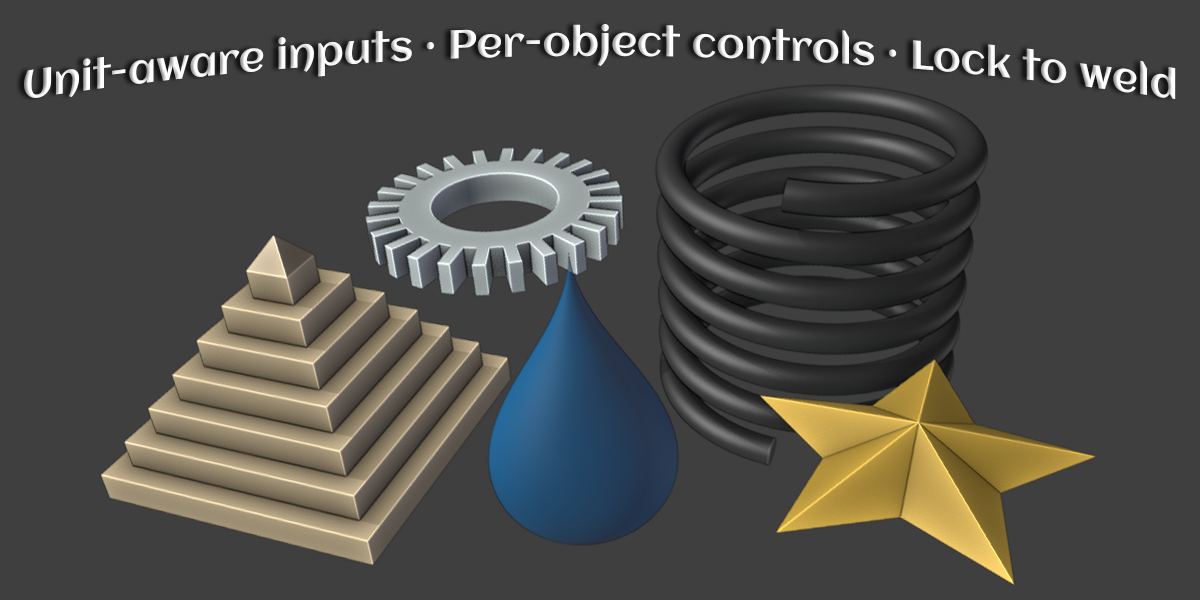
Mesh Designer is a Blender add-on for building and animating designs with procedural primitives and Maya-style construction history. The Superhive product listing describes primitives including a grid, cube, circle, ICO or UV sphere, cylinder, cone, torus, and gear. A Folder option lets you work with an object or collection. The listing identifies uses including modeling characters, architecture, motion design, and experimental designs.
Parameters such as size, vertex count, radius, height, hole size, and axis can be changed during modeling. You can also replace a primitive with another or duplicate it as you work. The listing says all parameters can be animated.
Lite and Studio editions
Lite is described as intended for personal use. It includes the Mesh Designer primitives with construction history, an automatically added simple material, and the ability to apply objects.
Studio adds Mesh Design, importing external objects or collections, and deformers such as Extrude, Inset, Bevel, Taper, Stretch, Bend, Vanish, Noise, Poke, Dual, Crease, and Smooth. It also includes pre and post transformations. Studio variations can be applied to objects and collections, including other modifiable Mesh Designer objects.
Both editions let you create and change a design during modeling, and both add a simple material to each Mesh Designer object. The product details list the add-on's license as GPL.
Limits to know before using it
You cannot edit objects in Edit Mode while creating them with Mesh Designer. Once you apply an object, its shape is final. Keep it unapplied while you still need to adjust its parameters or animation.
The Superhive Details section lists Blender 4.0, 4.1, and 4.2. Check the current product page for compatibility information if you use a newer Blender release.