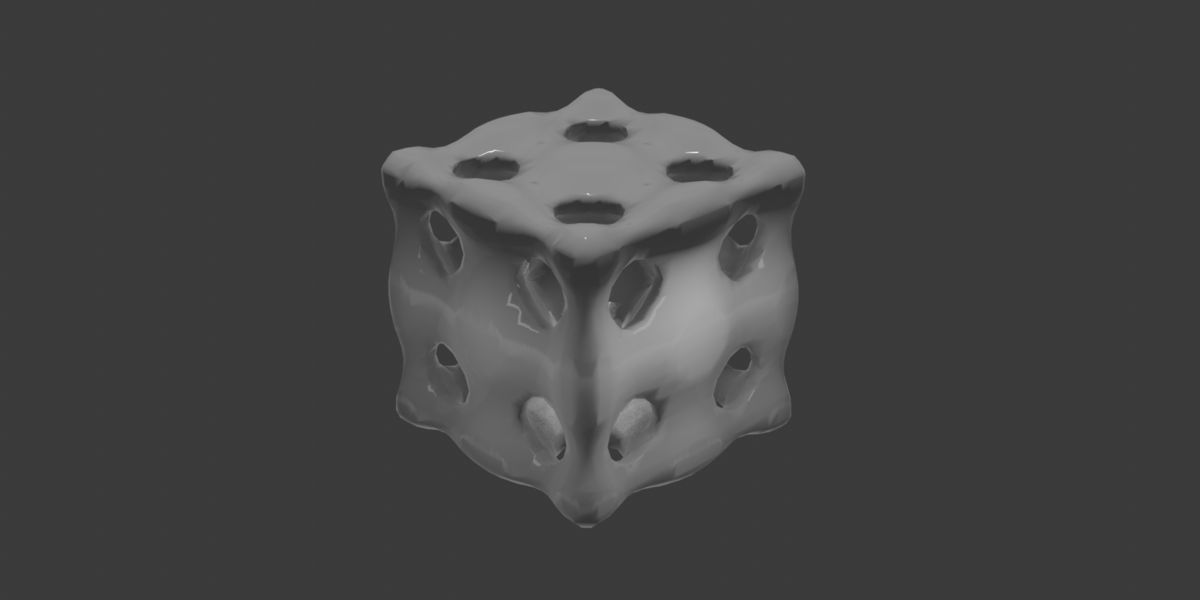
Mesh Encyclopedia is a Blender add-on from GK Tools with a continuously updated library of more than 500 meshes and curves. The Superhive product listing describes ready-to-edit objects that you can insert at the 3D Cursor from inside Blender’s 3D Viewport.
Geometric forms in the library
The collection covers convex and non-convex polyhedra, including Johnson solids, prisms and antiprisms. It also includes knot-based meshes, higher-genus tori, parametric and implicit surfaces, and triply periodic minimal surfaces (TPMS). The listing groups these into categories such as convex polyhedra, non-convex polyhedra, TPMS and advanced geometric shapes, with browsing and search available in a dedicated 3D Viewport sidebar panel.
These are mathematically defined forms that can take time to construct by hand. Mesh Encyclopedia gives Blender users a way to bring them into a scene for geometry study or technical form development, then continue working on the objects in Blender.
Find and refine a mesh
Open Add > Mesh > Mesh Encyclopedia or browse the collection in the sidebar. Insert a selected form at the 3D Cursor, then adjust it through Blender’s standard operator settings. The add-on fits into workflows that use modifiers, Geometry Nodes, materials, lighting and rendering, so a generated object can move into further scene work without an external import step.
This setup can help when exploring topology, symmetry or surface structures, or when a scene needs a specific geometric starting point.
Installation and compatibility
For Blender 4.0 to 4.1, open Edit > Preferences > Add-ons, choose Install, select the ZIP file and enable Mesh Encyclopedia. For Blender 4.2 to 5.1, use Install from Disk in Preferences > Extensions or Add-ons, then enable Mesh Encyclopedia in preferences if needed. The Superhive listing marks it as Blender Extension Compatible, lists Blender versions 4.0 through 5.1, and identifies the license as GPL. Check the GK Tools website for current product details before installing it with a different Blender version.
Who may find it useful
Mesh Encyclopedia is aimed at Blender users who work with polyhedra, topology, minimal surfaces or technical geometry. The editable forms can also serve as starting points in production scenes.