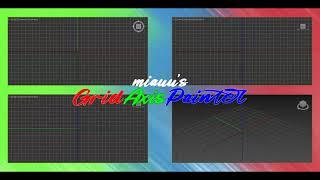
miauu's GridAxisPainter is a 3ds Max script for customizing the major coordinate axes in viewports. It lets you assign separate colors to the positive and negative X, Y, and Z axes, set the drawn axes' length, and choose Perspective viewports, Orthographic viewports, or both. When a custom grid is active, the colored axes appear on that grid. GridAxisPainter's features, version history, and purchase terms appear on the developer's product page.
Color and viewport controls
Use separate axis colors to distinguish X, Y, and Z, and choose different colors for each direction when that suits your viewport convention. The length control sets how far the axes are drawn. You can limit their display to Perspective or Orthographic viewports, or enable both.
If you work with a custom grid, GridAxisPainter draws the colored axes on the active grid. The developer's demonstration video shows the tool.
3ds Max support
The developer lists Autodesk 3ds Max and 3ds Max Design releases 2020 through 2027 in the system requirements. The changelog says version 1.1 added 3ds Max 2027 support; version 1.0 was the first release.
Price and purchase terms
The developer's page lists GridAxisPainter at €3.00. It says a purchase can include installers for two existing 3ds Max versions and an installer for the next major version you choose to switch to. Check the developer's license agreement and product page for the terms that apply to your purchase.