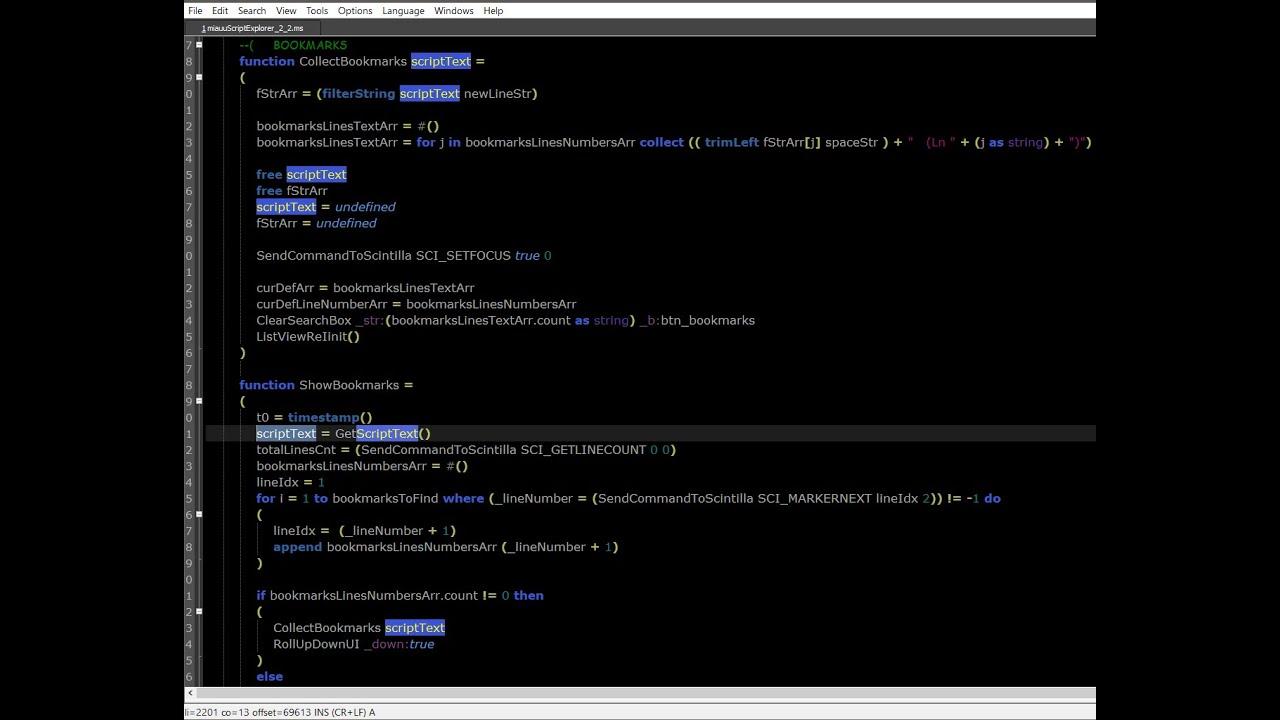
miauu's Script Explorer is a free MAXScript utility for writing, editing, and exploring scripts in Autodesk 3ds Max. The developer describes it as a tool mainly for developers. Its Code Blocks, Bookmarks, Errors, and Search controls help you move through code and locate lines reported by the Listener. The developer lists support for 3ds Max and 3ds Max Design 2014 and later.
Navigate a script by its code blocks
Click Code Blocks to scan for function definitions, rollout definitions, event handlers, UI controls, and similar blocks. The tool displays matching buttons in a side bar. In the list view, a single click shows the line in the status bar; double-click a definition to move the cursor to it. The developer reports scans of 50,000 lines in under 0.1 second.
Search scripts, manage bookmarks, and find Listener error lines
- Search: The Search button looks for text from its search box, text selected in the script, or text selected in the Listener. To find a function definition, select only its name and right-click Search while holding Shift.
- Bookmarks: Click to scan existing bookmarks, right-click to save them to a file, or right-click while holding Shift to load a saved file. Middle-click the button to clear all bookmarks. In the list view, middle-click a bookmark to remove it.
- Errors: Click Errors to show line numbers for errors reported in the Listener. Use those locations to inspect the script and determine what needs attention.
Keep the controls out of the way
The rollout stays on top of other windows and can be resized down to its four main buttons. That gives you access to the controls while leaving more room for the script, including on a single-monitor setup.
Install and check the terms
Drag the .mzp file onto the 3ds Max viewport. Then open Customize > Customize User Interface and find the script in the miauu category. See the developer's Script Explorer page for the download and requirements. miauu says users can read and modify the code to fit their needs. The site also provides an end-user license agreement; review its terms if you plan to adapt or share a copy.