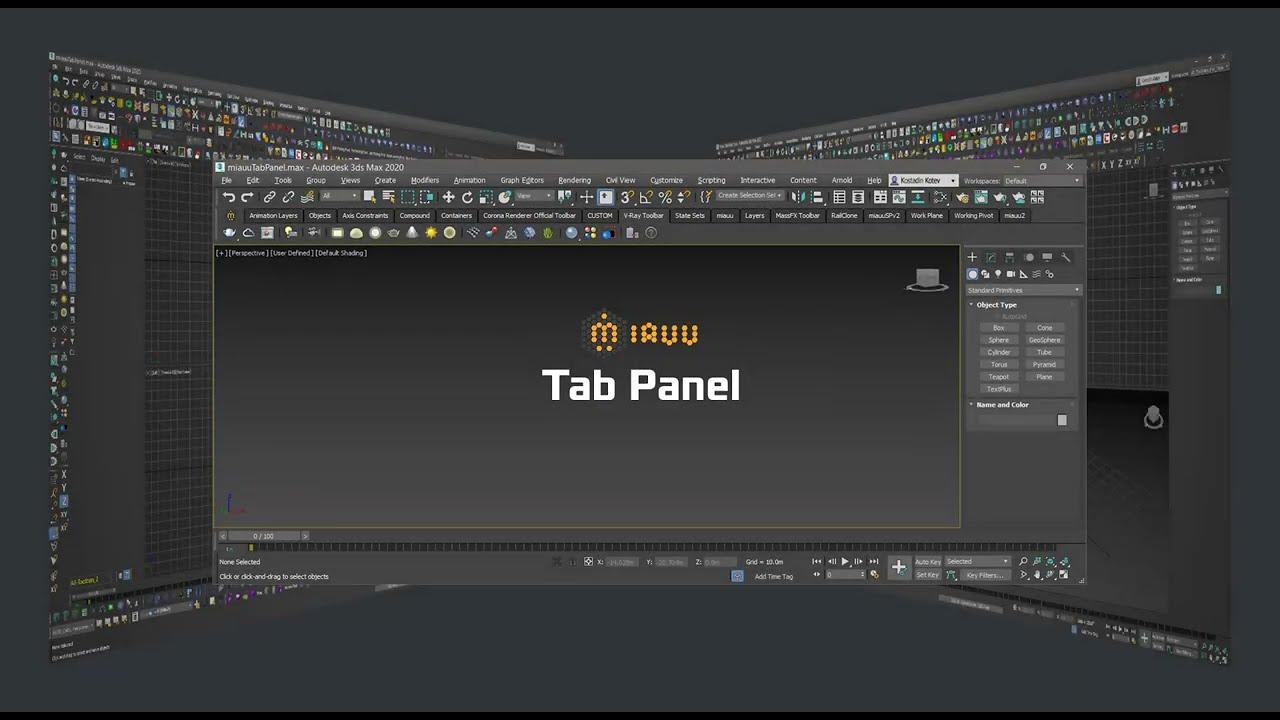
miauu's Tab Panel is a 3ds Max tool for organizing toolbars as tabs. Convert existing toolbars, create tabs with action buttons, then rename, hide, show, or rearrange them. The developer lists version 1.2.1 and requirements for 3ds Max 2020 through 2027.
Organize toolbars around tasks
Each workspace keeps its own set of tabs, so you can arrange tool access separately for different workspaces. Tabs can also be converted back into regular toolbars. In Toolbar mode, every tab except the active one becomes a regular toolbar that you can access through the usual 3ds Max toolbar interface.
Tab Styles lets you change the active tab's appearance and the border used for tabs.
Move tabs between installations
Version 1.2 added export and import for tabs. The developer recommends using this feature to transfer all tabs to a fresh miauu's Tab Panel installation, whether it is on the same or another 3ds Max version. The developer warns that using export and import to update existing tabs may not work properly every time, and advises against that use.
Compatibility and price
The developer's changelog lists version 1.2.1 as adding support for 3ds Max 2027, and the system requirements list versions 2020 through 2027. The developer lists the price as €10.00. With a purchase, you can receive installers for two existing 3ds Max versions and an installer for the next major version you choose to switch to. Check the developer's product page for current compatibility, price, and purchase details.