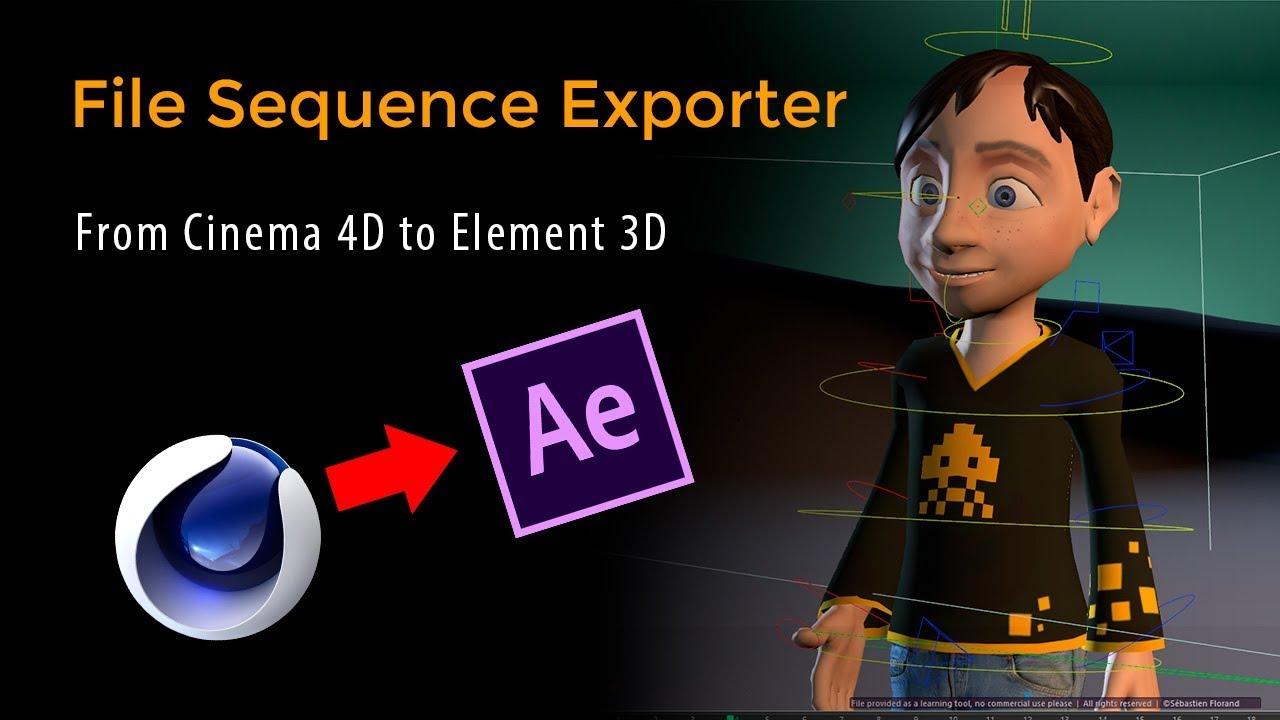
Mike Udin File Sequence Exporter writes each frame of a Cinema 4D animation to a separate .c4d or Wavefront .obj file. The resulting sequence can be imported as animated geometry into other graphics packages, including After Effects with Element 3D, Stardust, Plexus, Particular, or Form.
Choose an output format
Mike Udin identifies .c4d as the format suited to Element 3D and .obj for Stardust and Plexus. The product page also lists Particular and Form as possible destinations without assigning them a preferred format. Choose based on the receiving application's import workflow.
The developer describes the exporter as stable in cases where some other plugins or scripts fail. That is a developer claim; check your own scene and downstream import before relying on it for a production handoff.
Create lighter proxy sequences
Level of Detail is available from Cinema 4D v20, and Polygon Reduction from v19. These controls can reduce polygon and vertex counts to create smaller proxy sequences. Review the reduced geometry in the receiving application before using it in place of a full-detail export.
Run exports from the command line
With Cinema 4D R20 and later, File Sequence Exporter can run in command-line mode through the c4dpy utility. Save the plug-in settings to a JSON file from Cinema 4D's Help menu, then pass that file when invoking the exporter. Command-line options can override saved settings and include the scene path, output path and format, frame range, selected or hidden objects, Level of Detail, and Polygon Reduction. See Mike Udin's command-line guide for the documented options and examples.
Check compatibility and licensing
Mike Udin's product page lists Cinema 4D 2023, 2024, 2025, and releases R17 through R26. Check the developer's listing for your exact Cinema 4D version before installing.
The available catalog information and developer listing differ on price. Confirm the current offer and license option at the download destination before relying on a listed price.