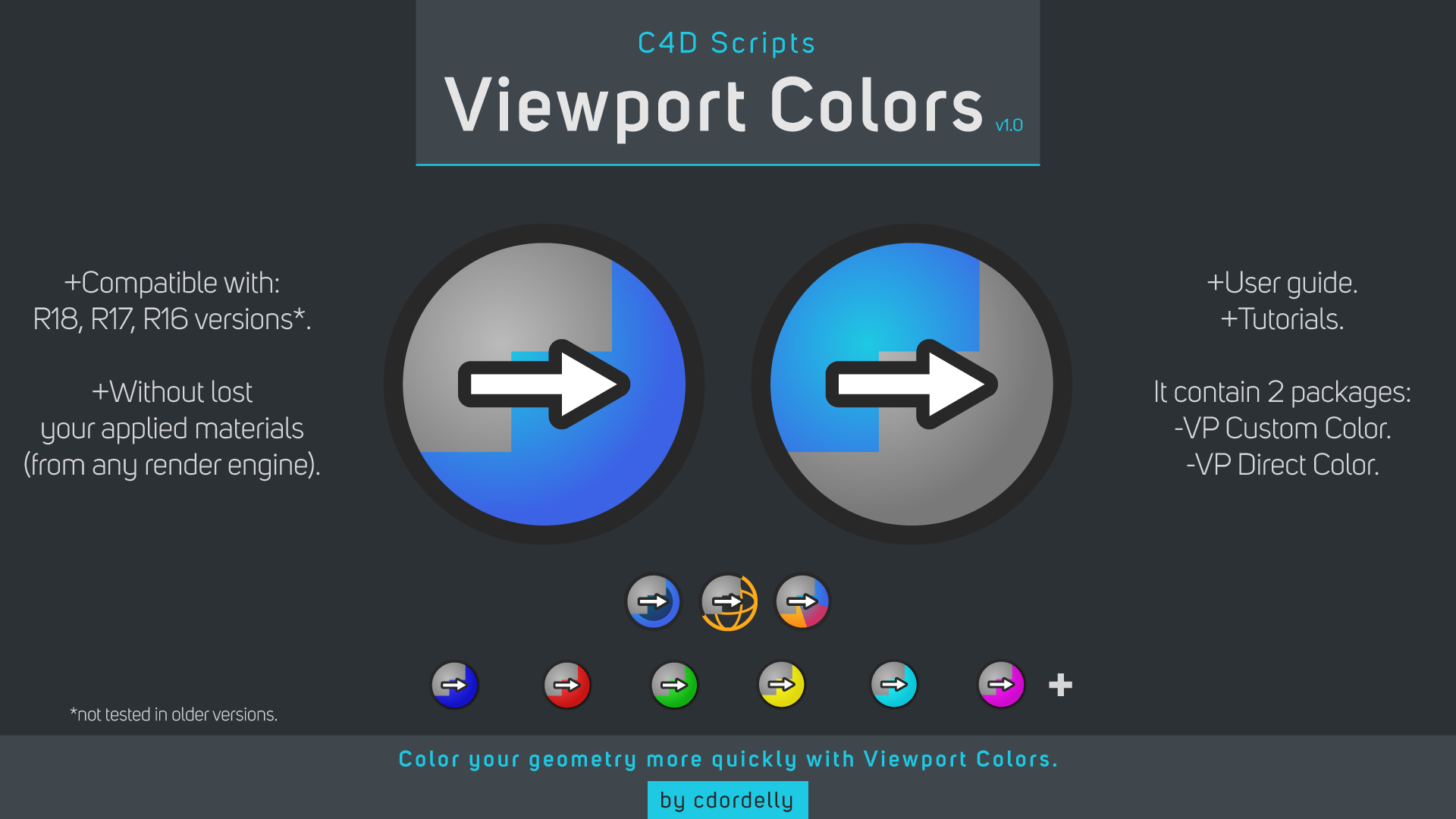
C4D Viewport Colors is a Cinema 4D script package by Carlos Dordelly for adding viewport colors to scene objects. Use the colors as viewport references; the product listing says they preserve Cinema 4D materials and materials from third-party render engines.
Color objects for scene review
The scripts can apply solid, X-ray or transparent, wireframe, and random colors. They also create random or adjacent color variations from a key color. Both support one or multiple selected objects, parent objects, and object types with their children.
VP Custom Color applies a color you choose. VP Direct Color uses a preset color library for a quicker selection.
Materials and display limits
The listing says viewport coloring leaves render materials intact, including materials used with Octane Render, Arnold Renderer, and Redshift. It also describes a Cinema 4D display limitation: children of a wireframe parent cannot use solid or transparent display at the same time, because the parent’s display tag prevents different visualization modes on its children.
Installation and compatibility
To install the scripts on Windows or macOS, copy the VP Color folder from the package’s “03_Scripts Folder” into the scripts directory in your Cinema 4D installation: C4D RXX root folder/library/scripts.
The package includes VP Custom Color and VP Direct Color scripts, user guides for both, and seven explainer tutorials. The listing’s Compatibility section names Cinema 4D R16, R17, R18, and R19; its description names R16, R17, and R18. Older versions are noted as untested, and the listing does not specify later releases. If you use a later release, contact the author through the product support link to check compatibility.