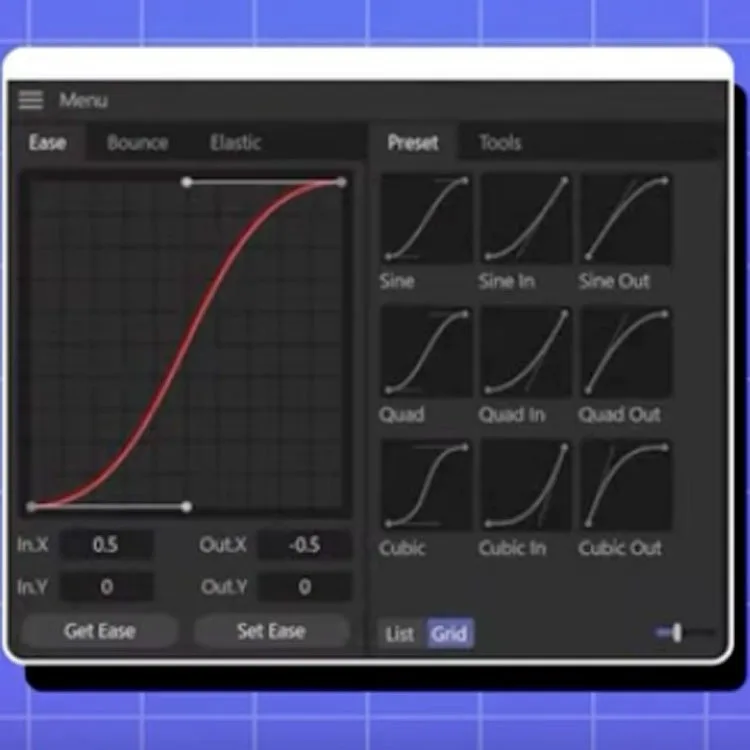
Custom Buttons for Cinema 4D, by Mike Udin, creates user Python scripts tied to chosen actions and makes them available as command buttons in Cinema 4D. A button can add a user object, tag, material, or layer, or apply saved parameters to a document, object, tag, material, layer, view, render setting, or application preference. The plugin is designed for repeated work where a saved setup or action needs to be easy to call up.
Presets for Cinema 4D tasks
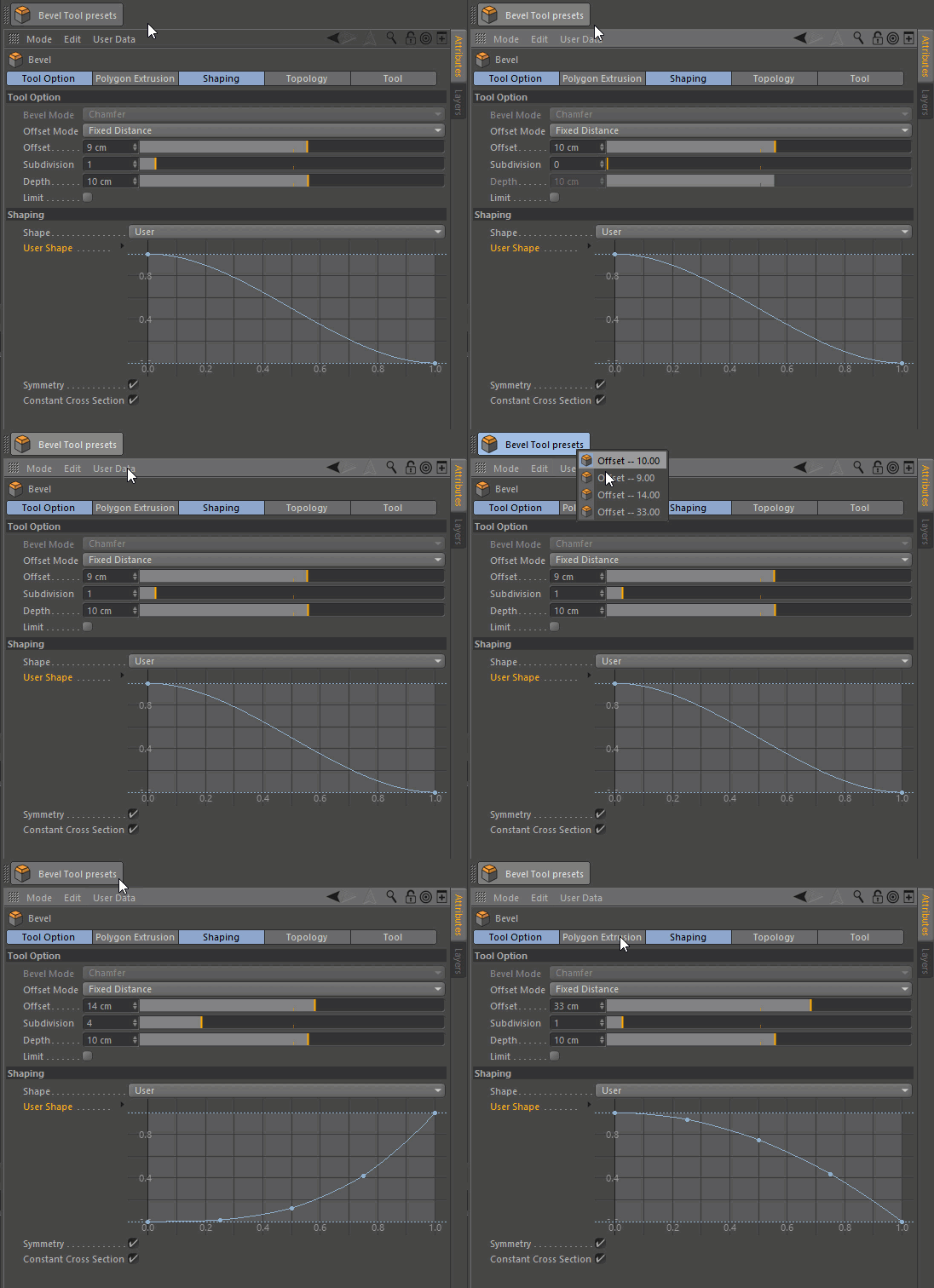
The listed preset types include tools, objects, tags, layers, materials, render settings, render effects, and multipass settings. Custom Buttons can also apply saved parameters to the items they control. For example, a saved material can be added to a scene or applied to an object, and a prepared layer can be assigned to objects, materials, or tags.
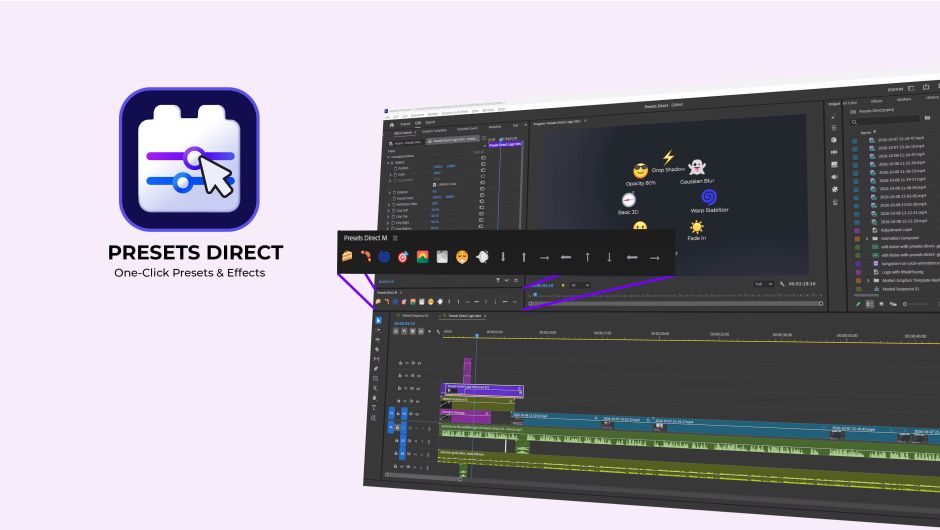
One button can hold multiple presets. Tool presets can be assigned to a shortcut or a button on a Cinema 4D panel. Object presets can put a model in the interface panel for one-click access, while buttons can change Cinema 4D preferences without opening their dialog windows. These options are useful when the same tools or scene settings come up repeatedly.
Compatibility
The product listing names Cinema 4D 2025, 2024, 2023, S26, R25, S24, R23, S22, R21, R20, R19, and R18. Its version history notes that modeling options do not work in Cinema 4D R18 and earlier. Check the product listing for installation details and the full compatibility information before choosing it for a specific Cinema 4D setup.