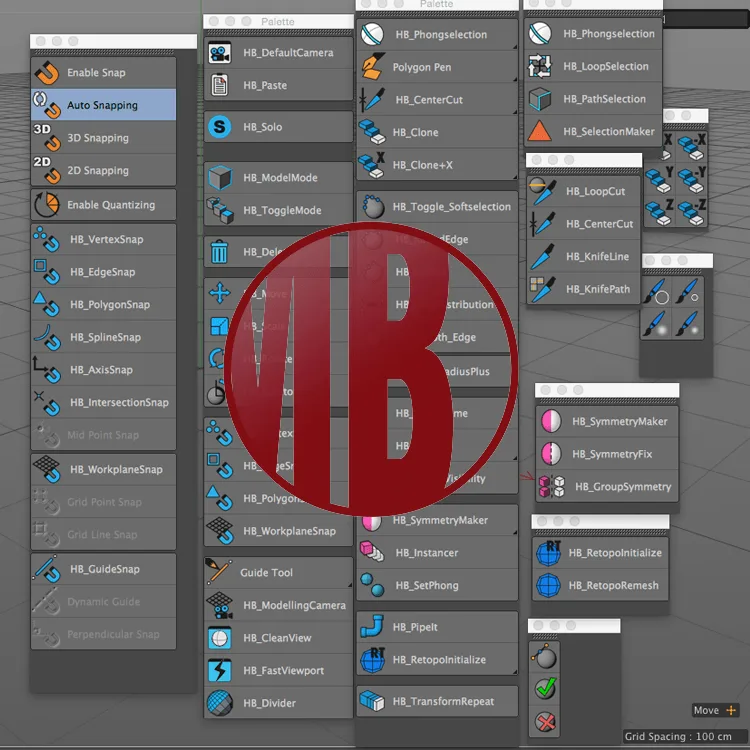
Mike Udin Custom Buttons is a Cinema 4D plugin for turning Python scripts into reusable buttons and shortcuts. It suits workflows that repeat the same actions or reuse settings across scenes: assign an action to a button, then run it with a click or shortcut.
Save settings as reusable presets
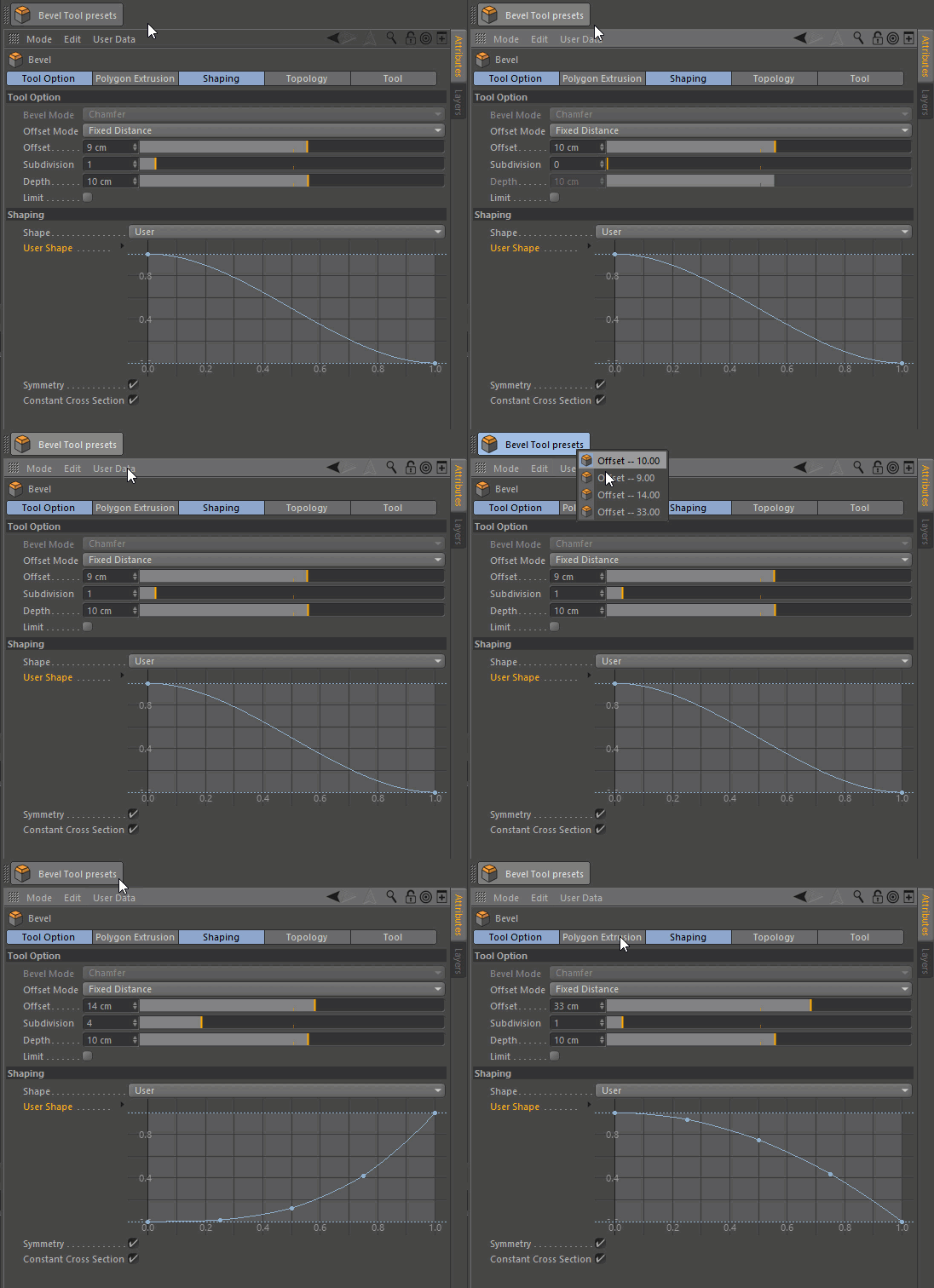
A button can hold multiple presets, which can be assigned to custom objects, tags, materials and layers. The listed preset types include:
- Tool settings, plus object, tag, layer and material settings
- Render settings, render effects and multipass settings
- Project and viewport settings
This lets you keep recurring scene configurations ready to apply instead of resetting them manually. The plugin can also edit Cinema 4D preferences without opening preference dialogs.
Customize buttons and shortcuts
Button icons can use an image loaded in Cinema 4D, a Cinema 4D function or a rendering scene. You can also apply favorite materials to objects from the toolbar or a shortcut.
Version and compatibility
Version 1.1.4 added Cinema 4D R25 compatibility. The published list names Cinema 4D 2023, S26, R25, S24, R23, S22, R21, R20, R19, R18, R17 and R16. For any build outside those entries, confirm compatibility with the publisher before installing.
Price and product information
The catalog lists the plugin as free and notes an online user manual and demo video. Check the Toolfarm product listing for current download details.