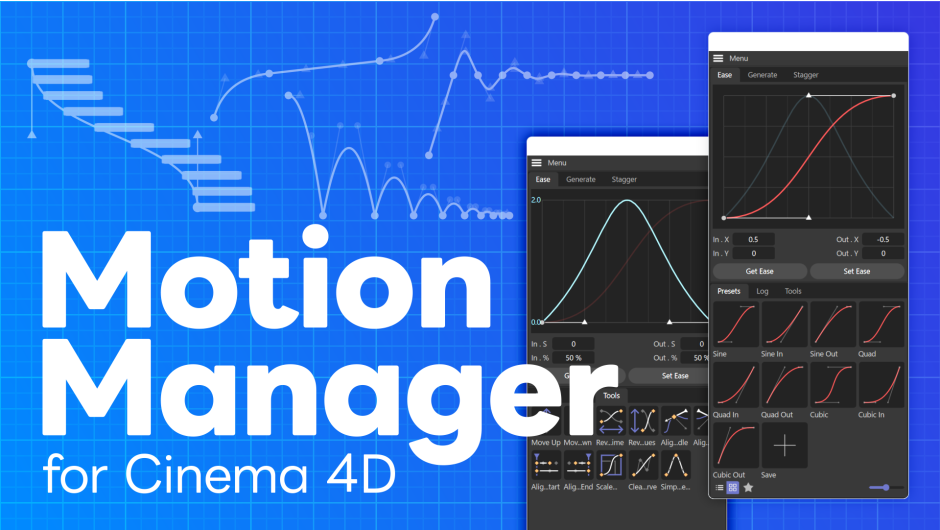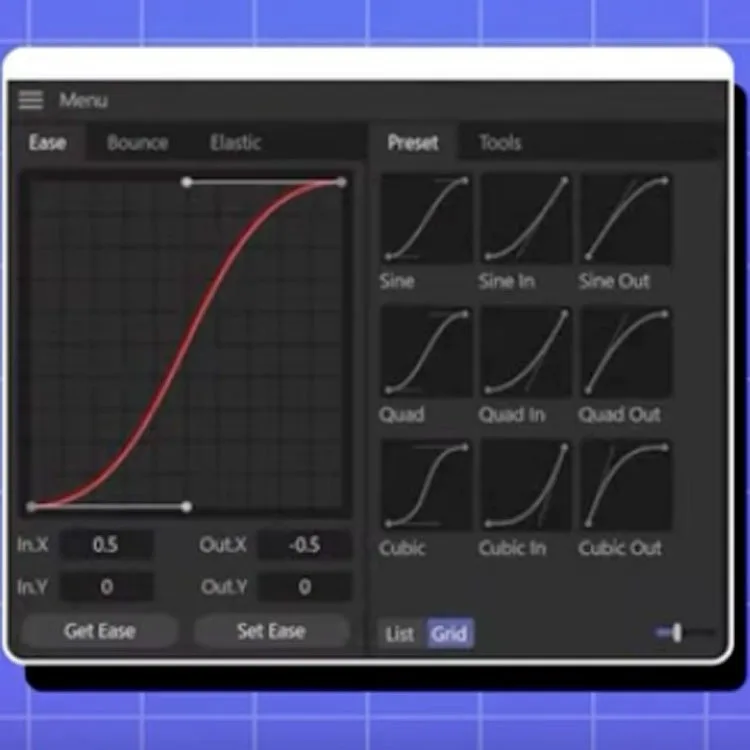
Motion Manager is a Cinema 4D plugin for keyframe animation. It combines easing transfer, bounce and elastic curve creation, reusable presets, and timeline utilities for artists who edit motion in the curve editor and timeline.
Reuse and shape easing curves
With the Timeline open in Automatic Mode and only one Timeline window open, Copy & Paste Easing retrieves selected keyframes so you can adjust the curve in the curve editor and apply it to another curve. It handles a single easing or a curve made from multiple keyframes; a usable key selection needs at least two keyframes with different times, and in F-Curve-style selection the track may also need to be selected in the timeline hierarchy. Bounce and elastic curves are generated from three parameters each; in Automatic Mode, Set applies its template to each adjacent key pair in the selection and may remove keys between each pair's endpoints. The catalog listing names deformer intensity as a target; Kengo Ito’s Bounce & Elastic documentation describes procedural curve generation and Set application but does not specify that target.
Preview and save curves
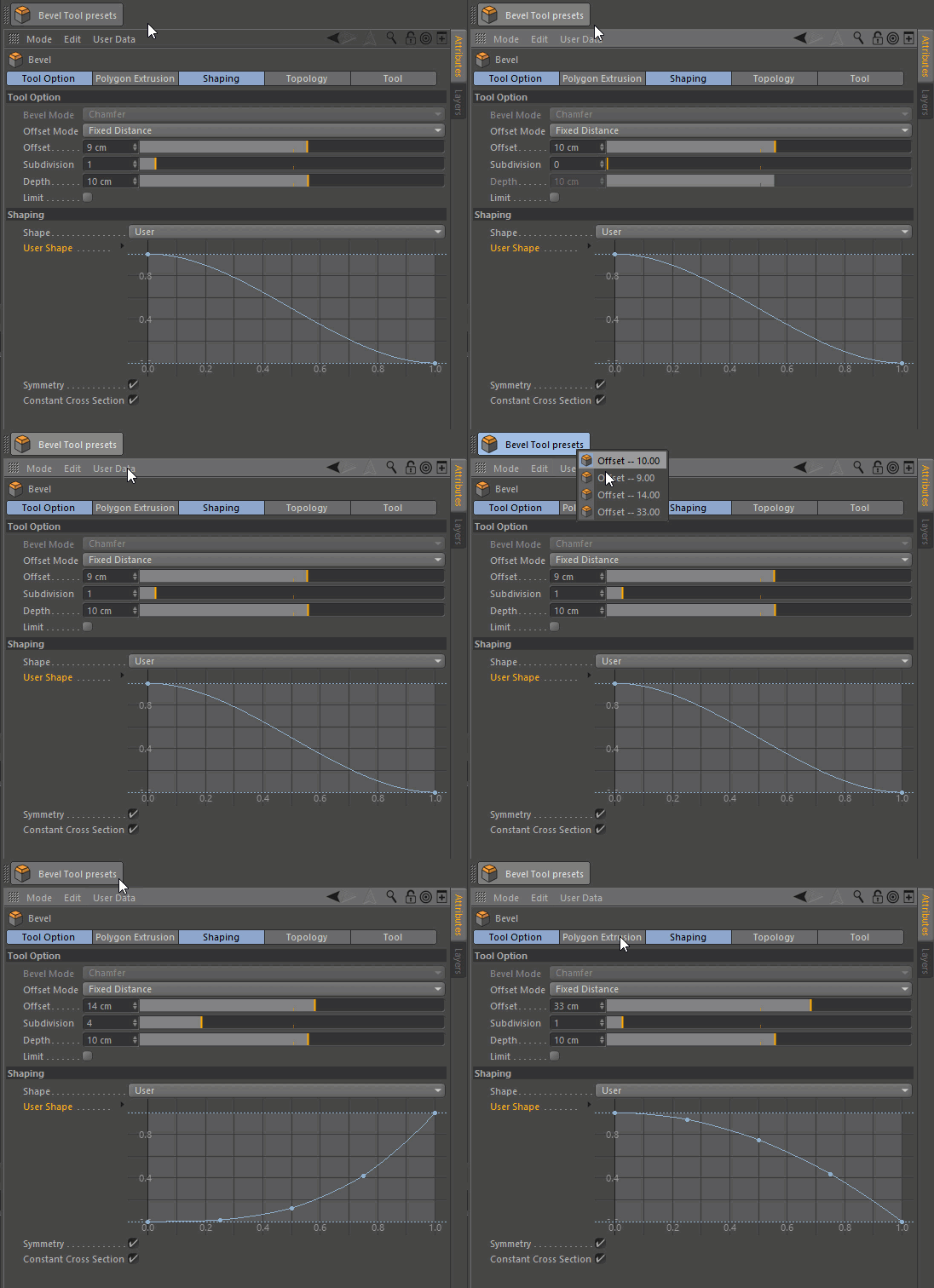
You can name and save frequently used Ease, Bounce, and Elastic settings in the preset library for later recall. Hover over a curve to preview its motion before applying it.
Work with keyframes and tracks
- With the Timeline in Automatic Mode, Align Keyframes snaps the start or end of selected keyframes to the current time.
- With the Timeline in Automatic Mode, Scale Curve adjusts a selected curve with horizontal and vertical anchor points.
- With the Timeline in Automatic Mode, Clean Curve keeps only the first and last keyframes in a selection.
- Track Filter helps locate a track among many on the timeline.
Compatibility
The developer lists compatibility with Windows and macOS, plus Cinema 4D versions 2026, 2025, 2024, 2023, S26, R25, and S24. Before downloading, compare your Cinema 4D version with the developer's current compatibility list, then check the Toolfarm listing for release details and licensing terms.