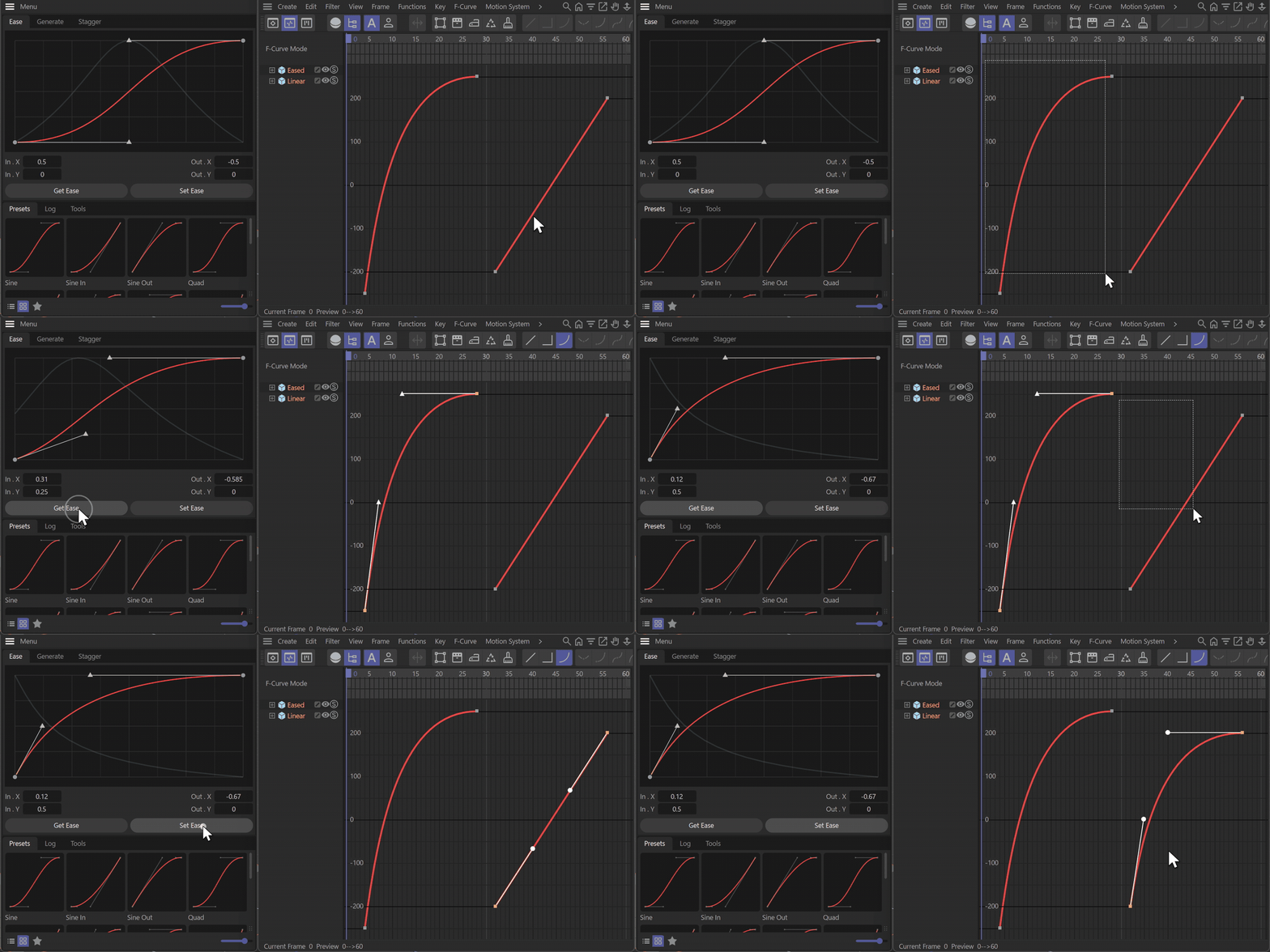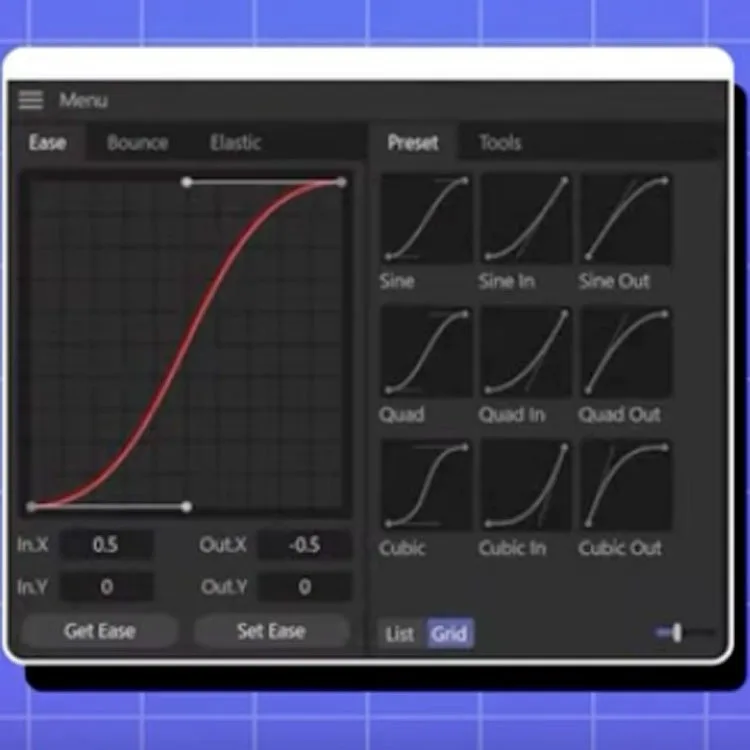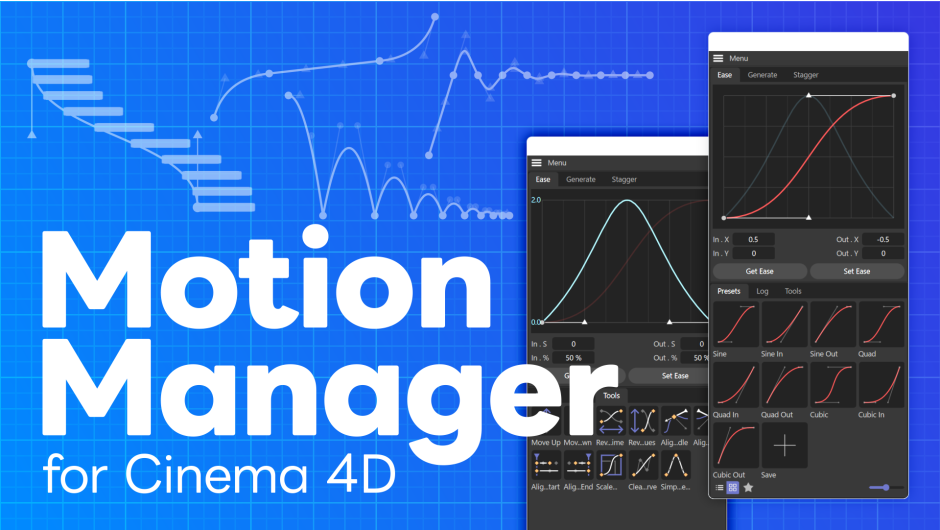
Motion Manager for Cinema 4D is a curve editor for the Cinema 4D Timeline. Select keys and use Get Ease to bring their curve into the editor, reshape it, then use Set Ease to apply that curve to other keys. Multi Curve supports compound curves, while Speed Mode displays the curve as a speed graph. A graph preview lets you check the motion before applying it.
Shape curves and generate motion
The Generate tab builds motion curves from controls such as sliders. It groups four curve types:
- Bounce creates a curve for a bouncing motion, from pure physics to an exaggerated slam.
- Elastic adds overshoot followed by a spring-back and settle.
- Cruise combines acceleration, a steady-speed section and deceleration for a fly-past or speed ramp.
- Noise creates irregular motion for effects such as camera shake or vibration.
Stagger spreads the timing of selected keys across several objects. Draw a timing curve to control the offsets: a straight line spaces the keys evenly, while a bent curve changes how the delay is distributed. See the online manual for details on each tab.
Reuse curves and edit selected keys
Save curves as presets, then use the log to restore a curve you have applied before. Hover over a log entry to see which track it affected. Motion Manager also includes tools for direct edits to selected keys:
- Reverse curves in time or value, or align their start or end with the current frame.
- Move key values up or down by a step. Shift-click moves 10 steps, Alt-click moves 0.1, and Ctrl-click lets you enter an amount.
- Scale selected curves by a factor and set an anchor point for each axis.
- Clean a curve by deleting keys between the first and last selected keys.
- Simplify a curve by reducing its keys while keeping its shape, which can help with baked animation.
- Align the left or right handles of selected keys with their opposite handles.
Version 2.0 and compatibility
The product listing identifies version 2.0.0, dated November 16, 2026. This release adds Cruise, Noise and Stagger, groups the motion generators in one tab, and adds key-editing tools. It also supports animation in Redshift materials and XPresso nodes, and can copy a curve for an MCP client. The listing names Cinema 4D versions 2023 through 2027; the upgrade notes specify Cinema 4D 2023 or later on Windows or macOS.
Version 2.0 is a free update for owners of version 1.x and uses the same license key. It replaces version 1.x when installed. Review the product listing and version 2.0 changelog before updating for the full feature and migration details.