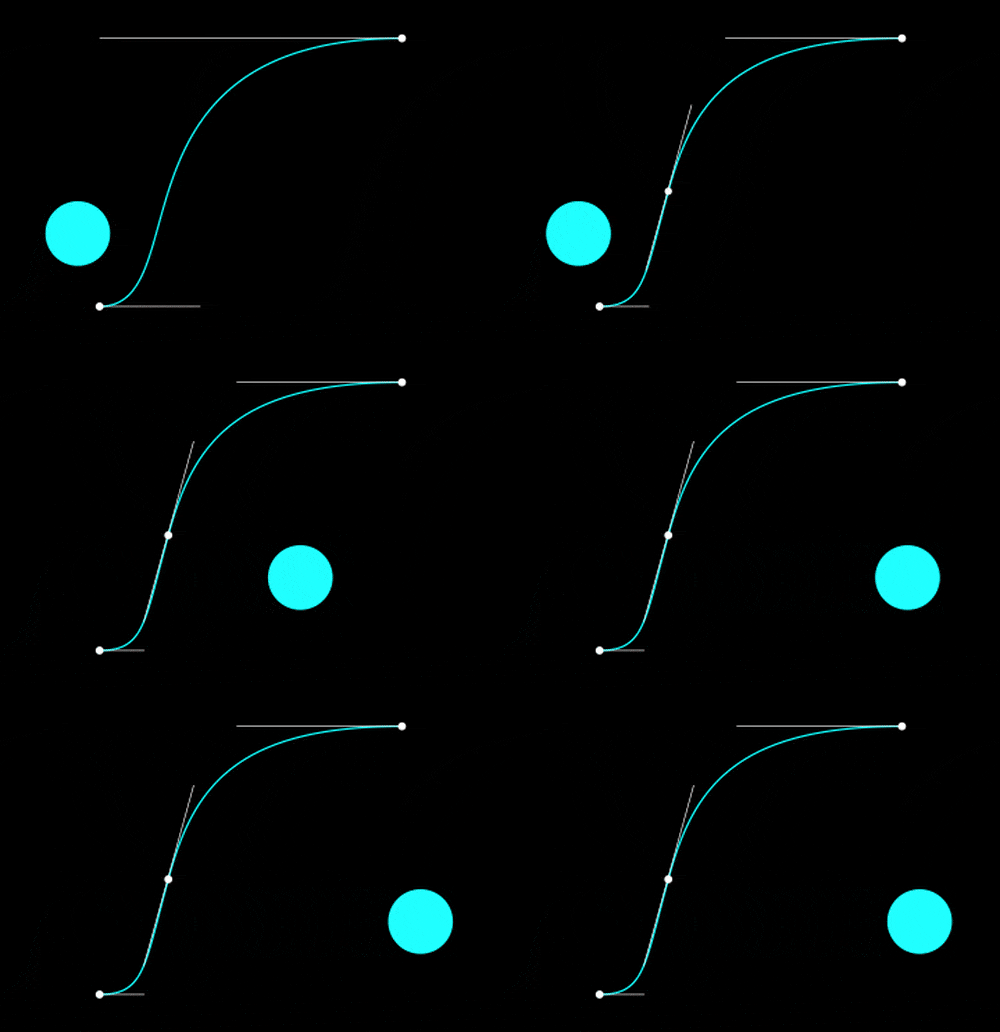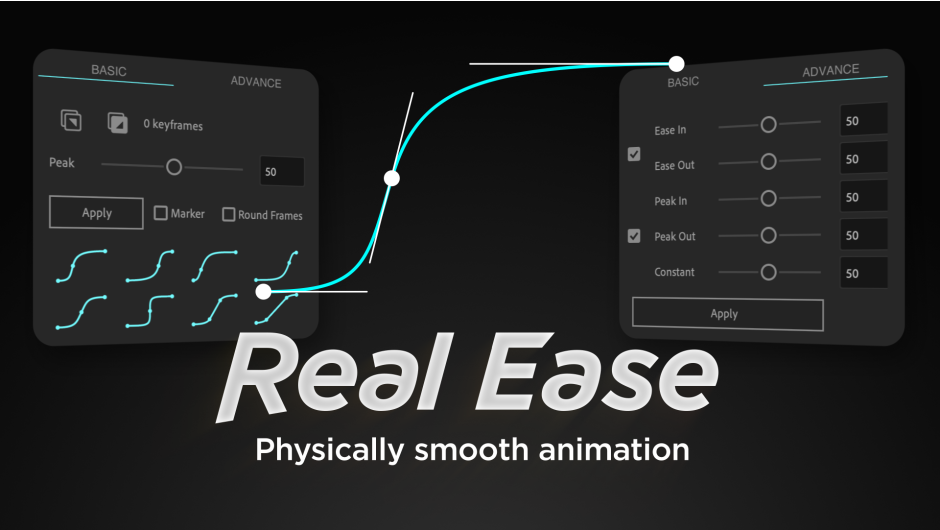
Real Ease is an After Effects script from grape design for shaping animation speed across keyframes. Select two keyframes and use Apply; the script adds an intermediate keyframe to create a smoother change in motion. The developer describes its approach as focusing on acceleration and deceleration forces to produce physically accurate smooth animation.
Control speed near the peak
The Peak control changes how long the animation stays near top speed. For a move with steady travel, Real Ease can set constant-velocity motion, and that interval can be interrupted midway. The product also includes a smooth animation preset and an ease-in/out option.
Reuse and inspect animation curves
Real Ease can copy and paste animation curves, which is useful when you want to reuse timing on another set of keyframes. It can add markers for the top-speed and constant-velocity times, giving you visible references for those parts of the motion. An option rounds added keyframes to integer frames when you want them on whole-frame positions.
Using Real Ease in a composition
Select the keyframes you want to adjust and click Apply. Change Peak to alter the time near top speed, then use the constant-velocity option when the movement needs a steady-speed section. The aescripts listing also specifies support for more than three keyframes and for 1D, 2D, and 3D properties.
Who may find it useful
Real Ease may suit After Effects animators who need more control over acceleration, steady travel, or the timing between multiple keyframes. If a shot only needs a basic ease-in or ease-out, the presets may cover that task; the Peak and constant-velocity controls are more useful when the movement needs distinct speed phases.
Version and compatibility
The aescripts listing names After Effects 2022, 2023, 2024, 2025, and 2026 as compatible versions. Check the aescripts listing for current compatibility and product details before installing.