Flux Pro is an easing preset manager and curve editor for Cavalry, created by Tidiane Sonko. It lets you browse motion curves, adjust them visually, and apply or save presets inside a Cavalry animation workflow. The aescripts product listing includes a tutorial and version history.
Build and reuse easing curves
Start with a ready-made easing preset or shape a curve yourself. Flux Pro supports cubic Bézier and Multi-Point curves, with controls for adding, removing, and editing points. Smooth, Sharp, and Linear modes cover different curve-editing needs. An animated preview shows the curve’s motion, and a previous-curve preview helps compare an edit with the earlier shape.
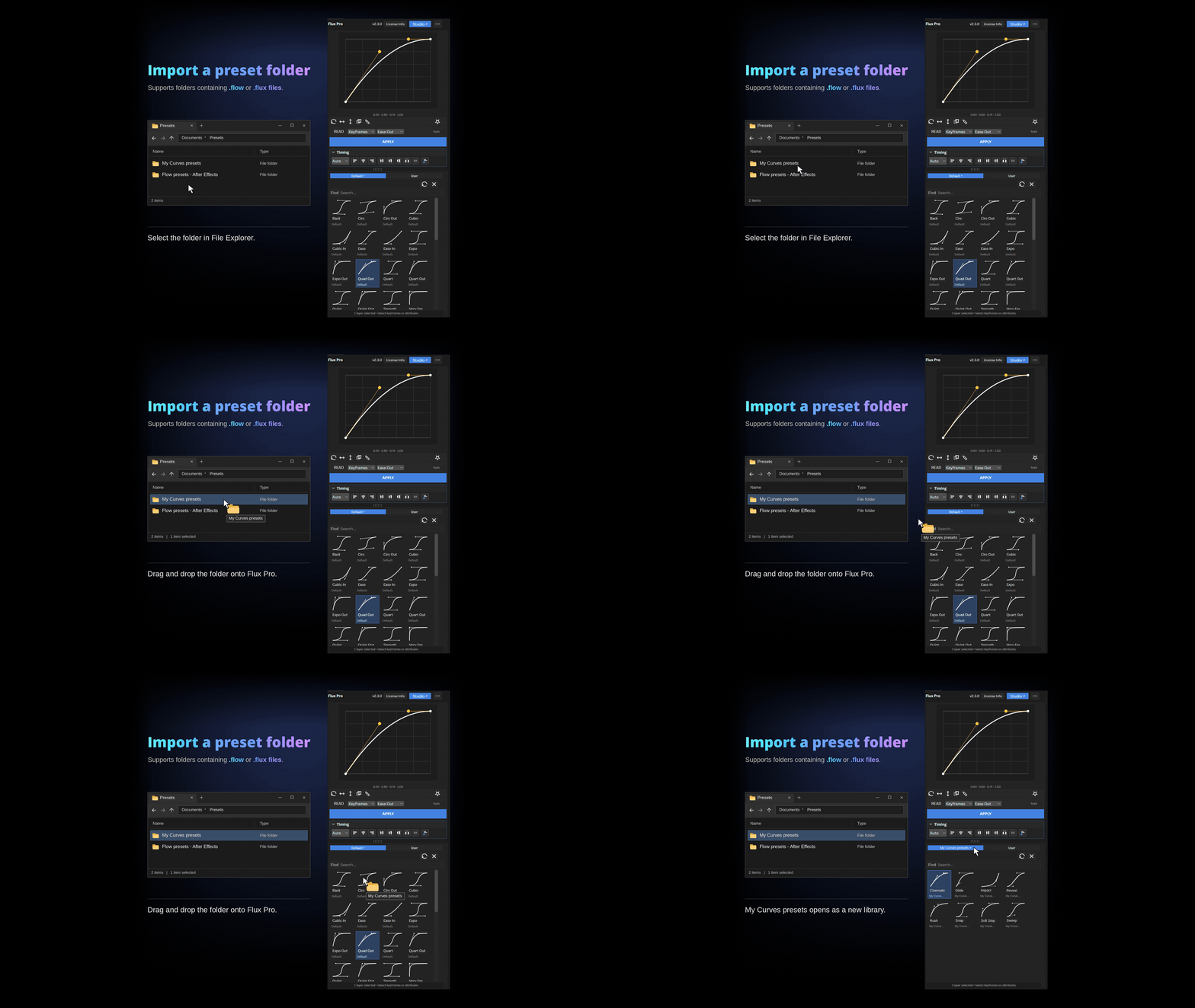
Presets can be searched and organized into libraries. Reorder preset cards by dragging them, then save your own presets or export a full library. Flux Pro can import .flux and .flow files, including easing presets from Flow for After Effects.
Choose how to apply a curve
Select keyframes or an animated attribute, choose an easing preset, and set how it should be applied. Ease, Ease In, Ease Mid, and Ease Out options let you target different segments in a consecutive keyframe selection. When applying a preset, you can choose to overwrite existing easing, append, skip, or ask each time.
The version history lists Flux Pro 3.2.5, dated November 26, 2026. It adds an apply-mode menu with Keyframes as the default, plus Magic Easing and Expression. In Keyframes mode, a single cubic Bézier preset uses native handles: Flux Pro clears Magic Easing on that segment and writes the first key’s outgoing handle and the second key’s incoming handle. You can then edit those handles in Cavalry’s Graph Editor. Springs, bounces, custom expressions, Magic Easings, and Multi-Point curves continue to apply as Magic Easing in this mode.
Check compatibility and try it
Flux Pro is designed for use with Cavalry. The aescripts compatibility field lists Cavalry 1.5, and the product page provides a free-trial link. Check the listing and trial against your installed Cavalry version before relying on a particular workflow.