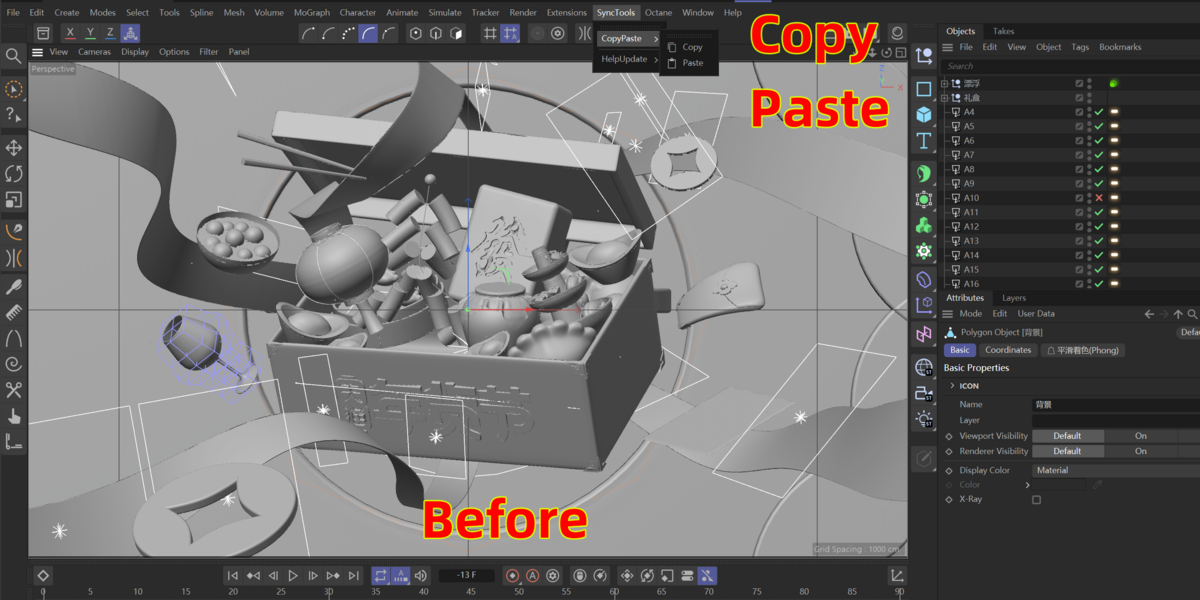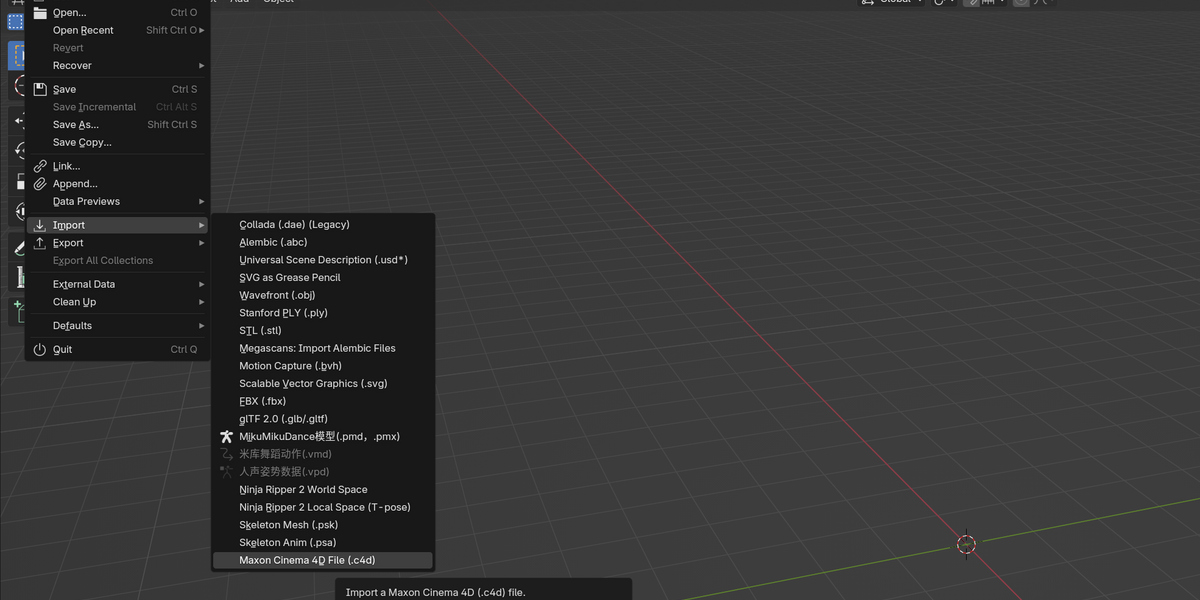
SyncTools Pro connects Cinema 4D and Blender with a copy-and-paste workflow for moving scene data in either direction. Select objects in Cinema 4D, press Ctrl + Shift + C, switch to Blender, then press Ctrl + Shift + V. The product listing describes the exchange as FBX-based, and the shortcuts can be remapped in each application.
Scene data it can transfer
The listed transfer options cover meshes, characters with rigs and skin weights, PBR materials, baked animation keyframes, lights, cameras, splines and project settings. The listing says transforms stay intact for lights and cameras, splines remain curves, and scene units carry across. Mograph object hierarchies are supported too. Selective transfer lets you choose which elements to include. An optional Octane sync mode preserves Octane material properties.
Where it fits in a 3D workflow
The developer describes the add-on for studios that use Cinema 4D for modeling or animation and Blender for look development or rendering. It may also suit freelancers who receive Cinema 4D files and finish work in Blender. Teams can point both applications to a shared cache directory.
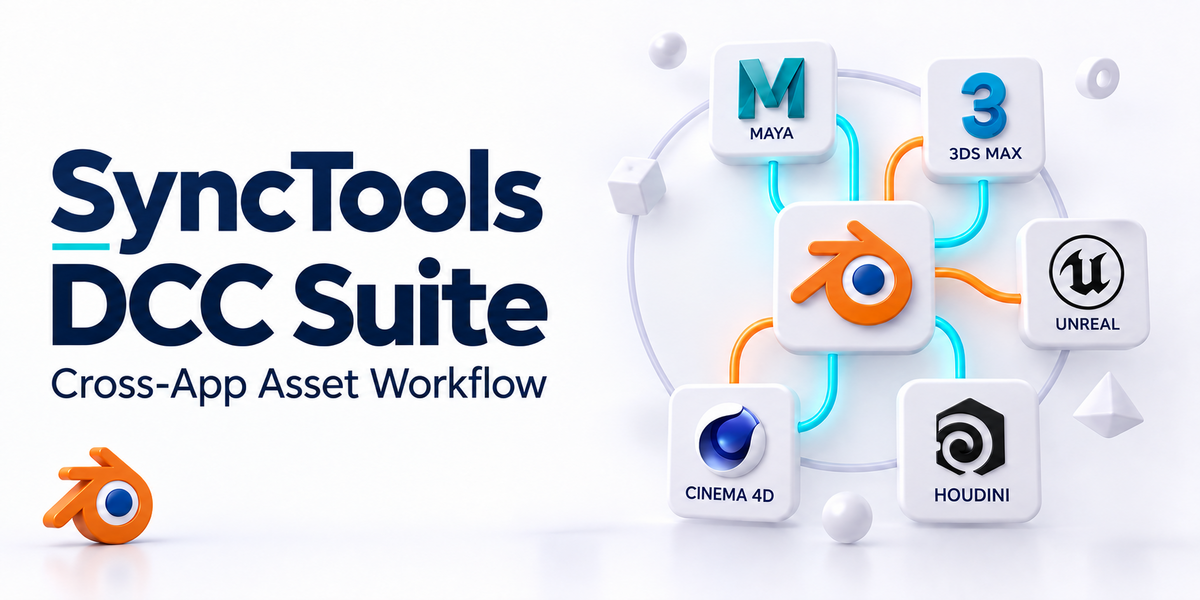
SyncTools Pro is the Cinema 4D and Blender add-on in the wider SyncTools series. It provides plugin menus in both applications.
Installation and compatibility
- Place the Cinema 4D plugin folder in the application's plugins directory.
- In Blender, use Edit > Preferences > Add-ons to install the SyncTools ZIP file.
- Open the Sync Tools menu in Cinema 4D or the SyncTools tab in Blender's 3D View sidebar.
Check version compatibility before installing. The product overview says Cinema 4D R21 or newer and Blender 3.0 or newer, while the listing's separate Blender version field shows 3.6 to 5.2. It lists Windows 10 and 11, and macOS 13 or newer. See the Superhive documentation or product listing for current details.
Support and updates
The listing describes email and ticket support through the Superhive inbox, with responses typically within 48 hours, plus a community chat. It also states that lifetime updates are included within the current major version.