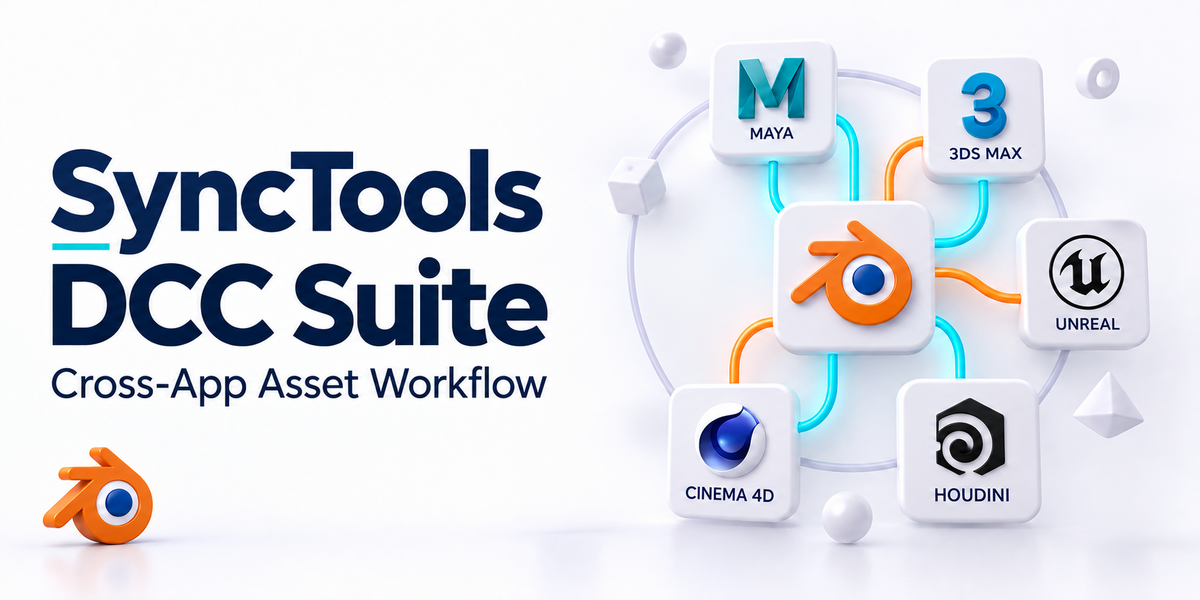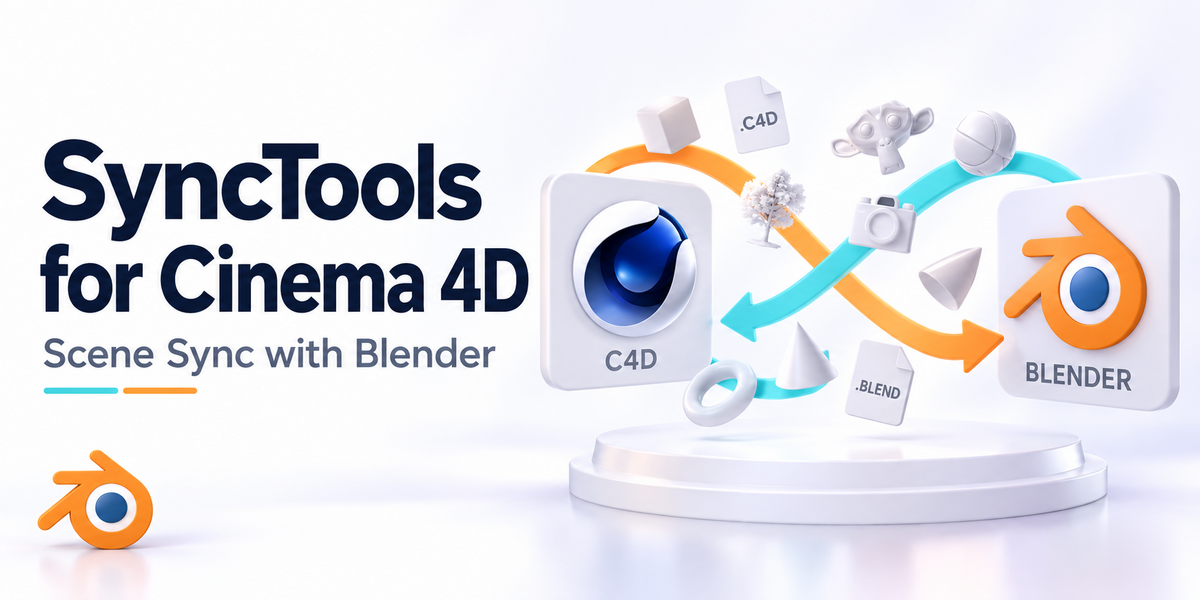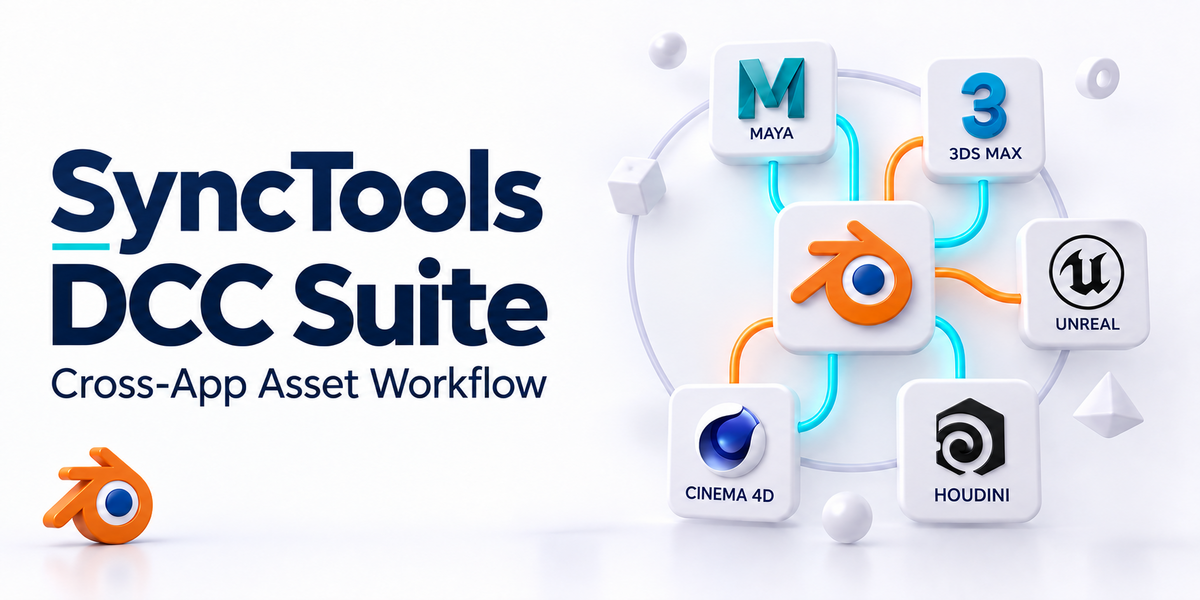
The Synctools Dcc Integration Suite is described on Superhive as a one-license bundle of SyncTools connectors for moving scene data between digital content creation (DCC) applications. The listing positions it for studios, technical artists and generalists who use three or more supported applications. Each connector transfers a different subset of scene data, so check the compatibility notes for the host applications you use.
Released connectors
Superhive names these ten released products in the bundle:
- Maya
- 3ds Max
- Houdini
- Cinema 4D
- Rhino
- Marvelous Designer
- Unreal Engine 5
- Unity
- ZBrush
- SketchUp
Substance Painter is marked as in development, so it is not listed as a released connector in the bundle.
Transfer scope and limits
The shared technical description says the exchange format is FBX-based, with axis conversion, scale handling, PBR material conversion and custom attribute preservation. The listing also describes a copy-and-paste workflow, customizable hotkeys, batch processing and cleanup tools. These shared features describe the suite; the listing cautions that individual connectors support different subsets of geometry, materials, hierarchy, cameras, lights and animation.
In its general compatibility matrix, the listing marks basic geometry, NURBS, PBR materials, lights, cameras and animations as fully supported. It marks complex shaders, rigging and custom attributes as partial, and simulations and particles as unsupported. Treat these as broad guideposts. Check the compatibility notes for both connectors involved in a transfer before planning around a specific feature.
Blender inclusion and version details
The product page is listed in a Blender catalog and shows a Blender version range of 3.6 to 5.2. It also has a separate section for SyncTools for Blender, describing transfers for meshes, NURBS geometry, transform hierarchies, PBR materials, lights, cameras, animation and armatures or skeletons. However, Blender is not named in the page's list of ten released bundle products, and the system requirements section says Blender 4.0 or later. The listing does not make clear whether the Blender connector is included in the bundle or which Blender version range applies. If you need the Blender connector, confirm its inclusion and version support with the seller before purchasing.
If you have the Blender add-on described on the page, the listed installation steps are to install it through Blender's preferences, enable it, then open View3D > Sidebar > SyncTools. The page describes Standard and Mouse Drag shortcut modes.
Price and license terms
The AnyPlugins catalog entry labels the item free. Superhive describes one license for the bundle and says it saves over 25% compared with buying the connectors individually, but the retrieved listing text does not give a current price. Check the seller page for the current price and license terms before downloading.