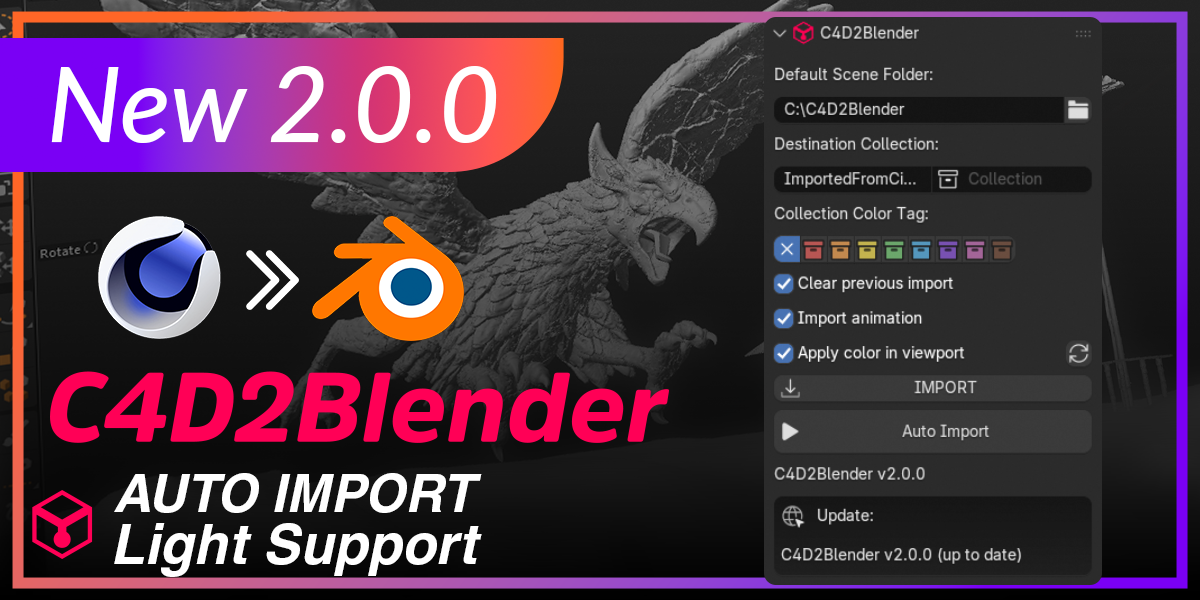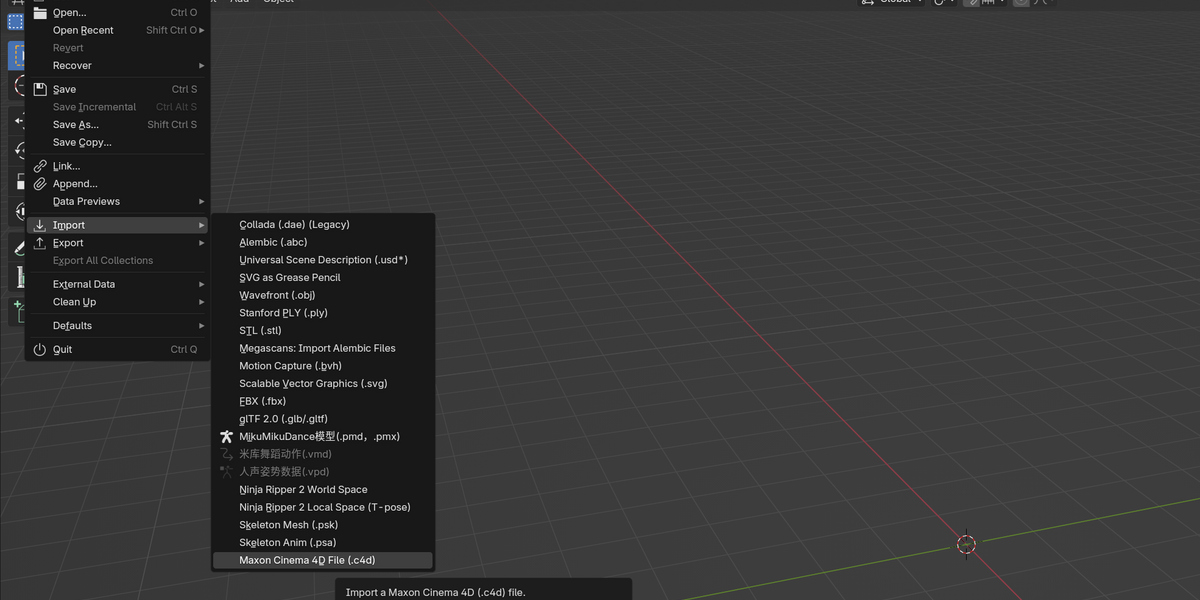
Maxon Cinema 4D File Import-Export (.C4D) is a Blender add-on by blenderVfxMaster for importing selected .c4d project files inside Blender. The seller says Cinema 4D does not need to be open or installed. The Superhive listing describes the asset types and requirements.
Assets imported from Cinema 4D
The add-on is listed for transferring keyframed and procedural animation, geometry, standard and Redshift materials, rigged characters with associated assets, and splines or curves. The seller says animation timing and motion curves are preserved. The listing does not provide a complete compatibility matrix for every object, effect, material setup, or rig, so check a representative project if your work depends on a specific Cinema 4D feature.
Blender versions and operating systems
The product page gives two different Blender version ranges. Its FAQ says the add-on is tested and officially supported on Blender 4.2 through 5.0, while the Details section lists Blender 3.6 through 5.2. Confirm compatibility with blenderVfxMaster before relying on a version outside the FAQ's tested range.
The seller lists support for Windows and macOS. It says a valid Maxon license is required on macOS due to Apple's policy; Windows does not require one. Neither platform requires Cinema 4D to be installed for the add-on to run in Blender.
Import and purchase details
The Standard version is described as direct .c4d import. The product FAQ says the add-on imports and exports Cinema 4D scenes, and its documentation describes choosing a destination and filename, selecting asset types, and exporting a .c4d file. The listing's Standard summary emphasizes direct import, while Pro is promoted for advanced import and export. Superhive currently lists Standard at $12 and includes 12 months of product updates and creator support. The AnyPlugins source page labels the add-on free, so the source pages conflict on price. Confirm the current terms on the seller's listing before purchasing.