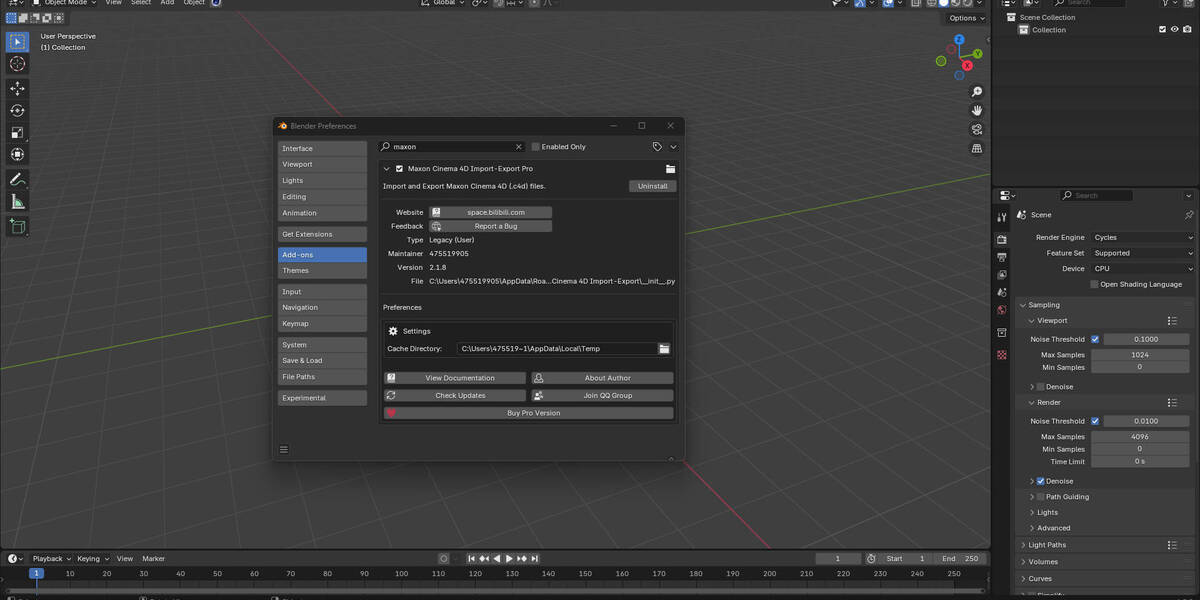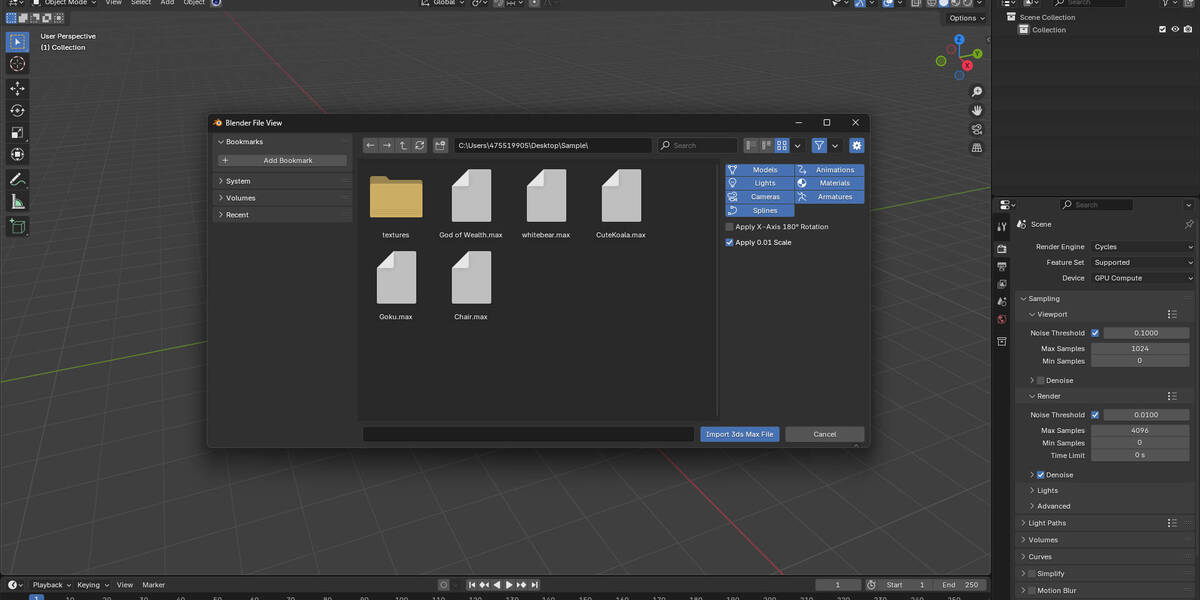
Maxon Cinema 4D Import-Export Pro is a Blender add-on for moving .c4d projects into Blender and exporting Blender scenes back to Cinema 4D format. You can import selected .c4d projects directly into Blender without keeping Cinema 4D open. The Superhive listing credits blenderVfxMaster as its developer.
Move scenes between Cinema 4D and Blender
The add-on appears in Blender’s import and export menus. Its listing describes transfer support for meshes, materials and textures, UVs, bones, shape keys, cameras, lights, splines, keyframes and scene hierarchy. For a complex production file, check a representative scene after conversion to confirm the parts your workflow needs.
Advanced Cinema 4D features
The Pro feature list includes XPresso, MoGraph Cloner objects and instances, Effectors, Matrix Animation, Dynamics and Fields. These features can matter when a scene depends on procedural objects or animation systems beyond basic geometry. The listing also describes two conversion modes: Precision Mode for pixel-accurate assets and Fast Mode for quicker iterations.
Conversion controls and compatibility
Automatic unit matching is intended to keep dimensions consistent between the applications. You can choose a temporary cache location and retain detailed conversion logs. An optional button in the 3D View header provides another way to import a .c4d file.
The product description gives a Blender range of 3.6 LTS through 5.0+, while the listing’s detail panel says 3.6 to 5.2. Version 2.2.3’s changelog specifically mentions Blender 5.0 support and a fix for exporting hidden objects. Check the Superhive product page for the exact release supported before using it in a production pipeline.
Platform and file privacy
The listing names Windows 10 and 11, macOS 13 or later, and Linux. Conversion runs locally and offline on Windows and macOS. Linux currently uses a cloud conversion beta, so .c4d files may be uploaded to the conversion service. Consider that when handling confidential scenes.
Installation and license
The listed installation steps are to download the ZIP, then use Blender’s Edit, Preferences, Add-ons, Install menu to select and enable it. After installation, import from File, Import/Export, or drag a .c4d file into the viewport. Export through File, Export. A PDF guide and video walkthrough are listed in the product’s Support tab.
AnyPlugins lists the add-on as free to download and use. The Superhive listing says one seat covers unlimited personal or commercial projects and includes render nodes, subject to its EULA. Review the current license terms before using it across a studio.