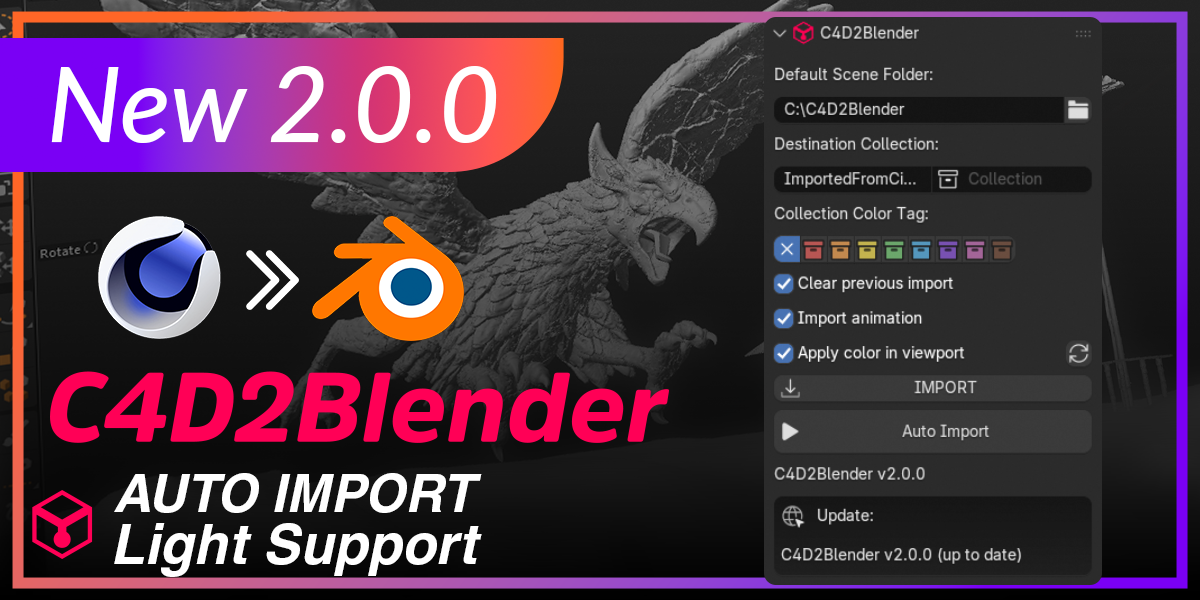
C4D2Blender pairs a Cinema 4D plugin with a Blender extension to transfer scenes between the two applications. The version 2.0.0 listing describes whole-scene or selected-object export, with a choice between baked geometry and a subdivision cage. The version 2.0.0 product listing says modifiers and deformers arrive evaluated, and area-light power, size, color and type carry across.
Choose what to export
The Cinema 4D side lets you export the full scene or just the selected objects. For geometry, choose the final baked shape or a cage that arrives with a Subdivision Surface modifier in Blender. In version 2.0.0, the transfer also carries scene details such as frame rate and object IDs.
Reuse the scene in Blender
Point both applications to the same folder to use Auto Import. New exports can then arrive in Blender without manually locating each file. In version 2.0.0, stable object IDs help match objects on re-import, and Blender materials, modifier stacks and Geometry Nodes input values are preserved. You can choose a destination collection and use a color tag to keep imports easier to identify in the Outliner.
The version 2.0.0 listing also describes viewport color controls and a refresh action that reads Base Color values from Principled BSDF materials. In that version, re-importing keeps the view inside the imported camera, which helps when updating a scene for the same shot.
Check compatibility and animation coverage
The product page identifies version 2.0.0 and specifies Blender 4.2 LTS or newer, tested on 5.3, with 5.2 LTS and 5.1 also supported; it lists Cinema 4D R23 or newer and Windows and macOS. Its version 1.1.2 notes list Blender 3.0 to 5.2. Confirm the requirements for the release you download on the product page before installing. For version 2.0.0, the product listing specifies PSR animation support (position, scale and rotation) and says animated MoGraph export is still in progress. The FAQ's statement that animation data is not fully supported does not identify a version, so check the release-specific animation details before relying on animation.
Watch for Phong tags on high-poly objects
The product FAQ warns that Blender may add an unintended Subdivision modifier when importing high-poly Cinema 4D objects with Phong tags. Its suggested precaution is to remove those tags from the affected high-poly objects before exporting. For installation steps, see the creator's documentation.