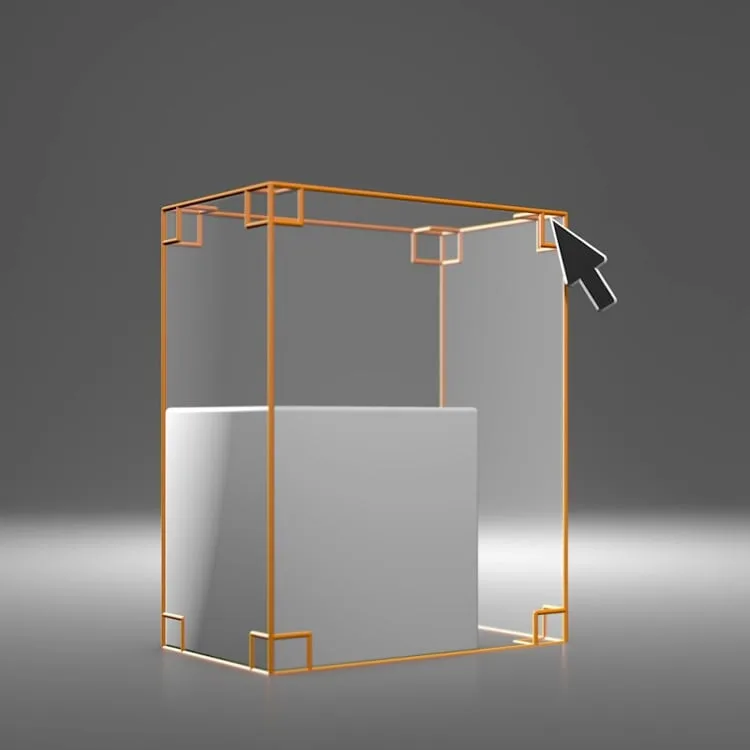
Mike Udin Target 4D is a Cinema 4D plugin for moving or copying selected objects onto the geometry of other scene objects. Select an object, click a target surface, and place it there. The plugin is intended for interior and exterior architectural work where objects need to sit directly on scene geometry.
Place objects with snapping and orientation controls
Target 4D can snap an object to the center of a polygon, a face, or a vertex. Its Bounding Box option detects geometry dimensions to help position the object. Other settings include orientation inversion and work with selected polygons. Version notes describe automatic axis detection based on polygon normals and camera position, with orientation options for placing objects on floors, walls, and ceilings.
Copy along a line or across a grid
For repeated placement, the plugin includes random, line, and grid copy modes. The product listing also describes grid copies with random transformations and making a single copy for multiple active objects. An interactive interface lets you change brush size and grid shape, while hotkeys switch between active objects.
Check compatibility and price
Compatibility details differ between listings. The AnyPlugins catalog lists Cinema 4D R17 through 2023, while the aescripts compatibility list covers R18 through 2025. Check your exact Cinema 4D release on the download page before installing. Price information also differs: the AnyPlugins catalog marks Target 4D as free and links to Toolfarm, while aescripts lists it at $29.99. Confirm the price and license terms at the seller you choose.