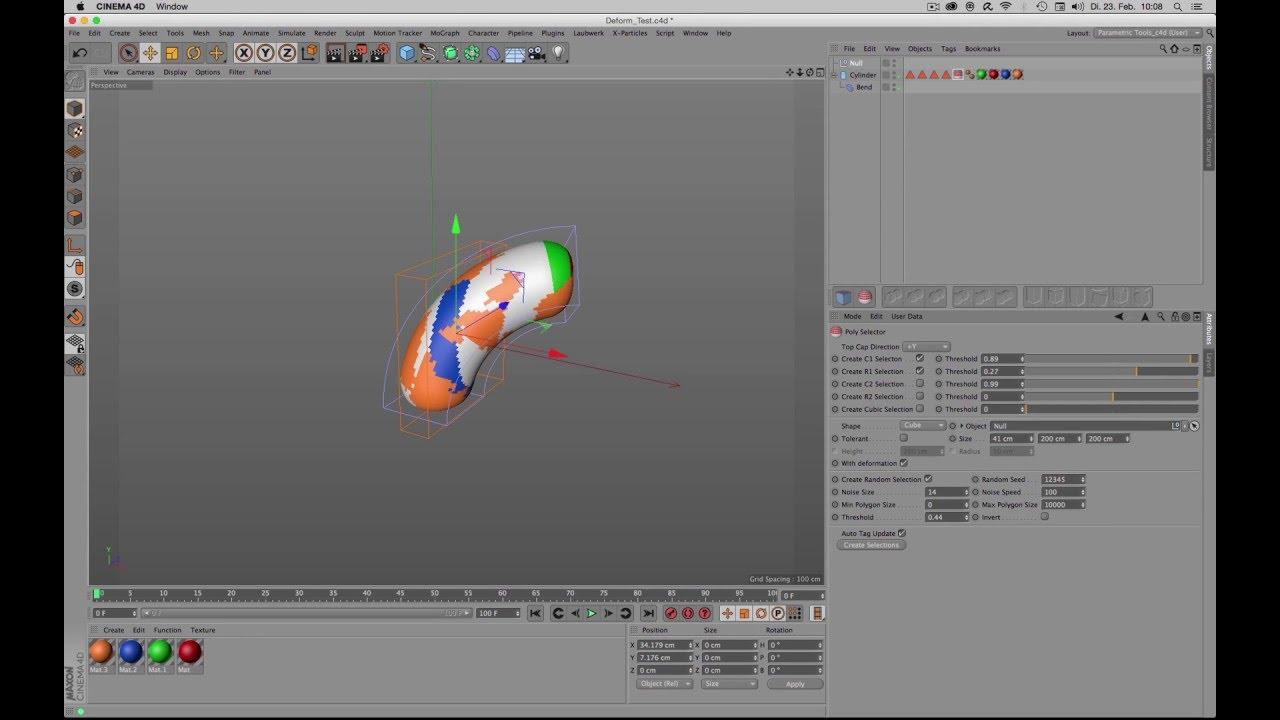
Rodenburg Parametric Toolkit is a Cinema 4D plugin for selecting, scaling, rotating, positioning, and snapping parametric or converted Polygon objects. Its bounding-box handles let you resize or reorient an object, and a second included plugin adds selections for caps, roundings, and static or animated random elements.
Adjust parametric and polygon objects
Parametric objects let artists adjust proportions and subdivisions, but they can offer less flexibility when placing, rotating, or scaling them. The Toolkit adds direct controls for these tasks. It also works with objects already converted to Polygon objects, so a scene can use the same transform and snapping tools across both object types.
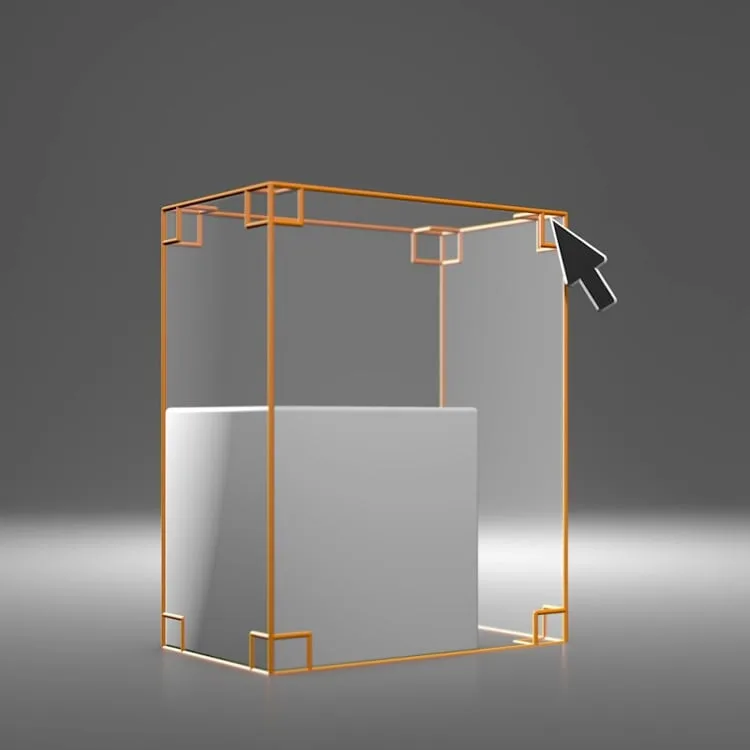
To resize or reorient a supported object, drag a corner or edge of its bounding box. For a parametric object, that action gives you direct control of its size or orientation while it remains parametric.
Position and orient objects with snapping
The snapping options can place an object on another object's bounding box or surface. Other options adjust its size so it reaches another object, or rotate it to point at a target. For example, you can snap an object onto a surface, then change its size to meet nearby geometry. If its direction also needs attention, a separate option can rotate it toward a target.
The controls appear as icons and can be integrated into a preferred Cinema 4D layout, so artists can keep them alongside the panels they already use.
Use the bundled selection plugin
A second plugin in the Toolkit handles selections on parametric or Polygon objects. It can select caps and roundings, along with static or animated random selections. Together, the plugins cover object placement and part selection within the same Toolkit.
Check Cinema 4D compatibility
The product listing states support for Cinema 4D R16 through R19 on Windows and Mac OS X. It also lists R20 when the free INSYDIUM Bridge Plugin is installed. INSYDIUM's Bridge page says the Bridge loads plugins from R12 through R19 into Cinema 4D R20 through S26. It warns that changes in newer Cinema 4D versions may stop older plugins from working and that compatibility with every plugin is not guaranteed.
The Bridge's wider version range describes the Bridge itself. The Rodenburg product listing specifically names Toolkit support through R20, so confirm the exact plugin and Cinema 4D version before relying on it in a newer setup.
Price and download
The Toolkit is described as free, with Toolfarm as the download destination. Check Toolfarm for current availability and license terms before installing.