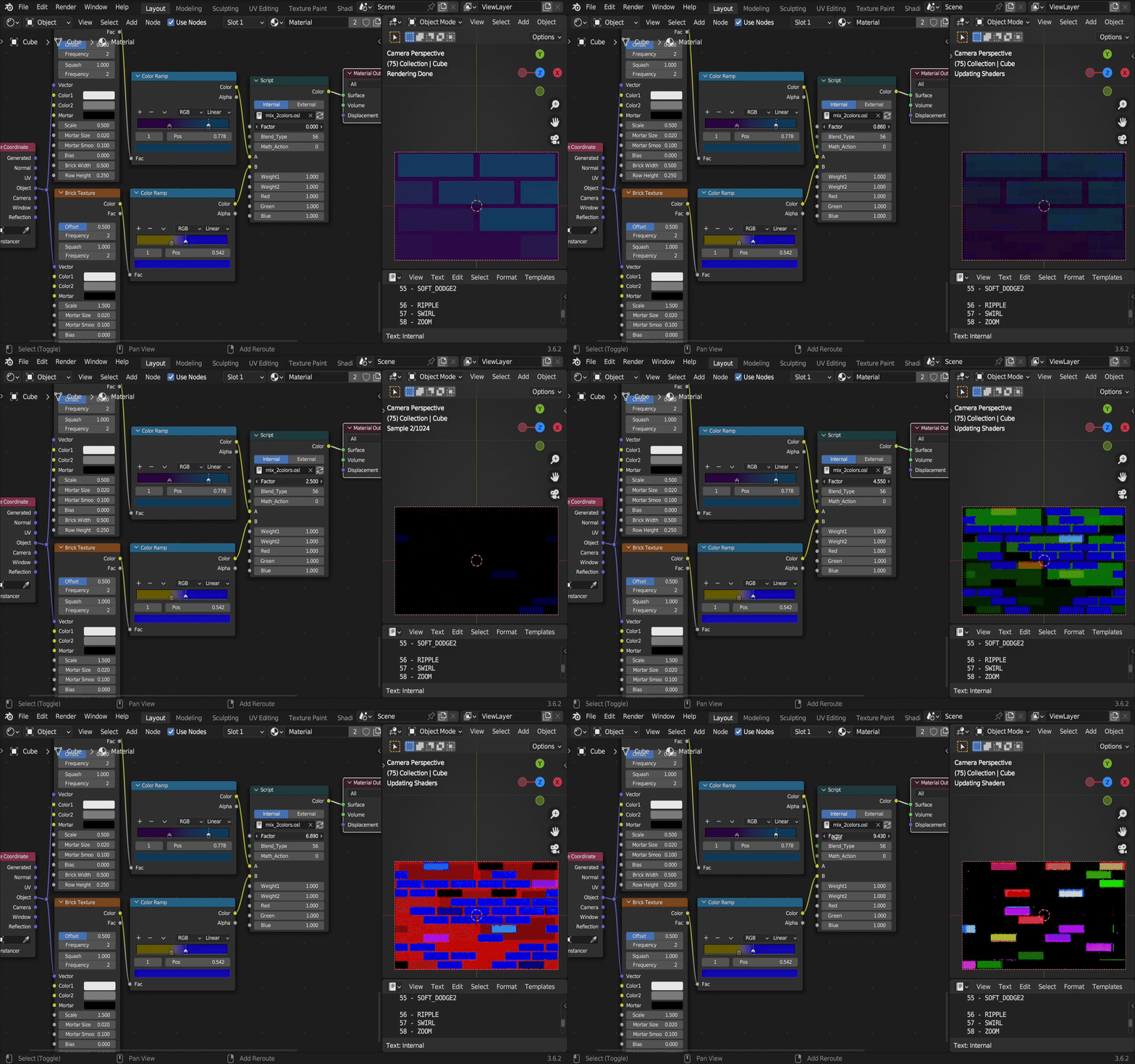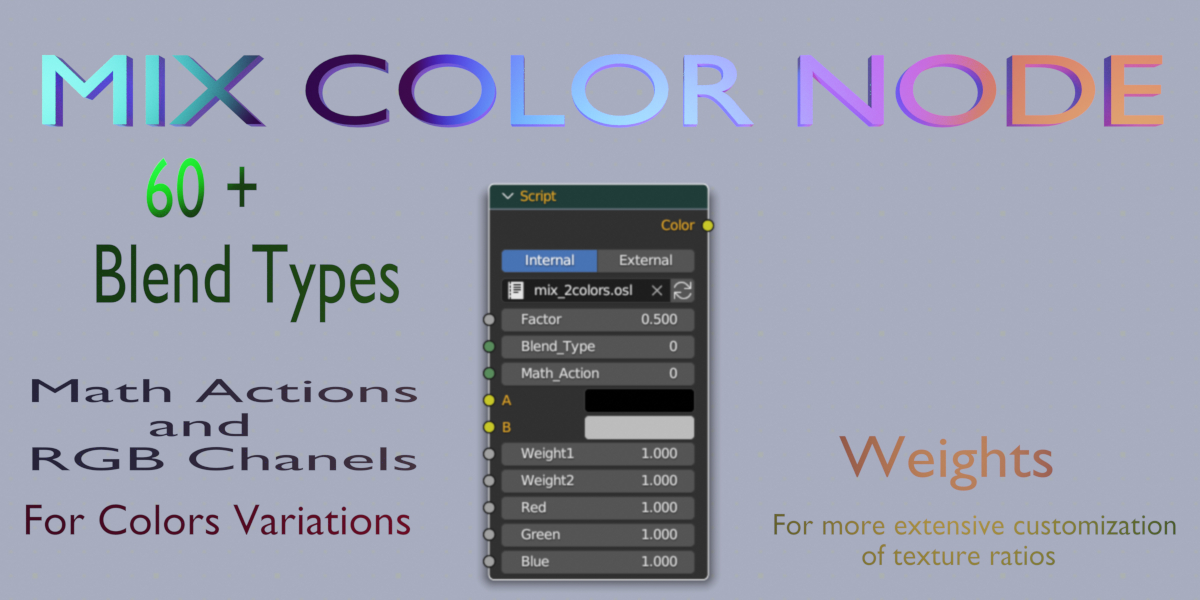
Mix Color Node by mod3d is an expanded color-mixing node for Blender materials. It provides 67 blend types, from familiar options such as MIX, DIVIDE, DARKEN, OVERLAY and DODGE to RIPPLE, PIN_LIGHT, POLAR, VIVID_LIGHT, PHOENIX, CONTRAST, FREEZE, HEAT, REFLECT and GLOW. It also adds weights for both color inputs and 18 Math Actions for the red, green and blue channels.
Blend types and channel controls
Set the Blend_Type socket to choose a blend type, using values from 0 to 66. Math_Action selects one of 18 operations, numbered 0 to 17. The add-on provides a Documentation.txt file in Blender's Text Editor with the sequence numbers and effect names. Listed Math Actions include multiplication, division, logarithm, power and sine.
Inputs A and B take the two colors, and Weight1 and Weight2 control their respective inputs. Factor is described as a distribution factor. Separate Red, Green and Blue sockets provide the per-channel controls. The creator notes that channel effects are more noticeable when the channel values are not 1 or 0.
Cycles setup and compatibility
The script uses Open Shading Language (OSL), so rendering is available only with the Cycles engine. Install the add-on through Blender's standard process, then use the Shader Editor panel button to append the node. Select Cycles and enable the Open Shading Language checkbox before rendering.
The product listing names Blender 3.4, 3.5 and 3.6. It says Blender 3.4 and earlier support CPU rendering only, while Blender 3.5 and later can use an OptiX-enabled GPU. Support for newer Blender releases is not confirmed in the supplied listing. The listing identifies the license as GPL. It also cautions that some effects may differ from, or behave entirely unlike, Blender's standard Mix node. Check the Superhive product listing for current details, and compare the node's output before using it in a material that depends on a specific blend result.