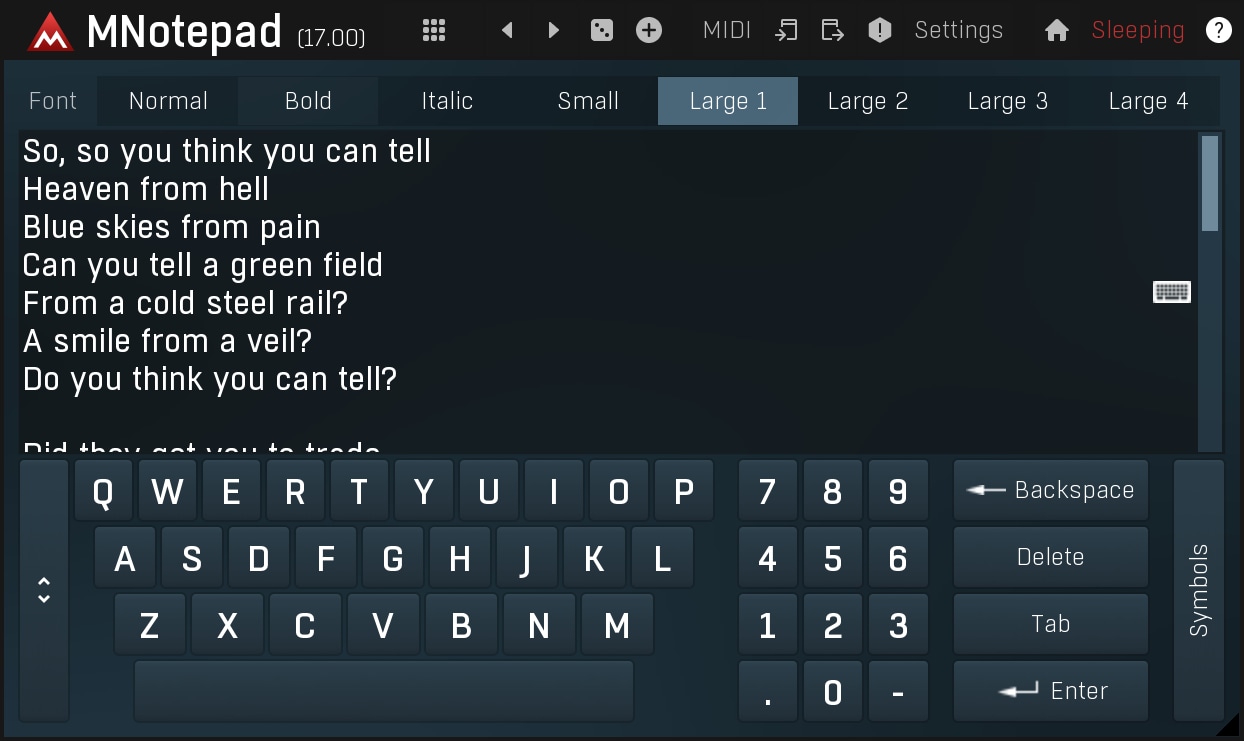
MNotepad is a text editor plugin for comments, lyrics, and other text. It does no audio processing, so its role is written material in a music-production workflow. MeldaProduction lists it as a free effect available through MFreeFXBundle.
Working with text
Use the edit field for writing or editing text. The MNotepad manual documents Ctrl+C, Ctrl+V, and Ctrl+A for copying, pasting, and selecting text; Ctrl+Tab inserts a tab character. The Font control changes the edit-field typeface, and Collapse minimizes the panel to free space for other editors.
Host compatibility
MeldaProduction lists support for 64-bit hosts on Windows 10 or 11 using VST, VST3, or AAX, and on macOS 10.14 or newer using VST, VST3, AU, or AAX. Linux is not directly supported; the developer says running the plugins through Wine may be possible. Check the MNotepad support page for system requirements and product documentation.
See the MNotepad product page for current availability.