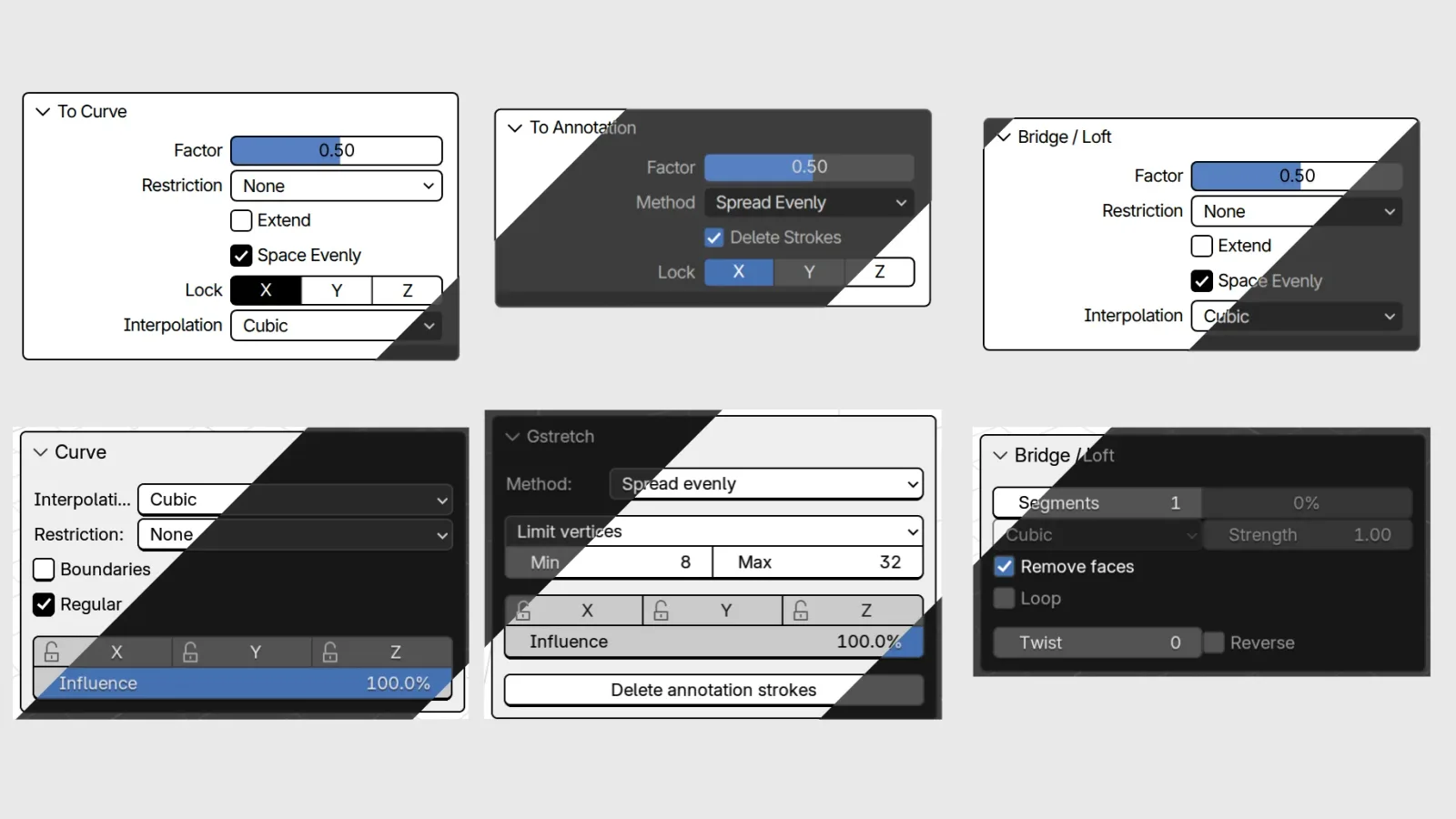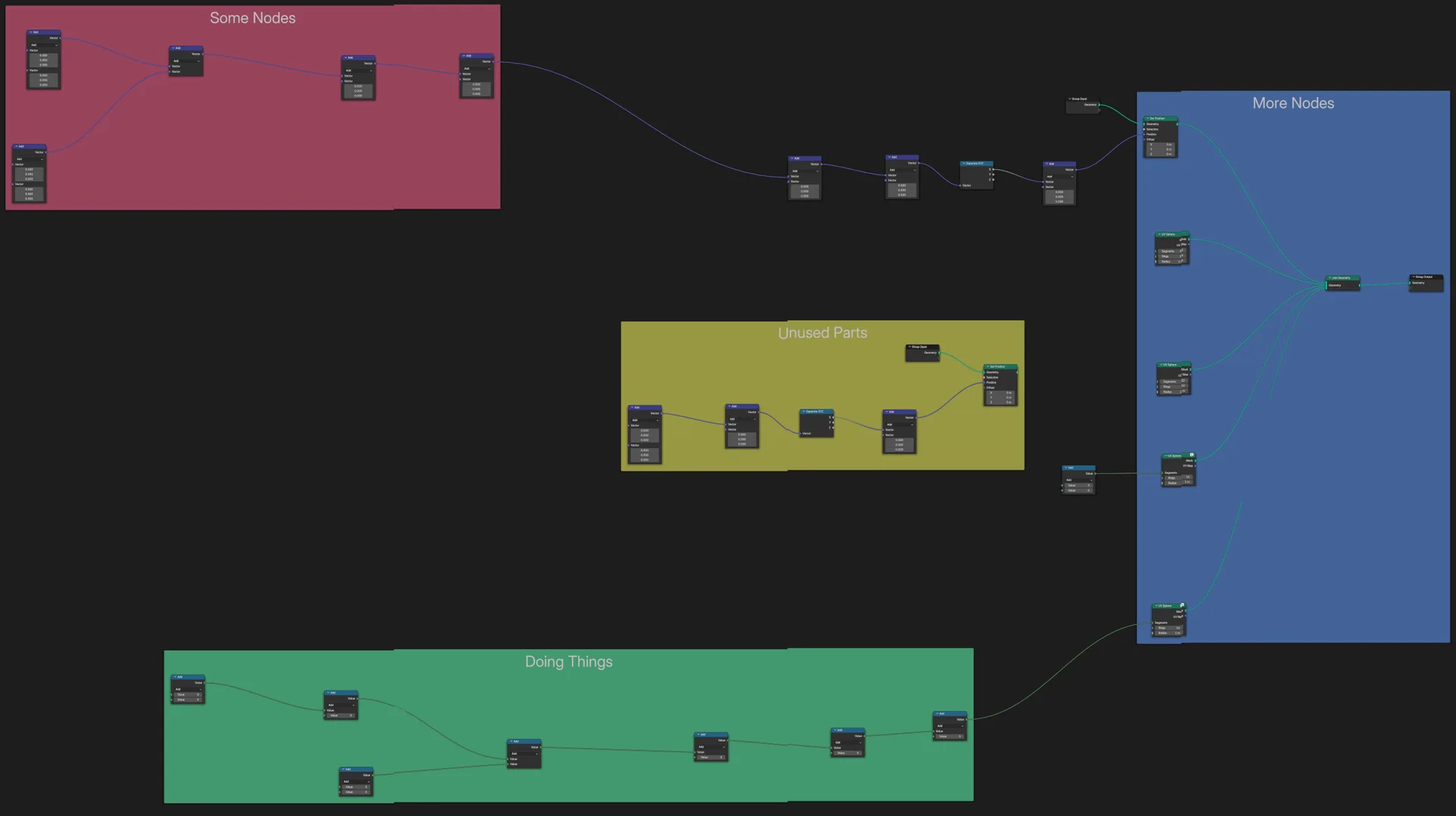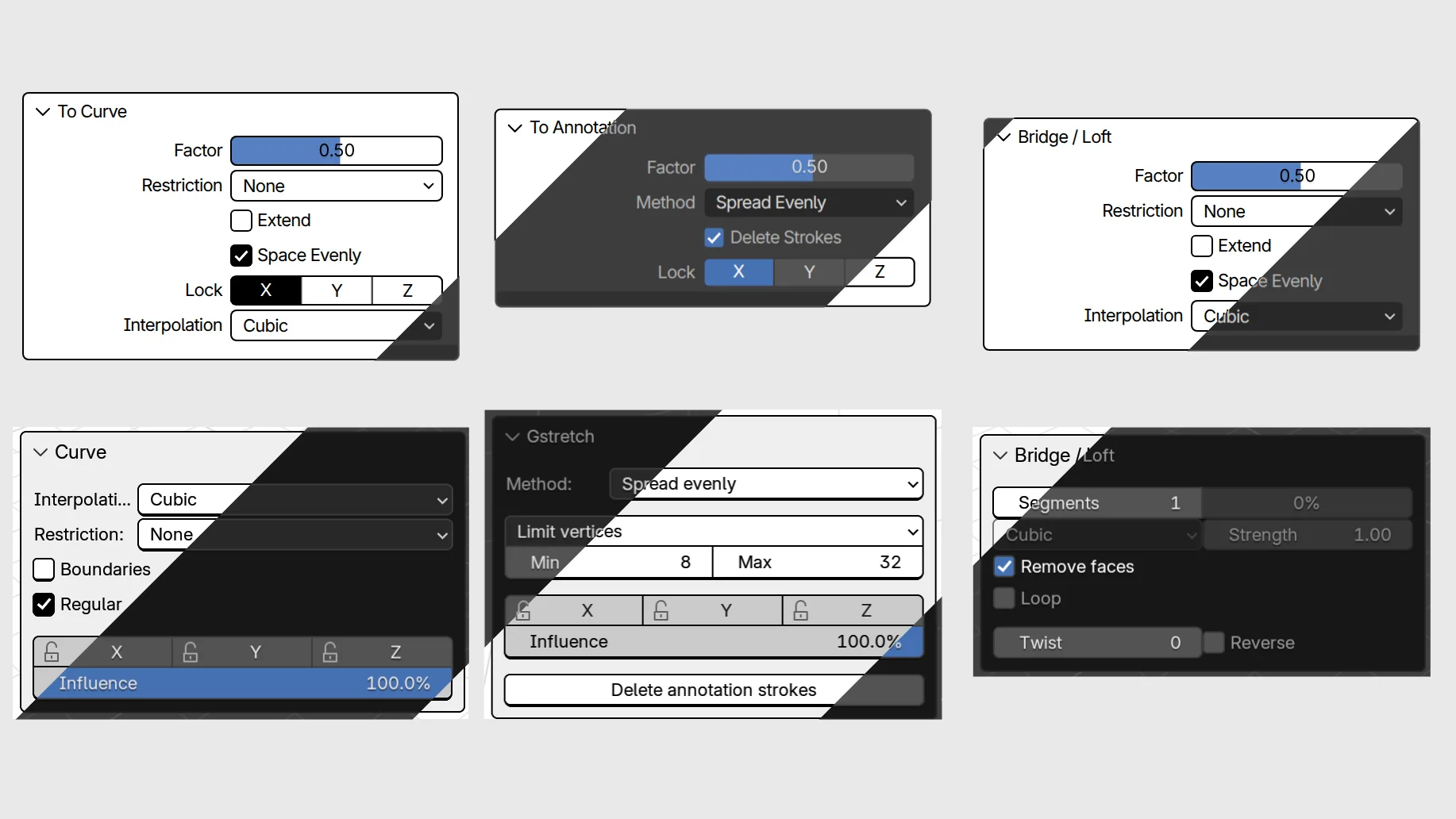
Mockup Screenshoter is a Blender add-on for preparing screen captures as mockups in Penpot. Run Mockup Screenshot from Blender's Window menu, drag over the area to capture, then paste the result into Penpot. The Blender Extensions listing describes the output as Penpot-ready.
Two theme captures for Penpot
The add-on creates one capture with Blender Dark and another with the Mockup theme. It groups them and applies an Opacity design token to the dark capture, so switching themes in Penpot displays the corresponding capture. The listing links to a tokens.json example. Penpot's design token guide explains the related concept.
This workflow suits Blender users preparing mockups in Penpot when they need to show both theme appearances. Before using it, install the Mockup theme. If you prefer another theme, the add-on preferences let you change which theme it uses.
Permissions and compatibility
The extension requests Files permission to create a temporary folder for screen captures and Clipboard permission to copy Penpot-ready JSON. Those permissions cover the capture and paste steps. Blender Extensions lists version 0.9.1, published January 28, 2026, with compatibility for Blender 5.0 and newer.
Known capture limitations
The extension listing says the top bar and status bar are not refreshed, and the rectangle drawing overlay does not work. It attributes both issues to missing features in Blender's Python API. If your mockup depends on refreshed bars or a visible capture outline, check the version history and issue tracker before relying on those details.
License
Blender Extensions identifies the license as GNU General Public License v3.0 or later. AnyPlugins lists the add-on as free to download and use.