Moments Lab is a Premiere Pro panel for editors who search a Moments Lab media library while working on a timeline. It brings indexed footage into the editing application, where editors can find a full file or a time-coded moment, set a frame-accurate clip range, and place it in a bin or sequence. The panel is a free Adobe Exchange download, with library access through a Moments Lab account.
Search an indexed media library
Open the panel to browse the events, collections, and projects available to your team, or search across the indexed library. Results can be complete media files or moments identified through Moments Lab's AI indexing. Editors can look for footage from beside the timeline instead of opening a separate search screen.
Filters include labels, people, approval status, moment type, and custom fields. Teams that maintain these fields can use the same information to locate footage in Premiere Pro. Account roles determine which library content each user can see.
Clip a moment into your edit
For a search result, open the clipping tool and set its in and out points at frame level. Drag the clip into a Premiere Pro bin or place it directly on the timeline. Editors can also send rushes from a Premiere Pro bin to Moments Lab for indexing, then export a finished cut into a Moments Lab event.
Work with connected storage and proxies
With connected on-premises storage, the panel reads source files directly, so editors do not have to wait for a high-resolution download. For high-resolution media stored in Moments Lab's cloud, proxy workflows let editors cut against lower-resolution copies. Clips are saved to a local folder selected during setup and tracked in the panel's media queue. Teams should account for that folder and their proxy settings when preparing an edit.
Install the panel and sign in
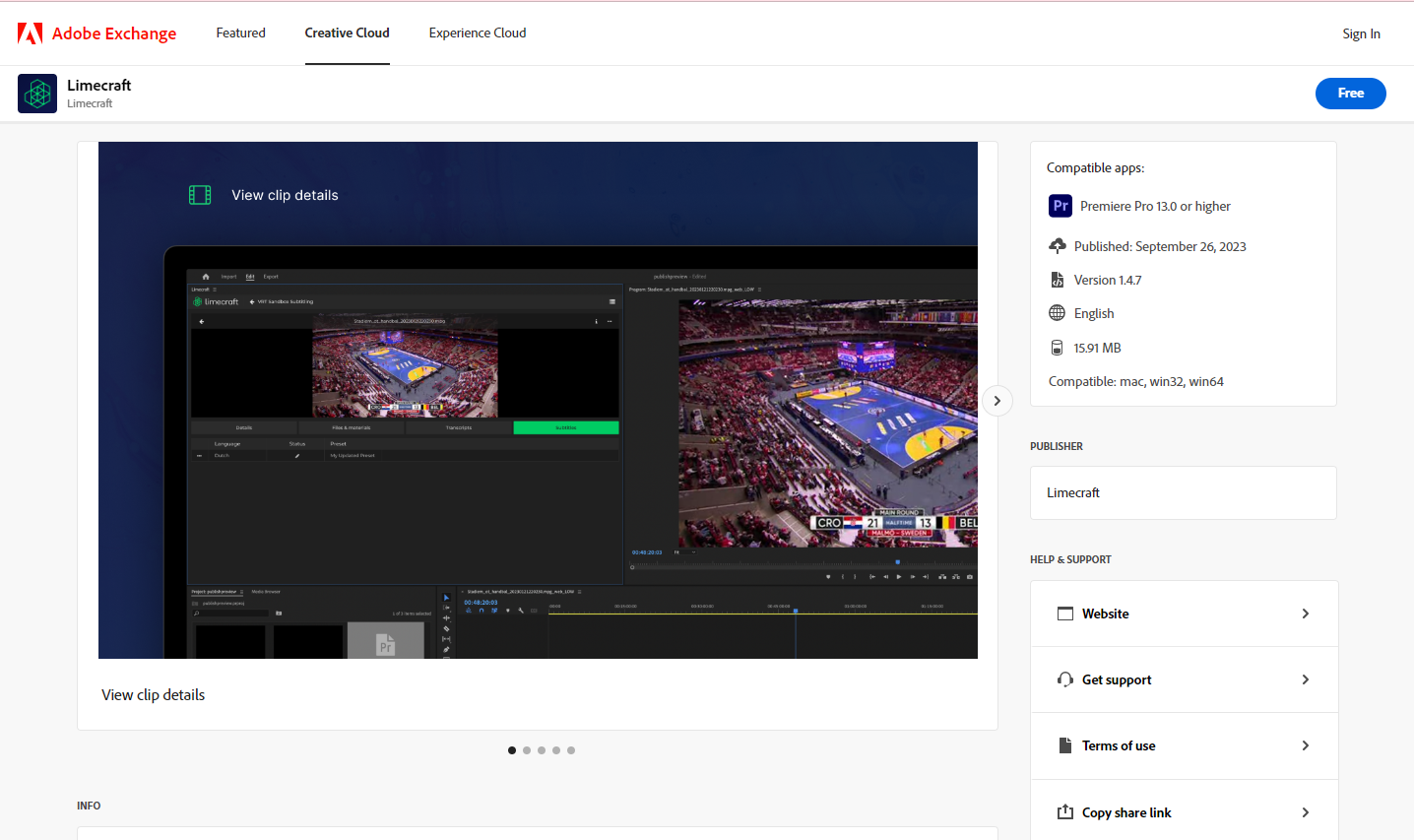
Download the free panel from Adobe Exchange, open it from Premiere Pro's Extensions menu, and sign in with a Moments Lab account. The Moments Lab integration guide describes the panel's storage, proxy, and access behavior.
Who the Premiere Pro panel suits
The panel suits editors who need to find moments in a Moments Lab library and use those clips in Premiere Pro. It works with a team's indexed events, collections, and projects, while the available results depend on the media and metadata in that library. Before editing, confirm that the footage is indexed, the editor's account has the right role, and the chosen storage and proxy setup is available.