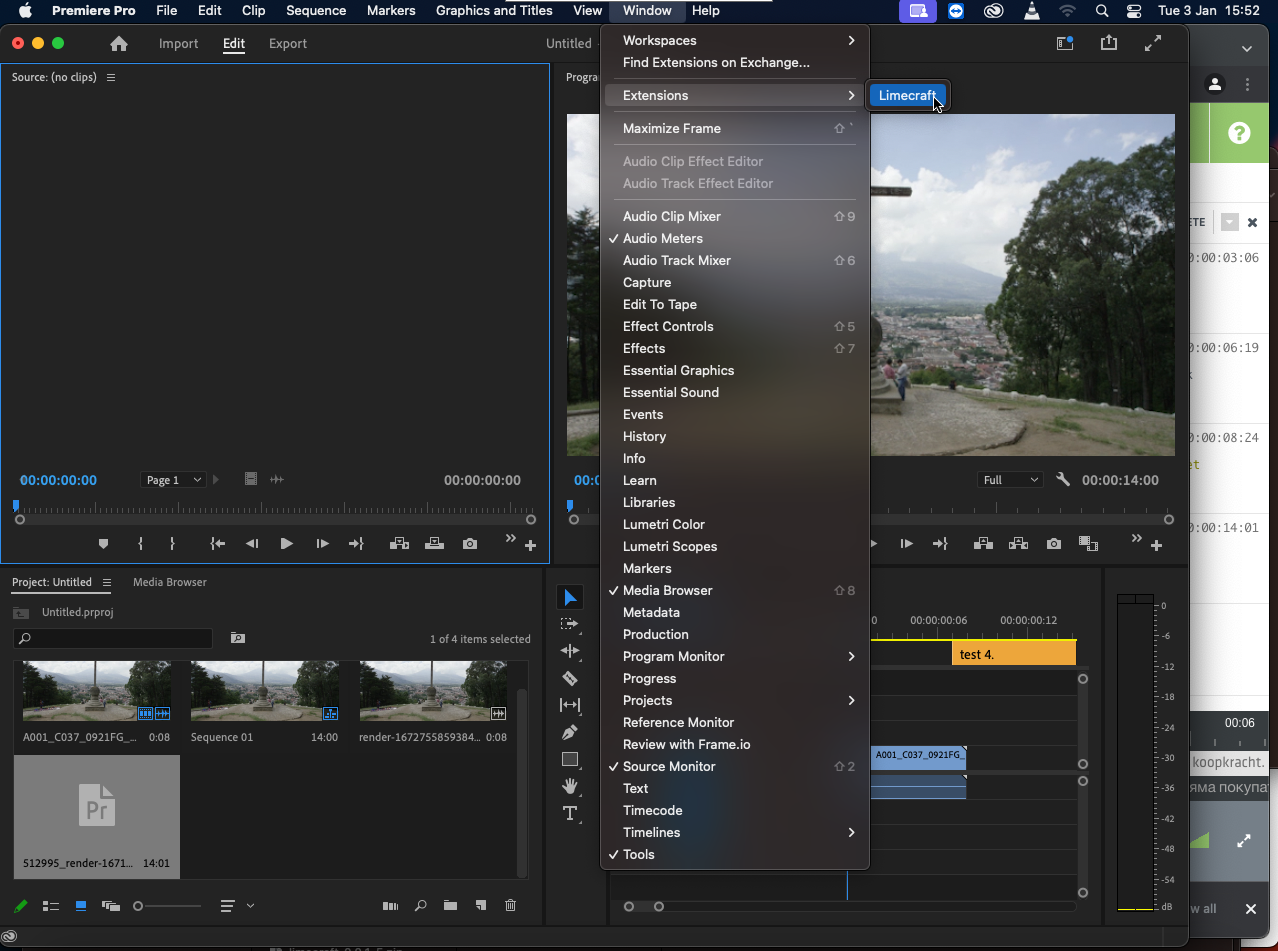
Limecraft for Adobe Premiere Pro is a panel that connects the editor to a Limecraft workspace. A Limecraft subscription is required for its connected services, which let editors browse workspace clips, send media or sequences to Limecraft, and bring subtitle files back into Premiere Pro. For sign-in and media instructions, see the Limecraft panel guide .
Move media between Premiere Pro and Limecraft
After signing in, choose a Limecraft workspace and browse its clips and collections from the panel. You can upload local files or sequences, then access those items in Limecraft for processing and collaboration. The panel also lets you bring media from a workspace into Premiere Pro.
Limecraft documents rendered sequence uploads through Adobe Media Encoder. Its 2025.6 release notes also describe uploading a Premiere Pro sequence as a project file, with an option to include its associated media. Media already in the workspace is not uploaded again.
Create and review subtitles
The panel gives Premiere Pro editors access to Limecraft transcription and subtitling workflows. Send a clip for processing, use AI-assisted transcription and subtitle spotting, then open the result in Limecraft's subtitle editor or import the subtitle file into Premiere Pro. Limecraft's transcription documentation covers transcript editing and its subtitling guide explains subtitle review and export.
Editors can review transcript wording and adjust subtitle timing before export.
Use shared workspace media from the edit
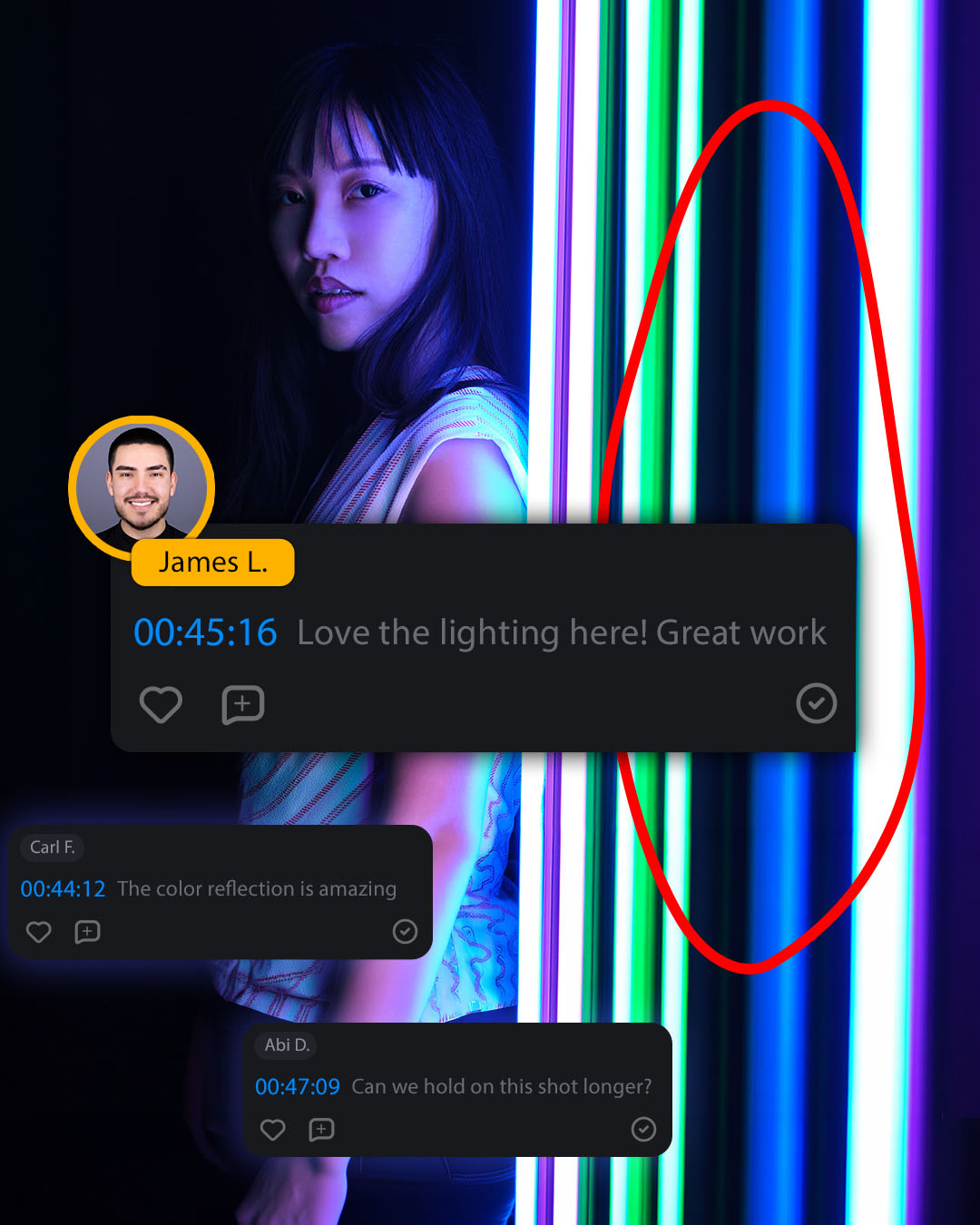
Teams can organize production media into Limecraft workspace collections and share video for review. Editors can browse workspace clips in the panel and import selected media into Premiere Pro.
Account and compatibility
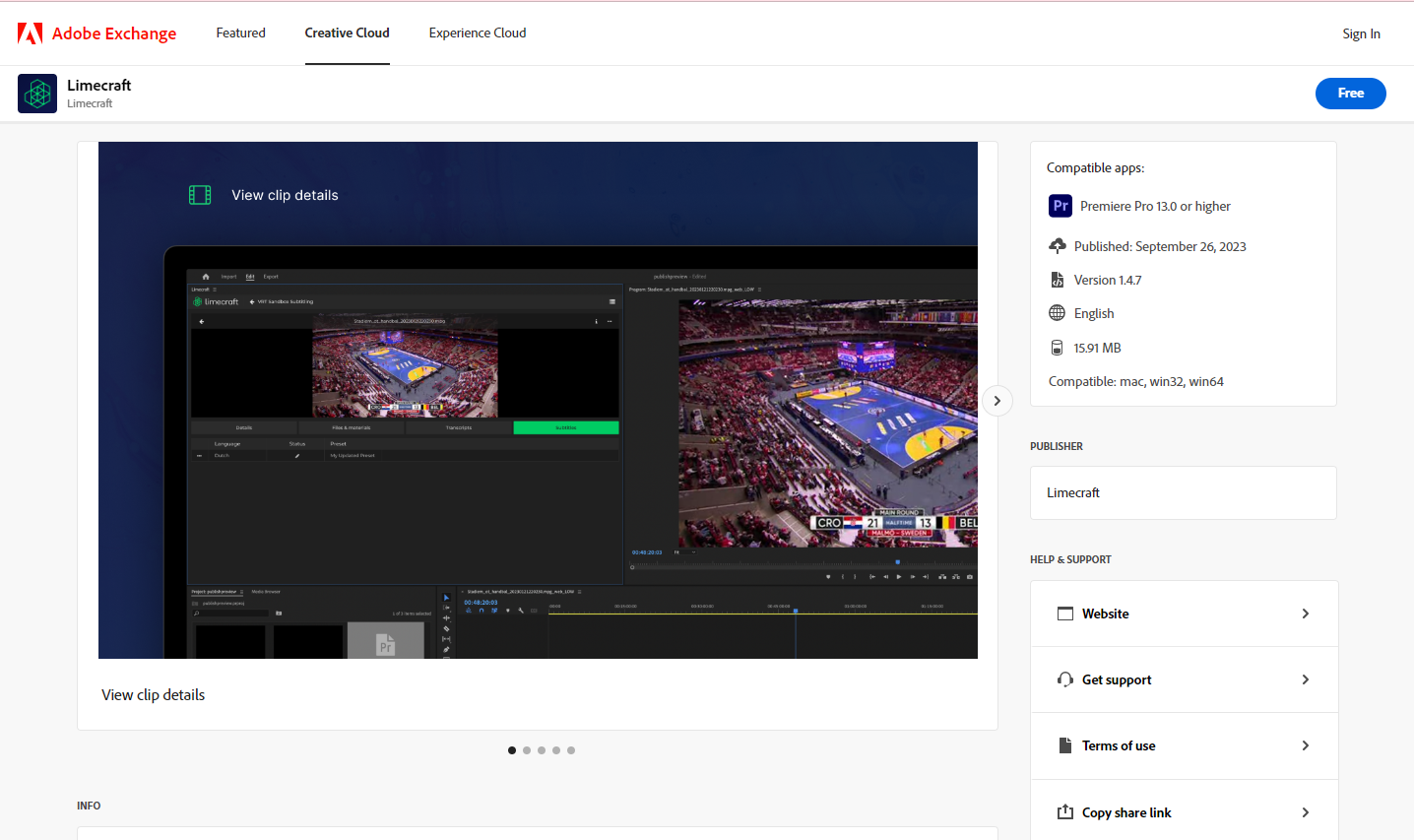
The available listing identifies version 2.5.1 and compatibility with Premiere Pro 13.0 and later. Check the current Adobe Exchange listing or Limecraft support before installing, since version and compatibility details can change.