RapidlangAI is an AI-powered plugin for Adobe Premiere Pro that transcribes video, translates speech and generates captions. It also connects to Frame.io for rendering and uploads used in collaboration and proofing. The plugin may suit editors who handle multilingual video or send cuts to Frame.io for review.
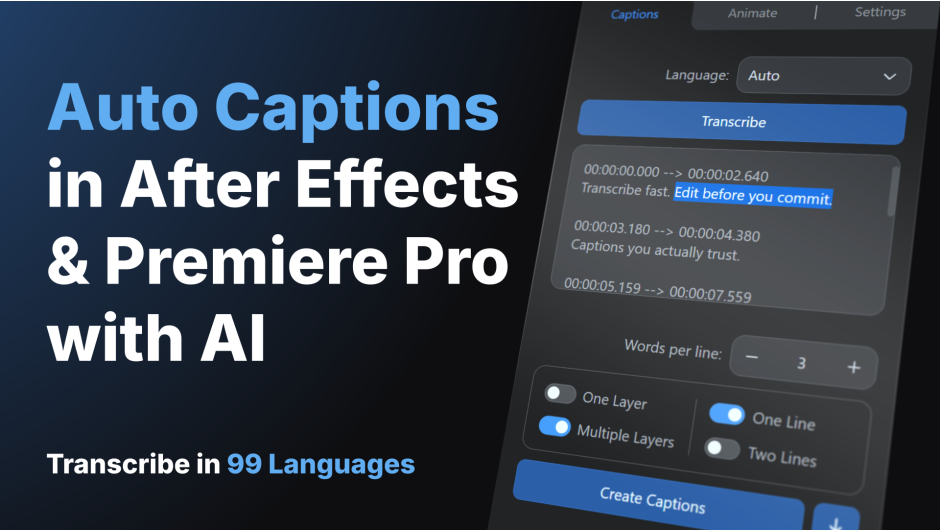
Transcription, translation and captions
RapidlangAI says it supports multiple languages, but the product information available here does not name them. Confirm that it supports the languages in your project before relying on it for a delivery.
The developer says results can vary with audio quality, accents and language complexity, and recommends reviewing the output before using it in production. Plan time for that review when captions or translations need to be ready for a client or audience.
Frame.io uploads
After installing the plugin, sign in to your Frame.io account through RapidlangAI. The developer says the plugin can render and upload videos directly to Frame.io for collaboration and proofing. The available product description does not specify render presets or upload controls.
Compatibility and subscription terms
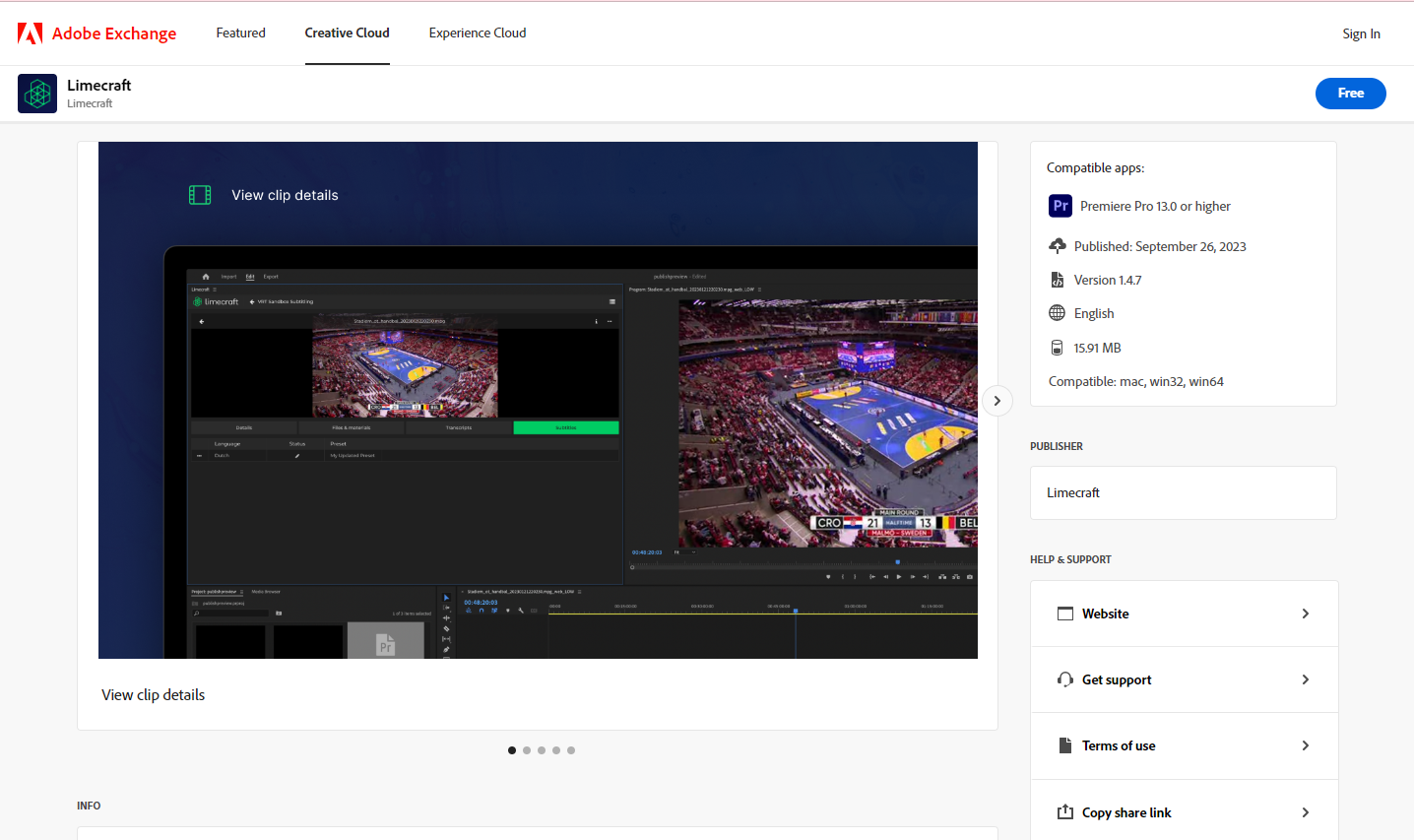
The catalog record identifies RapidlangAI as version 1.0.0 and lists compatibility with Premiere Pro 14.0 and later. It does not specify operating-system or hardware requirements. See the Adobe Exchange listing and confirm compatibility details before installing.
RapidlangAI’s pricing section lists an Individual plan at $9.99 per month with 100 minutes of AI transcription and translation, plus Frame.io integration. Its FAQ says plans include a monthly allowance of video minutes; additional minutes can be purchased, and higher tiers include more minutes and features such as faster processing and additional integrations. The FAQ does not clarify whether the listed 100 minutes are shared between transcription and translation.
This catalog lists RapidlangAI as free, while the developer’s site describes monthly subscriptions. Check the developer’s pricing and subscription terms before relying on the catalog’s free label. The developer FAQ says plan changes take effect in the next billing cycle and cancellation leaves the subscription active through the end of the current cycle.