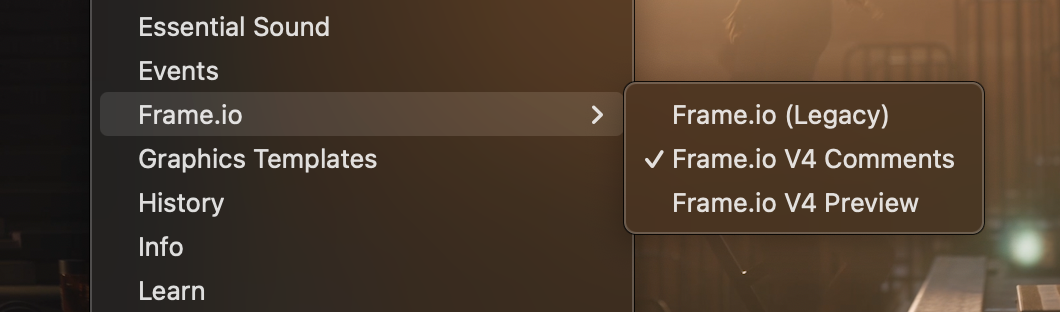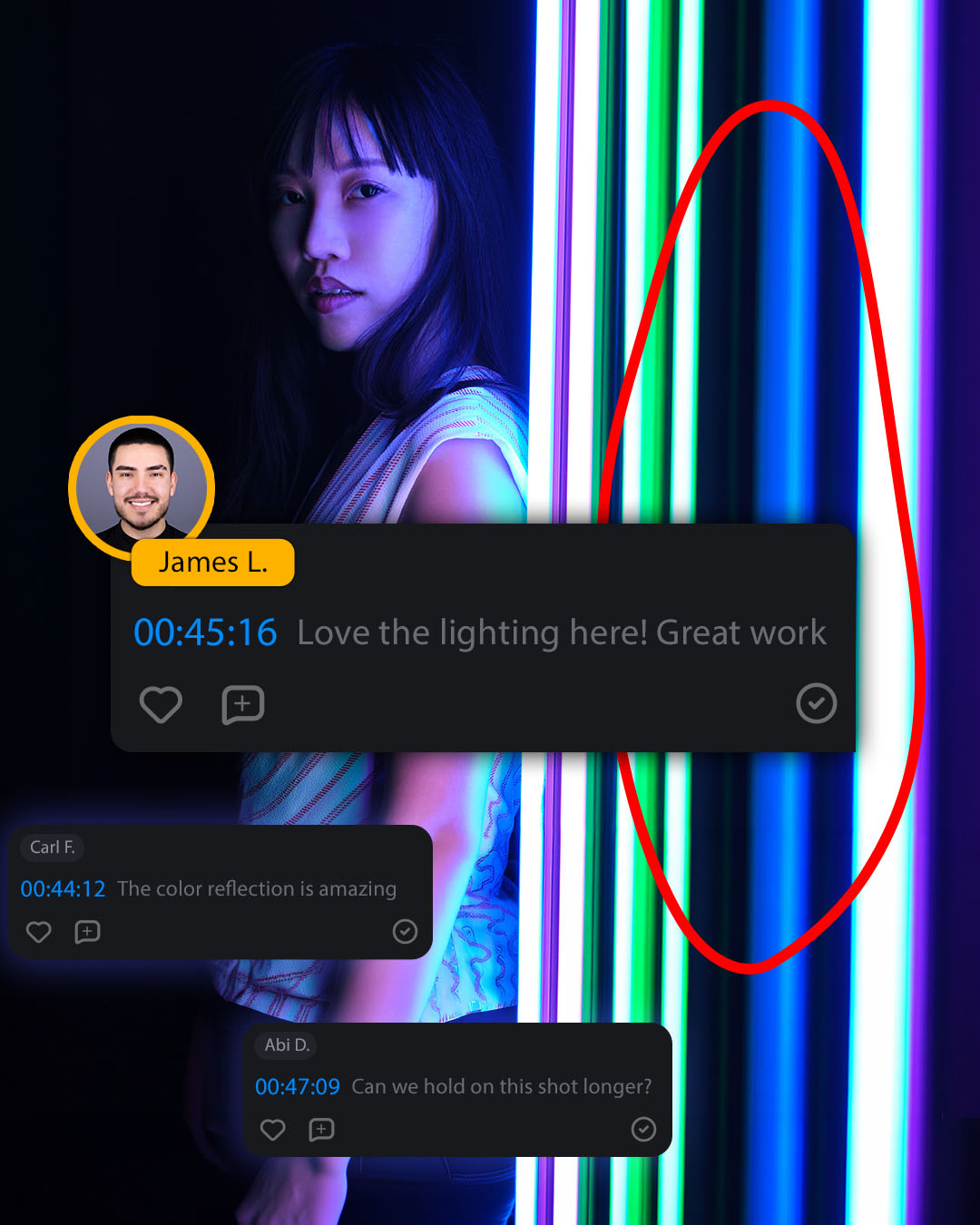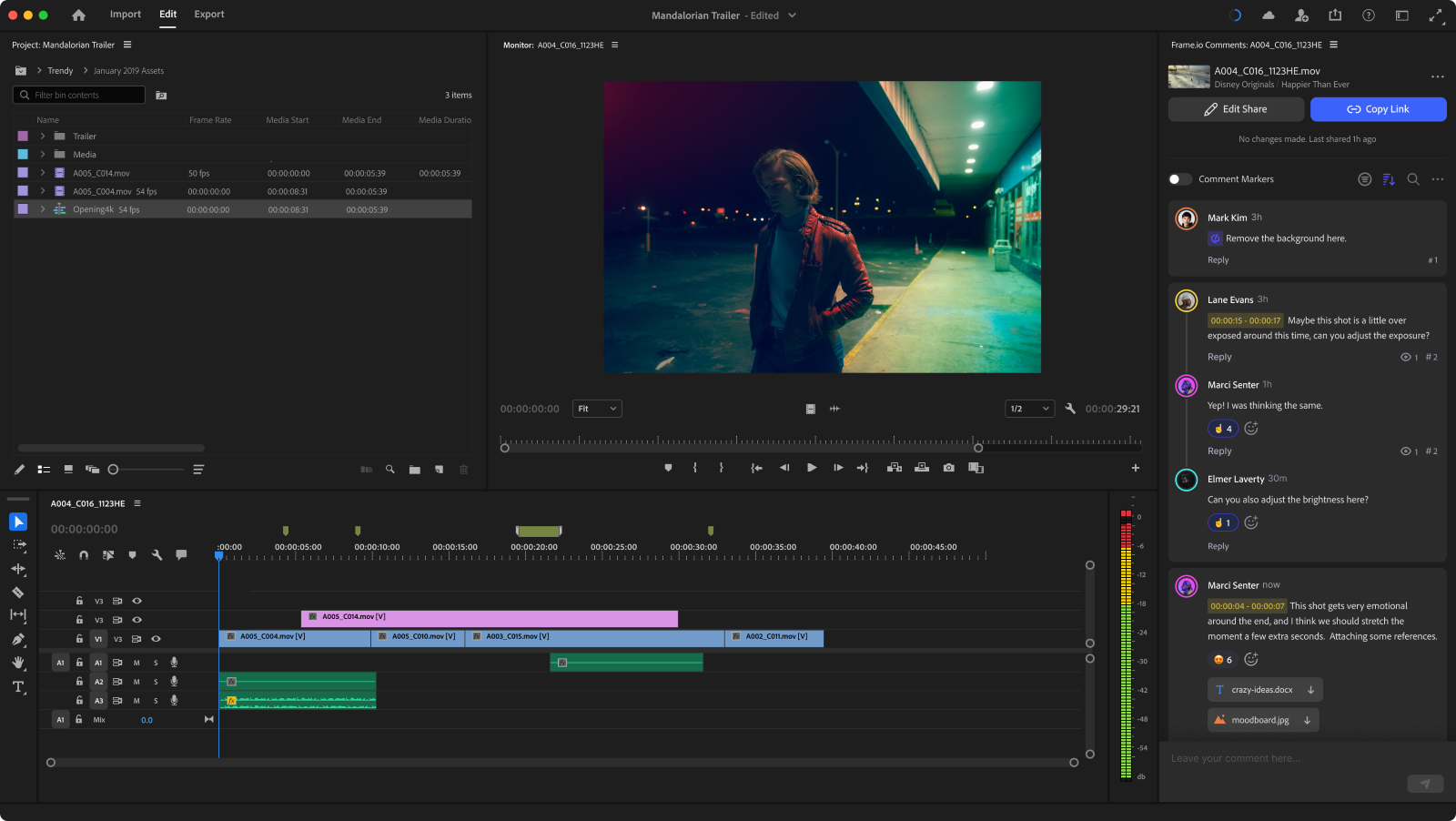
Frame.io V4 Comments is a Premiere Pro panel for sending sequences to Frame.io V4 and handling review feedback from the editing session. It connects comments to moments in the edit, so an editor can move from a note to its associated point in the timeline.
Review feedback in the timeline
Upload a sequence to Frame.io and share a review link with clients or collaborators. Comments from reviewers appear in the panel, where you can reply to them. Select a comment to move the playhead to its timestamp, or toggle comment markers to see feedback in the timeline. When the edit is ready for another review, upload a new version of the sequence.
Queue uploads and link sequences
Version 1.0.0 added queueing for multiple sequences through Send to Media Encoder, right-click copying of comment text, Create New Version, Create New File, and Link Manually options, and project and file search when manually linking a sequence to a Frame.io asset.
Account, compatibility, and limits
Adobe lists the extension as free, and using it requires a Frame.io V4 account. Frame.io's September 9, 2026 guide directs Premiere Pro 25.1 and earlier users to the Adobe Exchange extension, available for versions down to 20.0, and says the V4 Comments panel is built into Premiere Pro 25.2 and later. Its September 28, 2026 guide covers the native Frame.io V4 Panel in Premiere Pro 25.6 and later, including media browsing and import. Check the guide for your version's panel and access path.
The September 9, 2026 guide says the V4 Comments panel does not support annotations, anchored comments, comment attachments, or downloads. The separate September 28 guide for Premiere Pro 25.6 and later does not say whether these limits also apply to its native Frame.io V4 Panel.
See the Adobe Exchange listing and Frame.io's Premiere panel guide for the listing and setup details.