MediaSilo Panel lets editors browse MediaSilo projects and assets from within Adobe Premiere Pro and After Effects. It suits editors who already use MediaSilo and want to import its assets into an Adobe project and upload work to the service for review from the editing app.
Browse and import assets
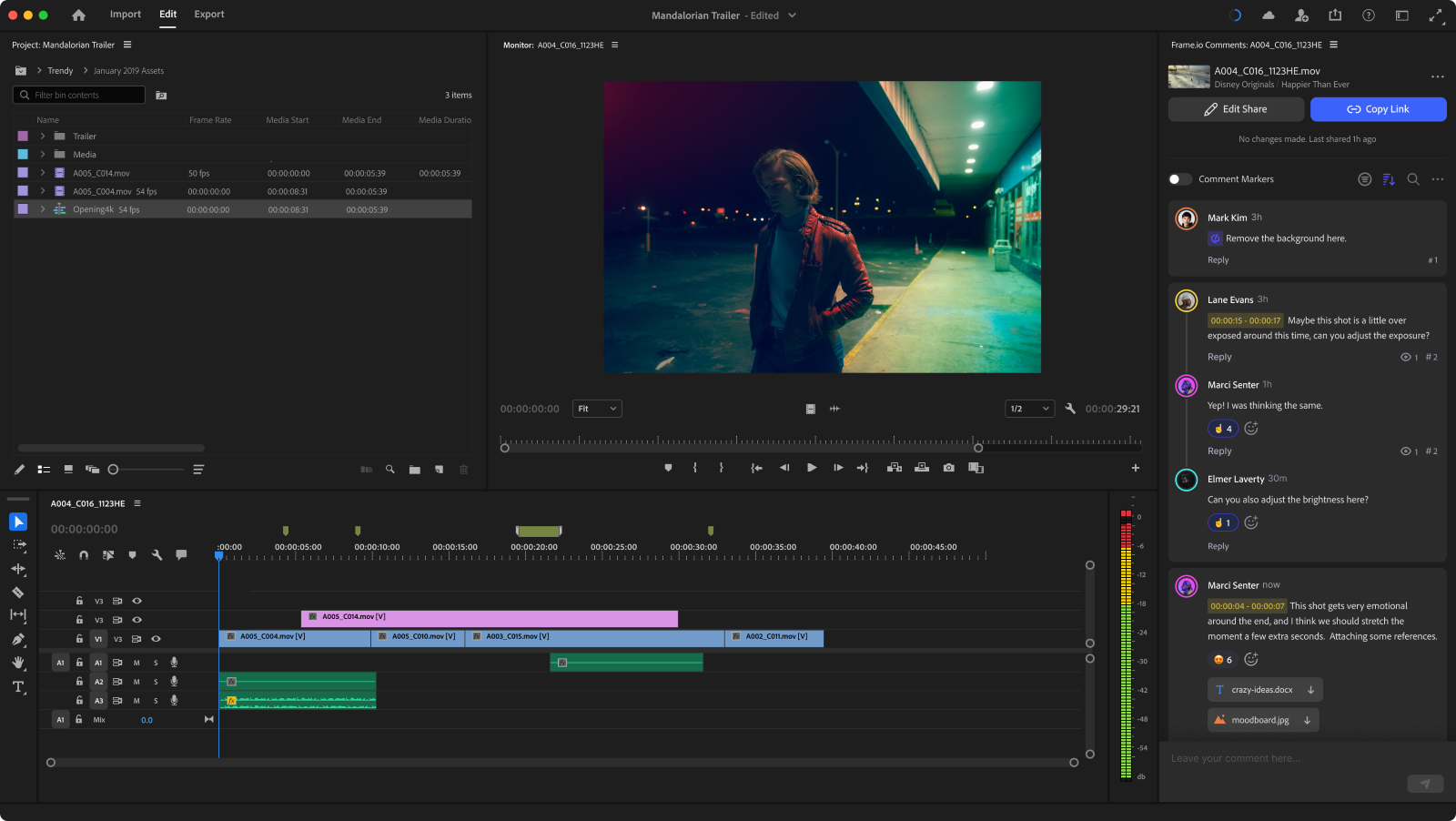
In Premiere Pro, search for projects, folders, or files from the panel, and switch workspaces if your account has access to more than one. An imported file appears in the bin you accessed most recently. Selecting a versioned asset downloads only its latest version.
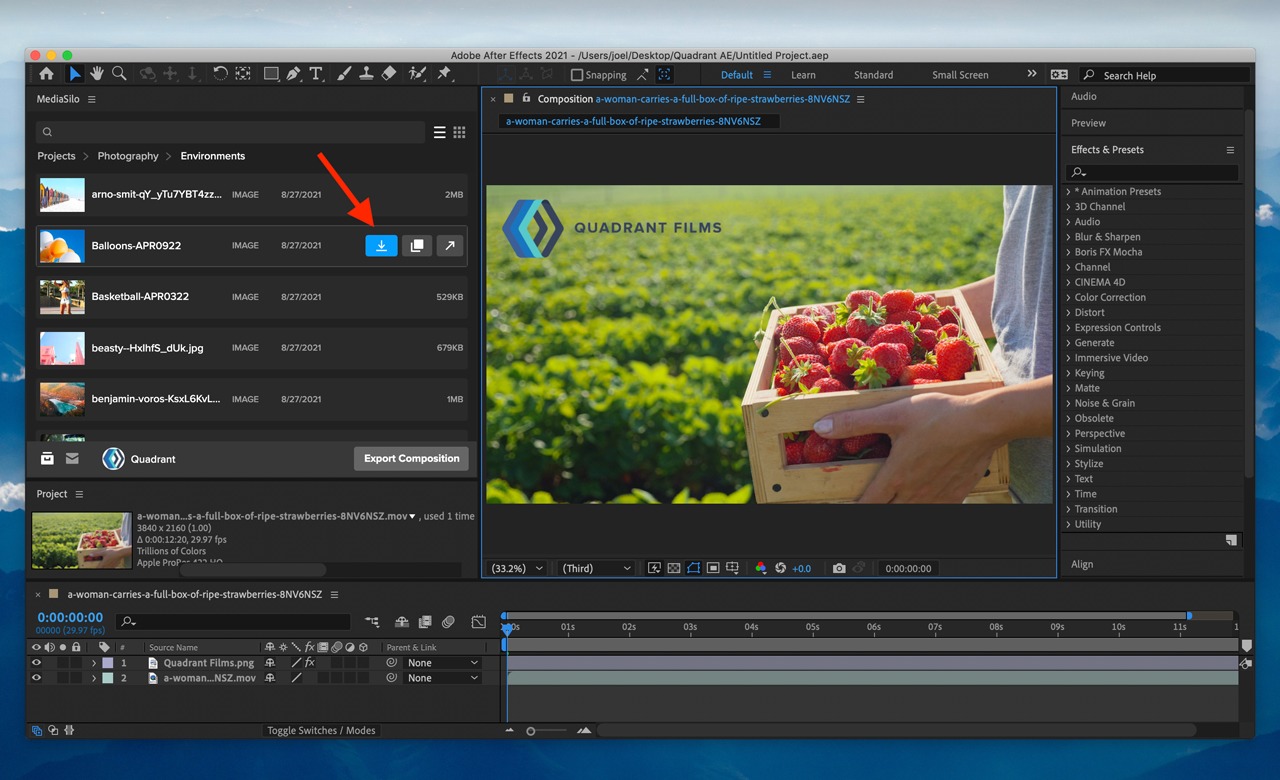
In After Effects, browse projects, folders, and assets, or search from the panel. You can switch between accessible workspaces and download an asset into your project.
Export work for review
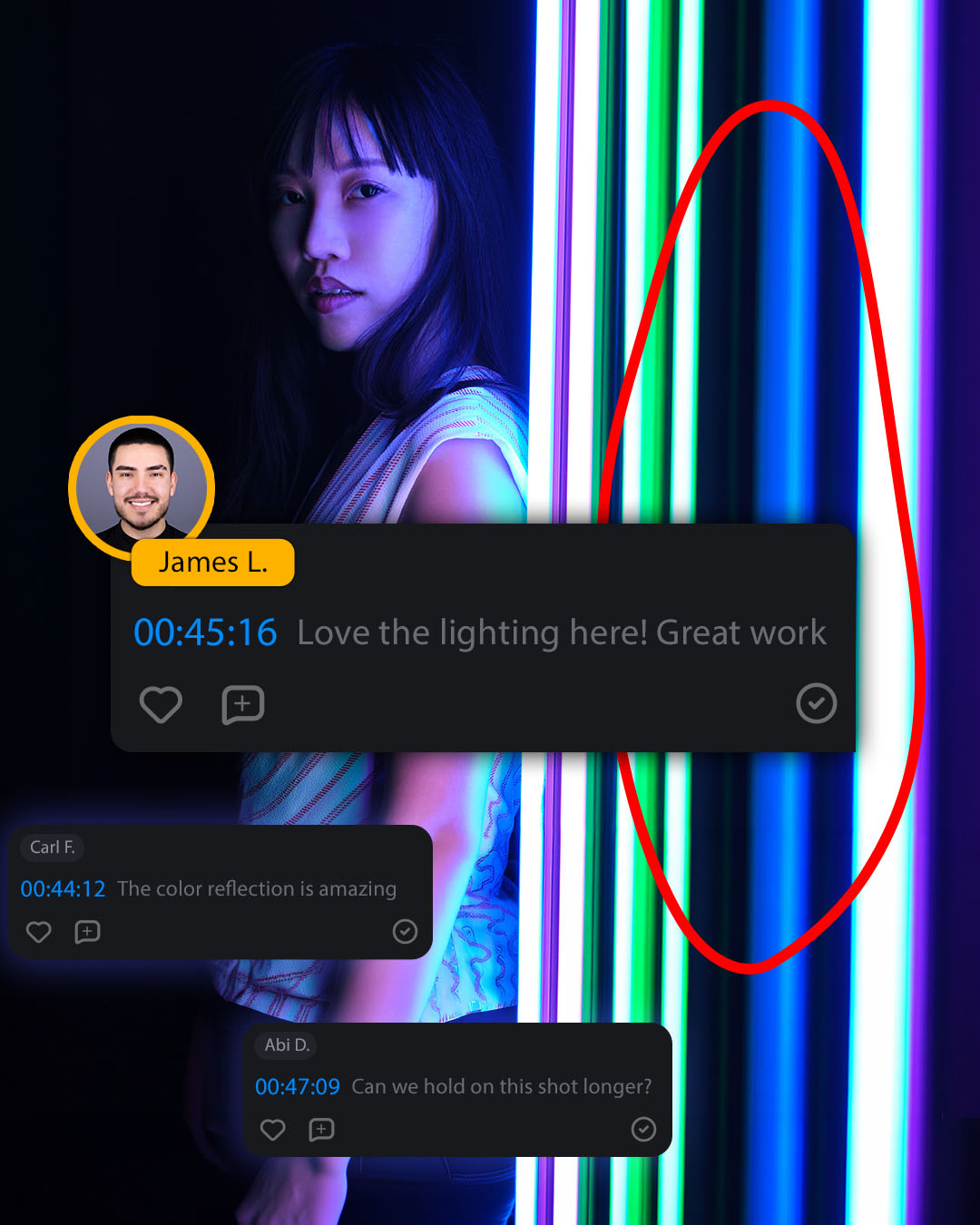
In Premiere Pro, choose Export Sequence to set a title, description, audience, password, and destination project. Media Encoder then renders the sequence, uploads it to that project, and shares the Review Link. The documented default export is an H.264 MP4 at 720p with a constant bit rate; choose an encoding preset or custom preset to change it. Passwords for protected links cannot contain the characters <, >, or =. The Premiere Pro panel also lets you import comments from Review Links for sequences shared through the panel as timeline markers and export a new version of an existing file.
In After Effects, Export Composition saves the file locally and uploads it to MediaSilo. Add email addresses or user names to create and share a Review Link; leave Recipients blank to upload without sharing. You can also export a new version of an existing file. See the After Effects import and export workflow.
Installation and access
EditShare describes the extension as free. Find it by searching for MediaSilo in Creative Cloud or visiting Adobe Exchange; after acquiring it, install or manage it in Creative Cloud under Stock & Marketplace > Plugins > Manage plugins. Activation requires signing in to MediaSilo and entering the code shown in the panel at the vendor’s activation page. The installation instructions do not specify which MediaSilo plan provides access. They cover Premiere Pro and After Effects but give no minimum Adobe app versions. On some Apple silicon Macs, the vendor says you may need to open the Adobe app using Rosetta if the extension does not appear.