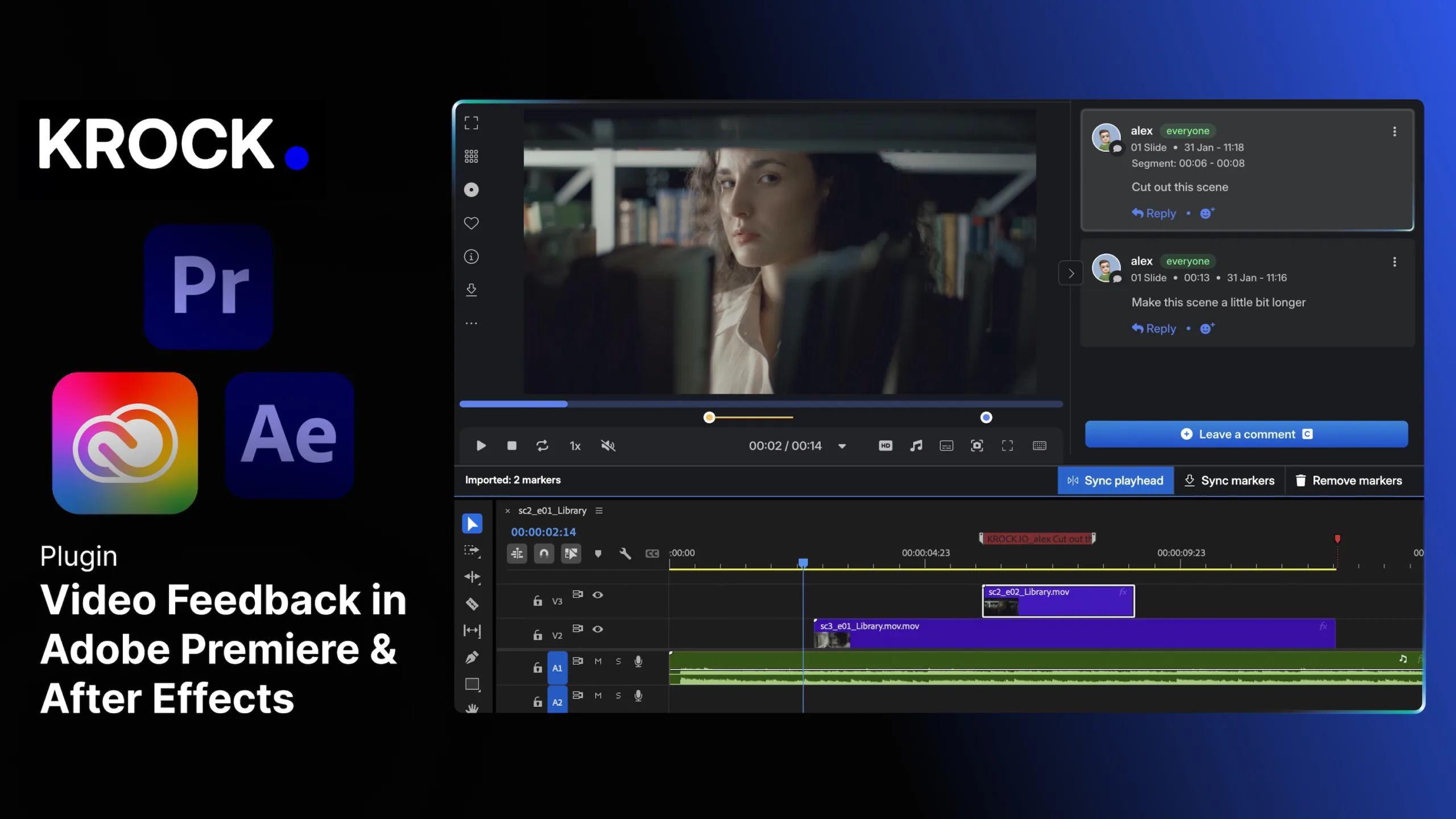
Coresee Transmitter connects supported Premiere Pro and After Effects projects to Coresee rooms for live review. Editors can stream playback with audio so a team can watch and discuss an active edit. The Adobe listing describes frame-accurate playback and synchronized streaming.
Review an edit in a Coresee room
Coresee rooms keep files, notes and decisions between sessions. A team can return to the same project room and review the live feed alongside its other media. Rooms support 4K media and can show up to 16 files on screen. For Premiere Pro, a Host can set the transmitter feed's resolution, frame rate and bitrate before streaming, but these settings cannot be changed during an active session. The Premiere Pro guide says audio from only one stream can be shared at a time.
For Premiere Pro, the documented workflow is to open a project, select Window > Extensions > Coresee Transmitter Panel, sign in with a Coresee account and choose a room. Click Connect, select Playback or Full screen in the Input tab, then choose the content and audio to share. The support guide recommends a wired headset or high-quality USB microphone and audio output at 44.1 kHz or higher. It warns that switching to an audio track with a different sample rate during streaming may disrupt audio. With a Bluetooth headset microphone active, the headset may switch to mono and reduce the sample rate to around 16 or 24 kHz, potentially causing noticeable artifacts. Bluetooth headset output with a separate microphone is also suitable. Click Start to share the feed in the room. The guide's step-by-step panel instructions cover Premiere Pro; the Adobe listing also names After Effects as supported.
Compatibility and installation
Coresee's support guide lists Premiere Pro 24 or later and After Effects 24 or later. It lists macOS 13.2 Ventura or later and Windows 11 or later. Installation has two parts: add the Coresee Transmitter extension from Adobe Creative Cloud, then install the separate Transmitter Package from Coresee.
Plan access
Coresee's pricing comparison lists Adobe plugins only with Studio, a custom-priced plan with room capacity up to 100 people. The free Starter plan allows up to six people per room and does not list the Adobe plugin. Check the account plan before setting up a review workflow around the transmitter.