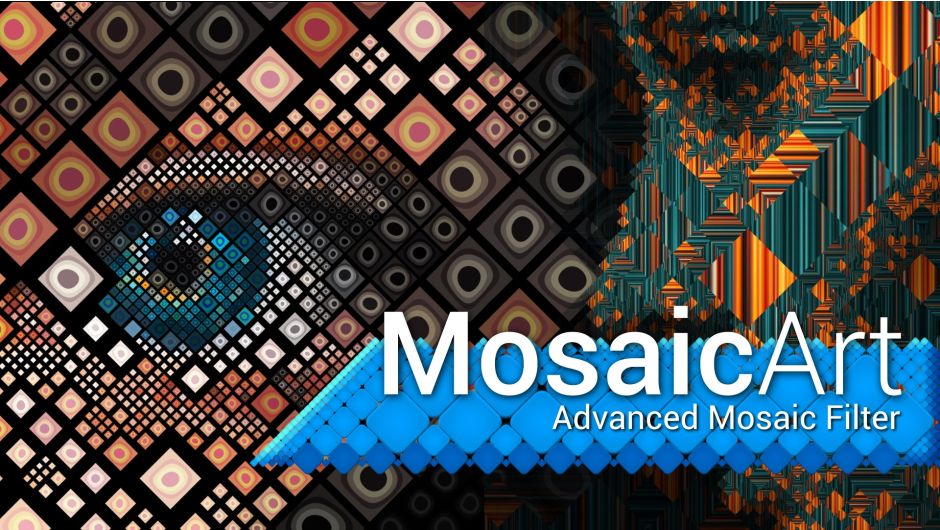
MosaicArt is a mosaic and tile filter for Adobe After Effects. It turns an image into a grid, then lets neighboring cells combine into larger tiles through the Unite Tiles Iterations parameter. Merging can follow the lightness of the base image, a custom layer, or a random arrangement.
Choose a tile treatment
MosaicArt has five tile types:
- Texture: Use an image or pre-composition as the tile. Single Frame mode takes image data from the current time and copies it to every cell. Multi Frame mode distributes frames from a pre-composition across the grid, based on the base image’s lightness, a custom layer’s lightness, or random selection.
- Color Circles: Use each cell’s color as the primary color, then find secondary colors around the hue circle. Noise can distort the shapes, and black line thickness and sharpness are adjustable.
- Color Lines: Split a cell’s color into stripes and shift the hue between strips.
- Stretch: Take a horizontal row of pixels from the center of each cell and stretch it to the cell’s full height.
- Magnification: Turn the grid into a lens array with Sphere, Waves, Displacement, or Free Form modes.
Animate tiles and reveals
Tile textures can be offset, rotated, and scaled. These parameters can be randomized, and texture offsets or scale can loop for tiling. Custom Layers can animate all parameters. For a reveal, MosaicArt provides Rows Delay, Randomization, and Offset Ramp controls; cells and tile textures can also move with random offsets.
Presets and controls
The built-in presets include static and dynamic treatments, such as Static Tile Adaptive, Dynamic Dots Adaptive, Dynamic Truchet, and Static Magnification. They offer starting points for different grid and tile styles. The developer’s interface documentation describes the controls, and the MosaicArt product page has the current product details and compatibility information.