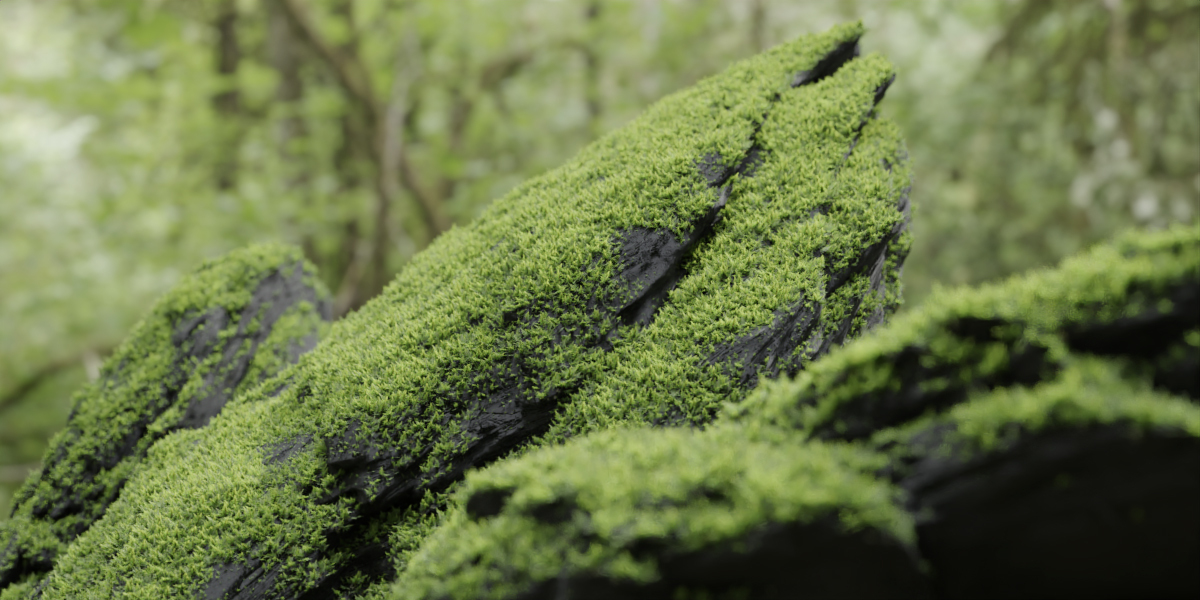
Moss It is a Blender add-on for adding moss to selected scene objects. Its documentation describes applying it to up to five objects at a time, then adjusting options in the Geometry Nodes tab of the Moss It object.
How to add moss in Blender
Open the 3D viewport and press N to show the sidebar. Find Moss It!, select the objects that should receive moss, and click Add Moss. For further options, open the Geometry Nodes tab inside the Moss It object.
Limit moss with weight painting
To use weight painting, add a vertex group named Group to each object you want affected. Then toggle Weight Paint in the Geometry Nodes settings of the Moss It object. Edit the weights on the individual target objects; the documentation says to leave the Moss It object itself unpainted.
Compatibility and license
The Superhive product listing reports Blender versions 4.0 to 5.2, names Cycles and Eevee as render engines, and lists the license as GPL. Check the listing for current compatibility with your Blender release. The Moss It documentation has the panel and weight painting instructions.