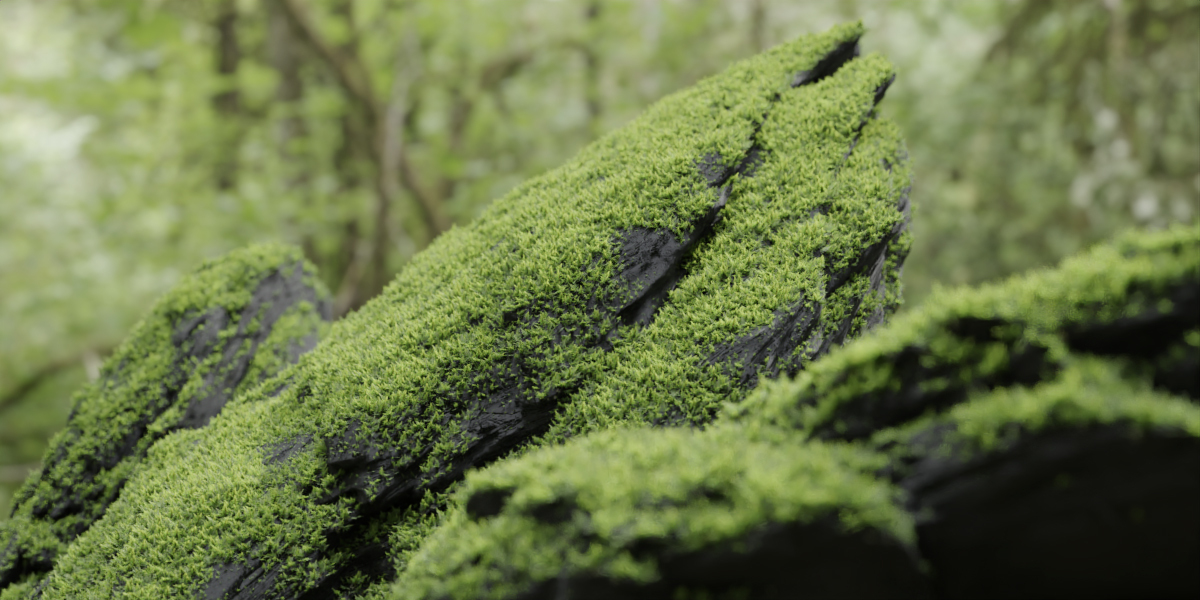
Quickgrass Pro is a Blender add-on for adding grass and vegetation to meadows, fields, and other natural landscapes. Its product listing describes support for both Eevee and Cycles, with grass that you can modify after adding it to a scene.
The add-on may suit a scene that needs broad grass coverage and uses either render engine. The listing gives no performance benchmarks, so test it in a representative scene before relying on it for a dense environment or final render.
Adding and adjusting grass
The vendor's setup guide gives these steps:
- Install the add-on in Preferences.
- Go to Scene Preferences.
- Press the “Add grass” button.
- Modify the grass on its modifier.
Render engines and Blender versions
Quickgrass Pro is listed as compatible with Eevee and Cycles. Superhive lists Blender versions 2.8 through 5.3. The AnyPlugins catalog lists 4.1 in its version field; check the product listing for current compatibility details before installing, especially if your Blender release is outside the listed range.
License
Superhive identifies the add-on's license as MIT. Review the product listing and license terms for the conditions that apply to your use.