Motioncraft is a Blender add-on by Domenas that creates keyframed motion based on a selected effect. It appears in the 3D Viewport’s N-panel under MotionCraft. The toolset is aimed at motion graphics tasks such as animating UI elements, product shots, logos and props, as well as moving cameras. The catalog record lists version 1.4.5.
Animation effects and controls
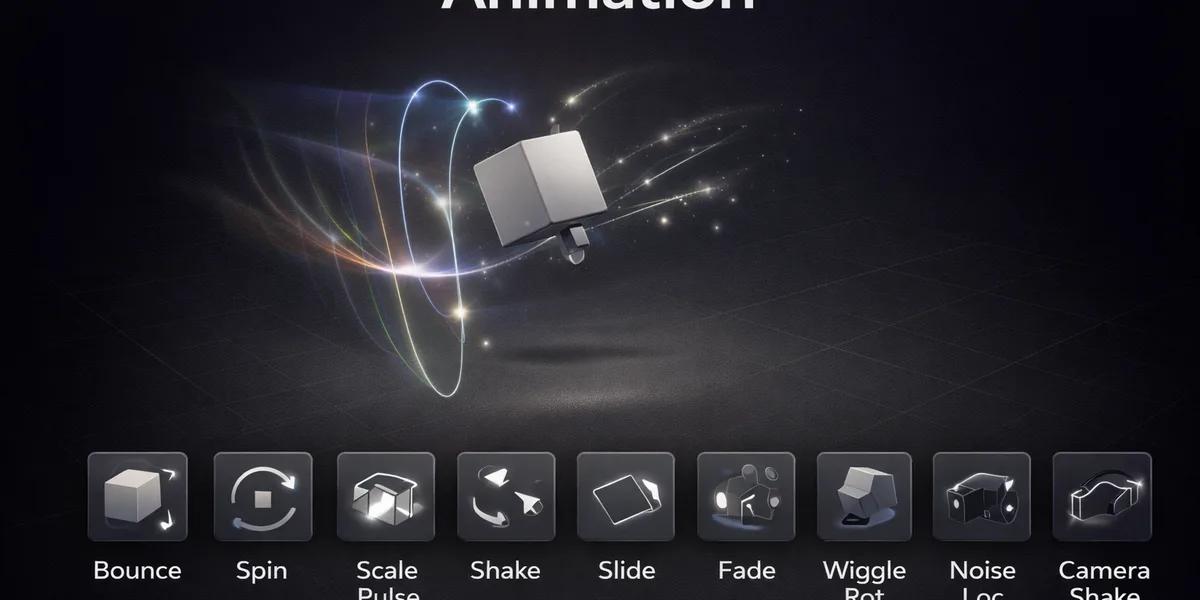
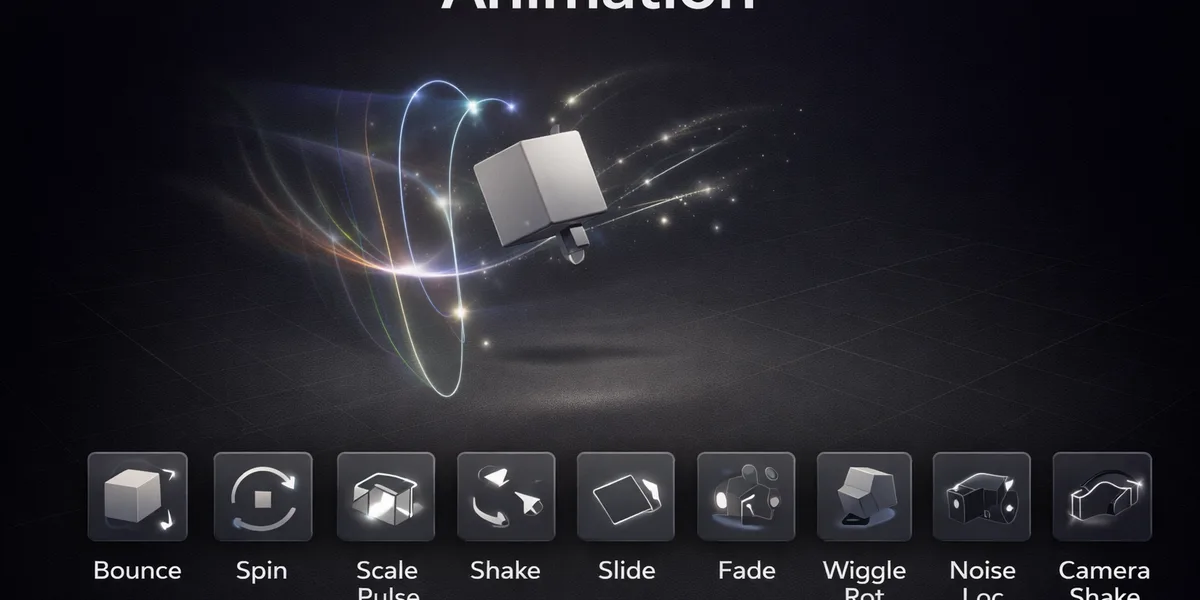
Motioncraft includes effects for object position, rotation and scale, camera motion, and material-alpha animation where applicable:
- Bounce, Spin on the Z-axis, Scale Pulse, Shake and Slide with return.
- Fade, which animates material alpha when applicable, and Pop In with overshoot scale.
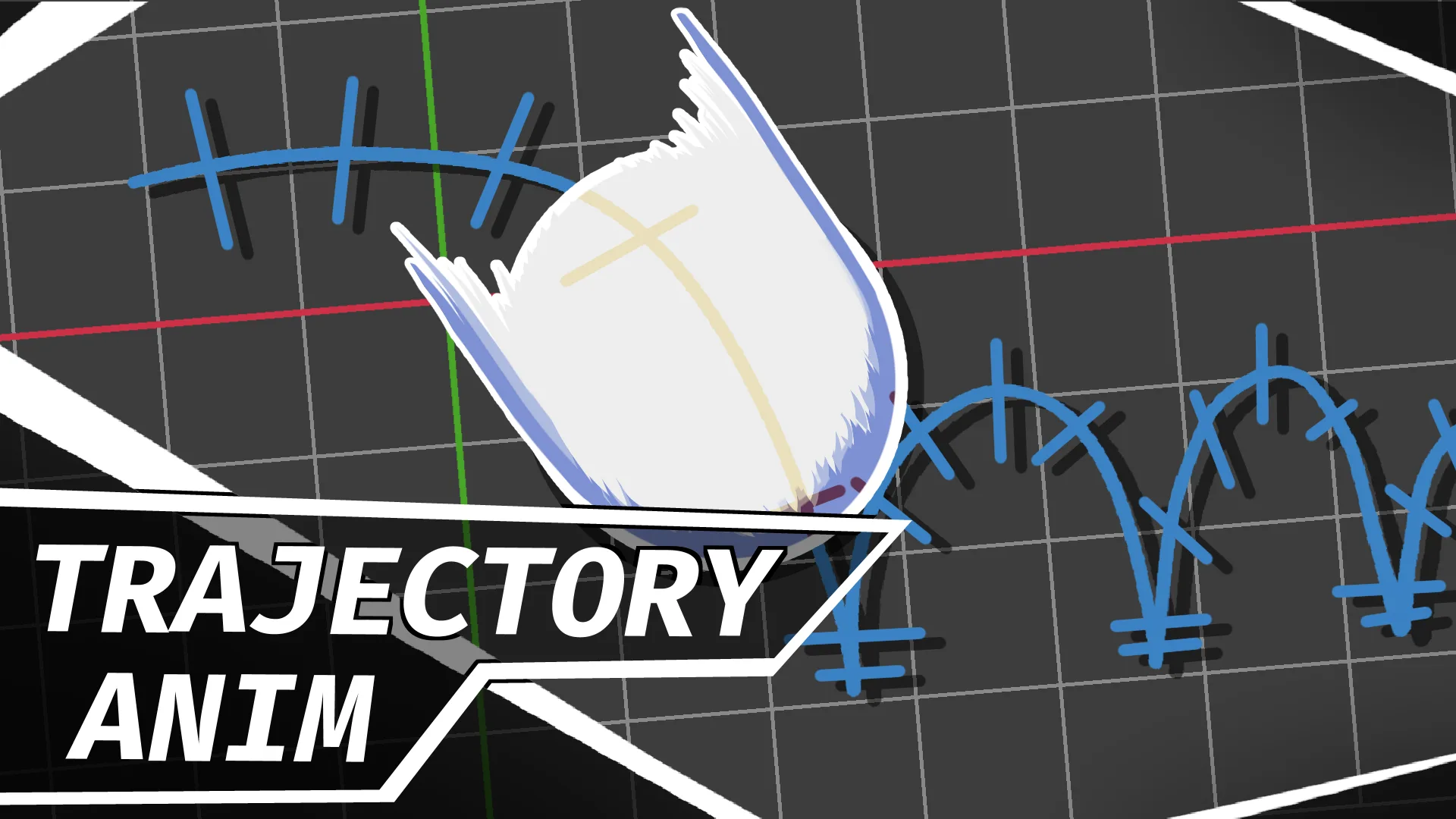
- Wiggle Rotation, Follow Controller, Noise Location, Camera Shake and Follow Path.
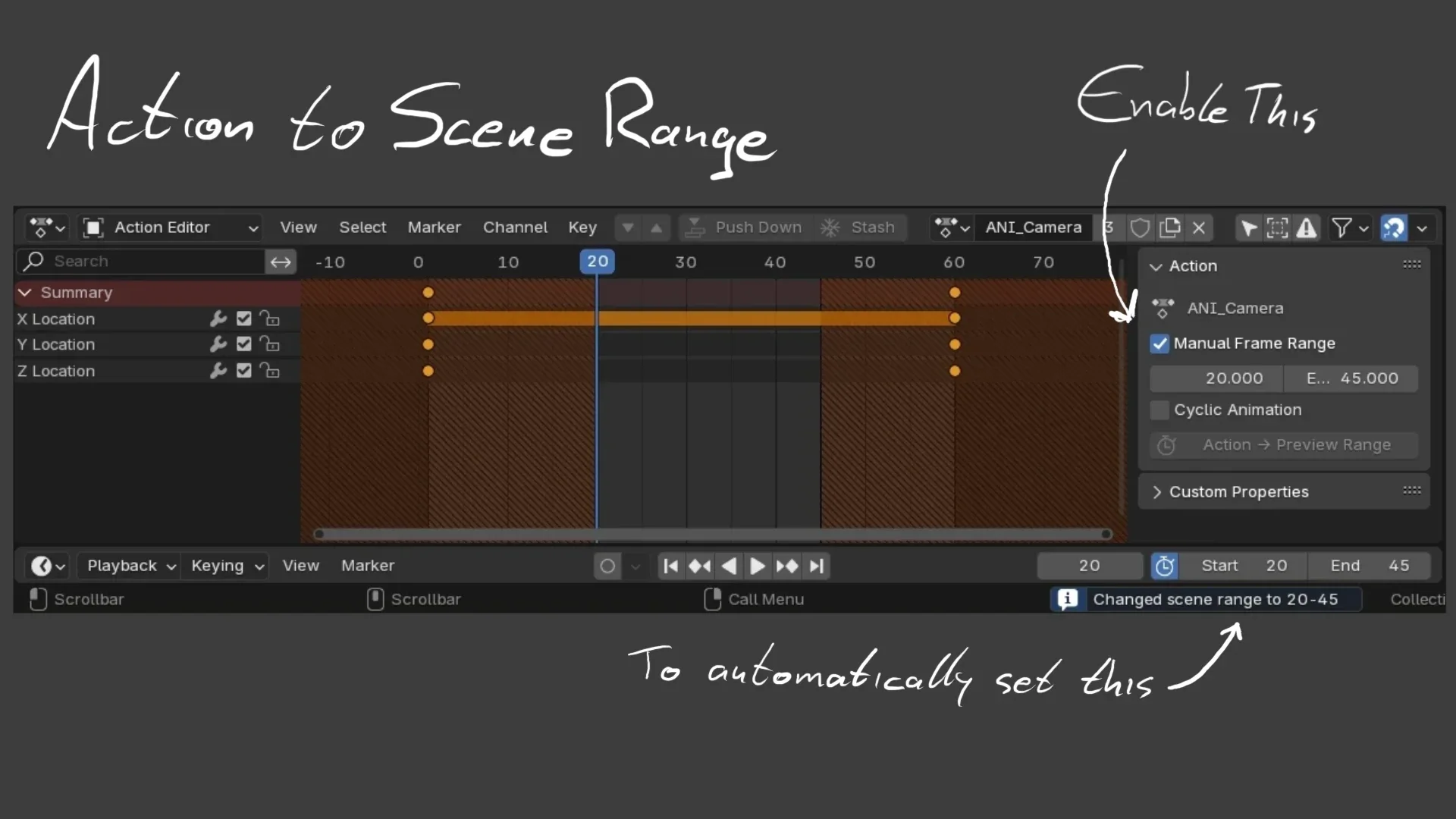
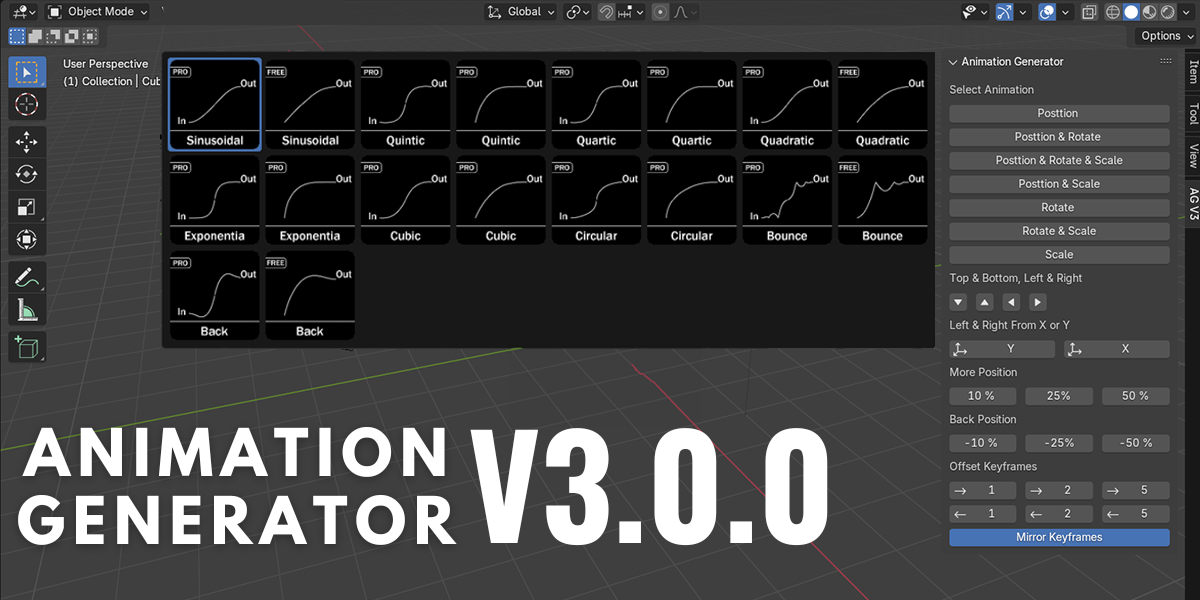
The documented supported object types are Mesh, Curve, Font, Empty, GPencil, Light and Camera. Apply an effect to selected objects or a whole collection, then adjust duration, strength, randomness and loop count. Object offset delays motion between objects; loop offset delays repeated cycles. Easing options include Default, Linear, Ease In/Out and Constant. You can also extend the scene’s end frame automatically.
Motion Chain adds a second effect after the first, with an adjustable strength multiplier. For Follow Path, select a Curve object.
Camera setup and cleanup
The camera tools use Blender’s native Track To constraint. They include Auto Follow Control, Camera Follow Active, front, side and top views, and Cam Distance, which is relative to the object’s size. These controls sit alongside the Camera Shake effect, so framing and camera motion are available from the same add-on panel.
When an animation is ready to finalize, Finalize & Detach removes animation curves and can also remove controllers. Bake & Detach CTRL bakes controller animation into the object and can remove the controller.
Installation, compatibility and license
- Download the ZIP package.
- In Blender, open Edit → Preferences → Add-ons → Install and select the ZIP.
- Enable the add-on, then open the 3D Viewport’s N-panel and choose MotionCraft.
The product listing specifies Blender 3.0–4.2, while the documentation says Blender 3.0 and newer. For releases later than 4.2, confirm compatibility with Domenas before relying on it in a project.
Motioncraft is licensed under GPL-3.0. GPL-3.0 permits use, modification and redistribution under its terms, including in commercial projects. GPLv3 requires a copy of the license with redistributed copies; the product documentation says to keep the © 2025 Domenas notice. Check the listing for the current product details.