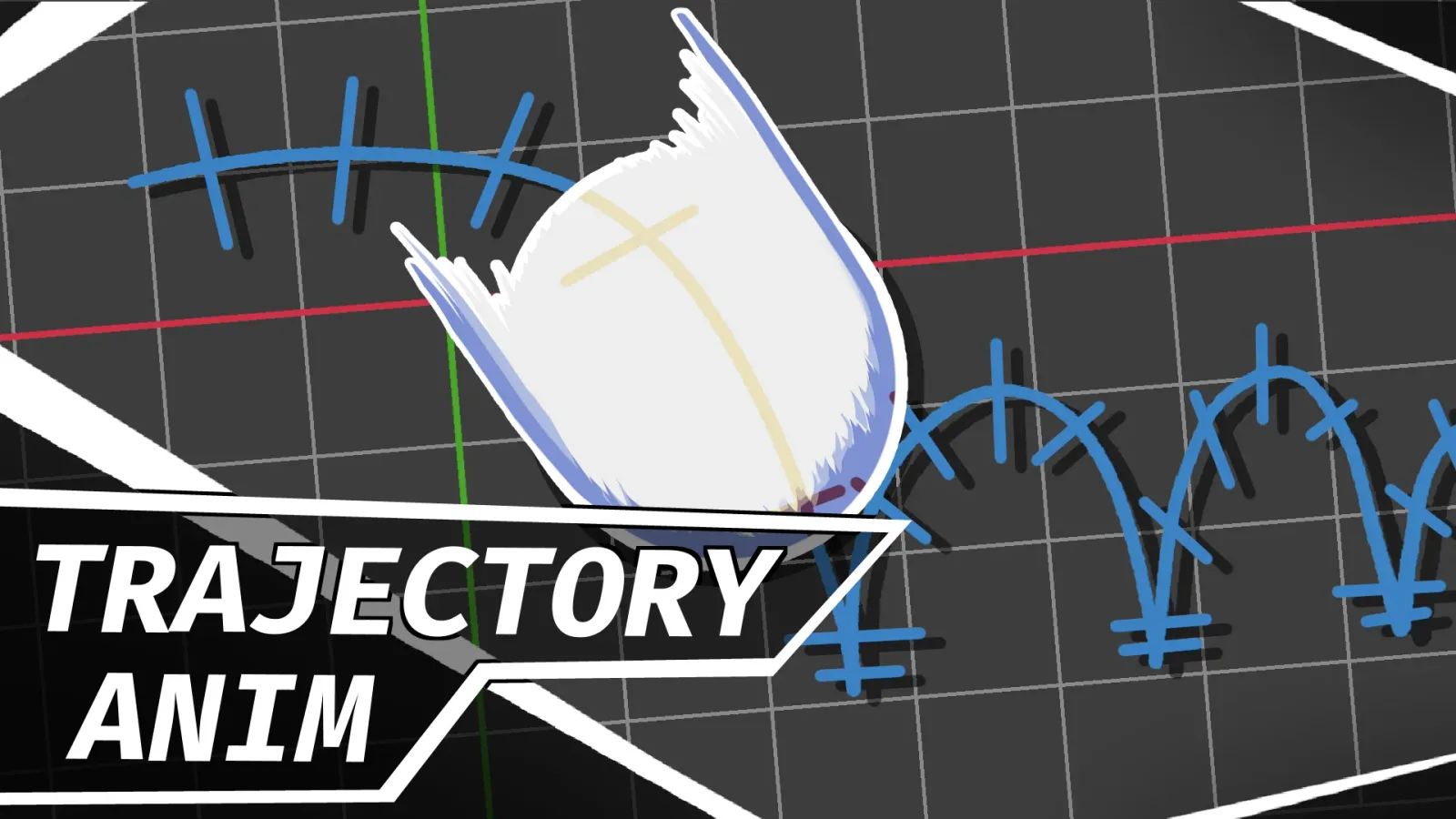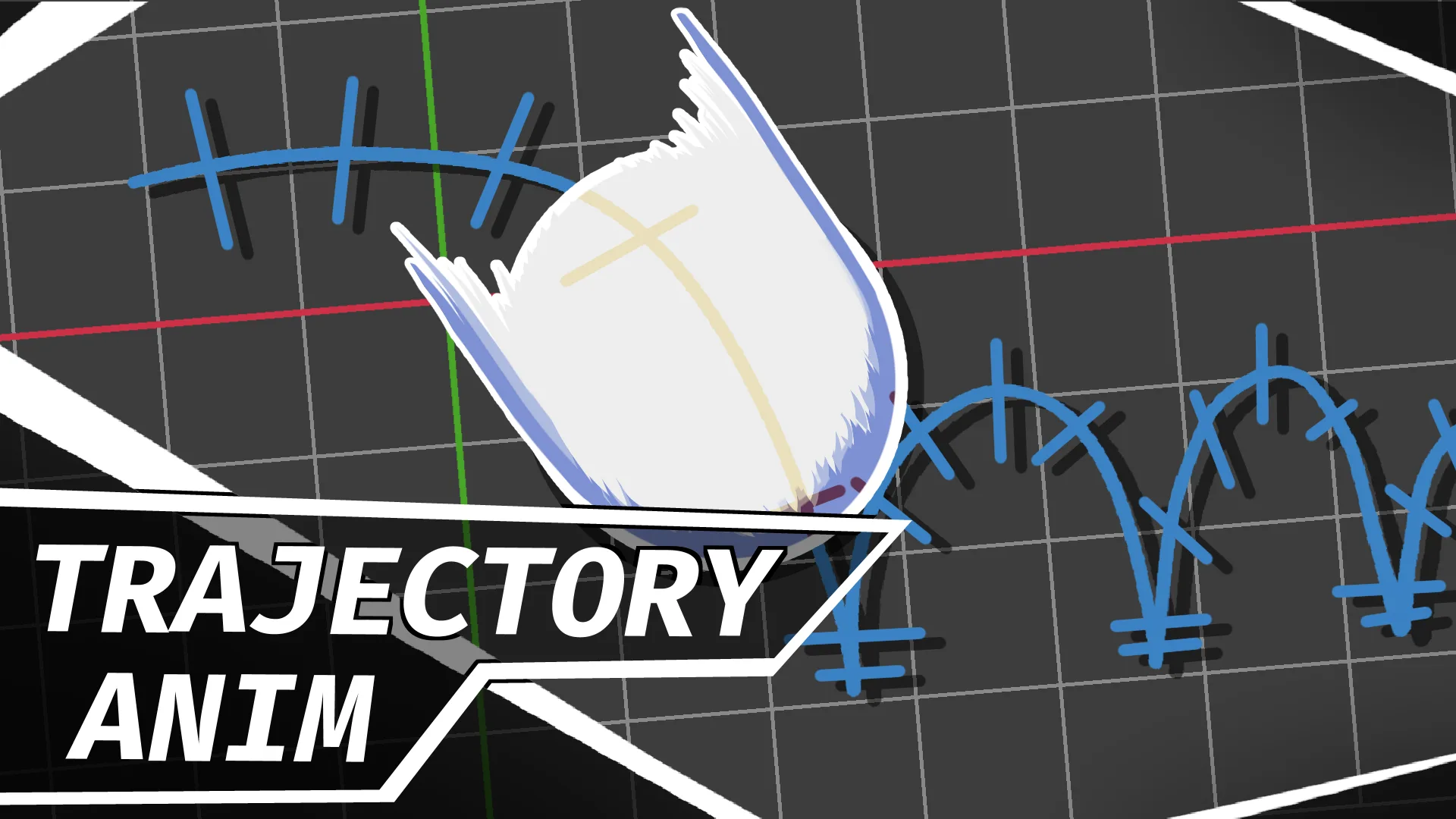
Trajectory Anim is a Blender add-on for turning a drawn trajectory into animation for an object or bone. Its TrajectAnim panel appears in the 3D Viewport. Draw a trajectory in the scene, then choose Animate Position or Animate Rotation. The Blender Extensions listing describes it in relation to Follow Path constraints.
Draw a path and animate an object or bone
- Select the object or bone you want to animate.
- Open the TrajectAnim panel in the 3D Viewport and draw a trajectory line with an Annotation, Grease Pencil, or Curve representation.
- Choose Animate Position or Animate Rotation in the main panel.
- For timing control with an Annotation or Grease Pencil trajectory, draw optional intersection lines to mark intermediate positions; the start and end points are added automatically.
A drawn line can define an object's route or its rotation.
Line types and timing controls
Trajectory Anim accepts Annotation and Grease Pencil strokes, as well as Curve objects. Its optional intersection-line timing chart applies to Annotation and Grease Pencil strokes; start and end points are added automatically, while Curve paths do not support intersections.
Blender compatibility and version 1.3.0
The Blender Extensions catalog record lists version 1.3.0 with Blender 4.3.0 as its minimum version. Some newer controls have a higher requirement: the Annotation Strokes update in 1.3.0 is for Blender 5.2 or later. It adds options to convert a curve to annotation, remove excess stroke, and self-intersect. Those annotation tools should not be expected in Blender 4.3 through 5.1. Blender’s 5.2 annotation release notes describe the underlying stroke changes. Check the version history before choosing a release for a particular Blender installation.
Who may find it useful
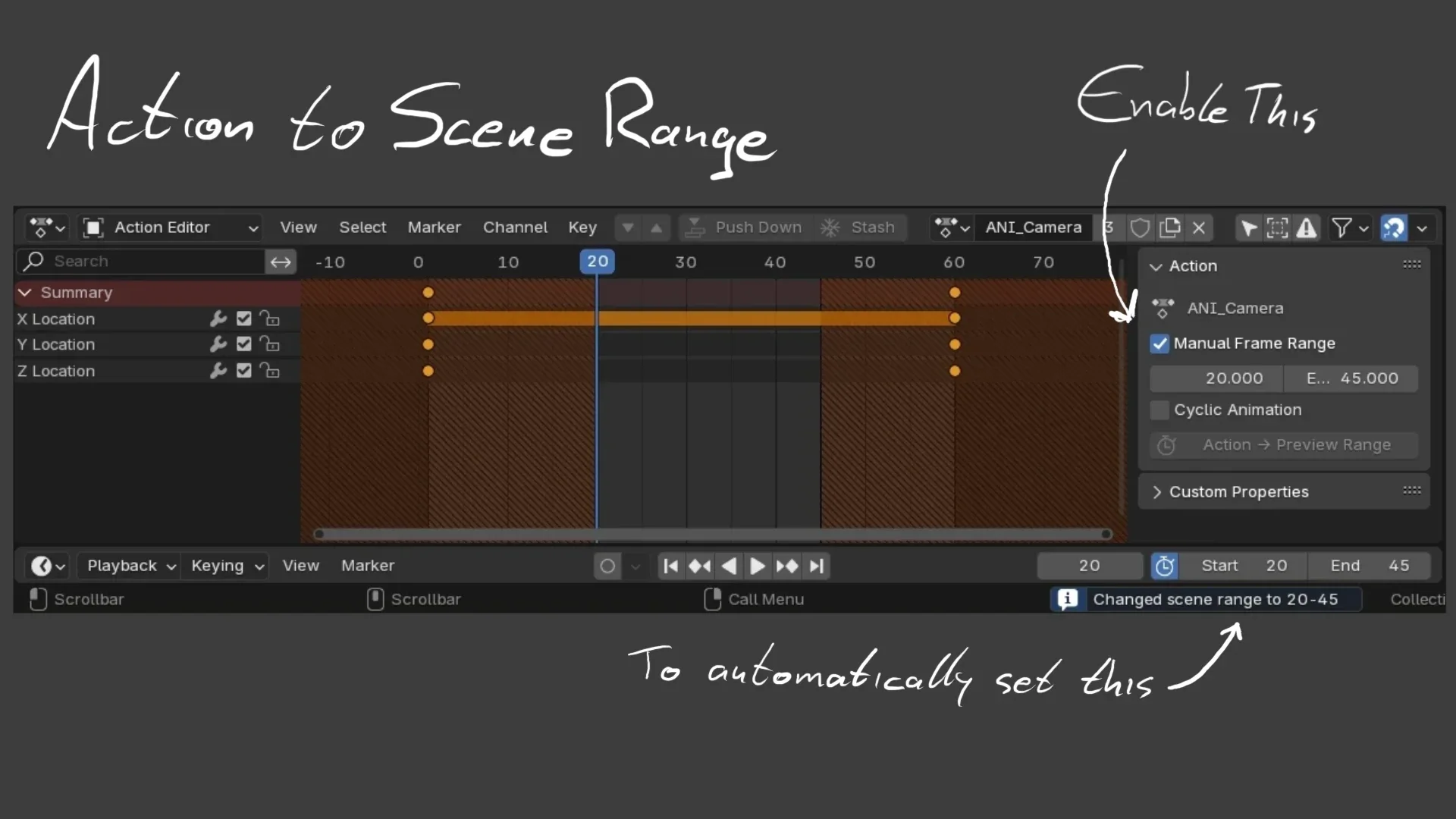
Trajectory Anim may suit Blender users who prefer drawing a route to setting up motion through a constraint workflow, especially when they use Annotation or Grease Pencil strokes with a timing chart. It can animate multiple objects or bones, use global or local orientation, snap movement to the path or make it relative to the current position, and set a duration or frame step. The catalog record lists the add-on under the GNU General Public License v3.0 or later; see the license text for its terms.