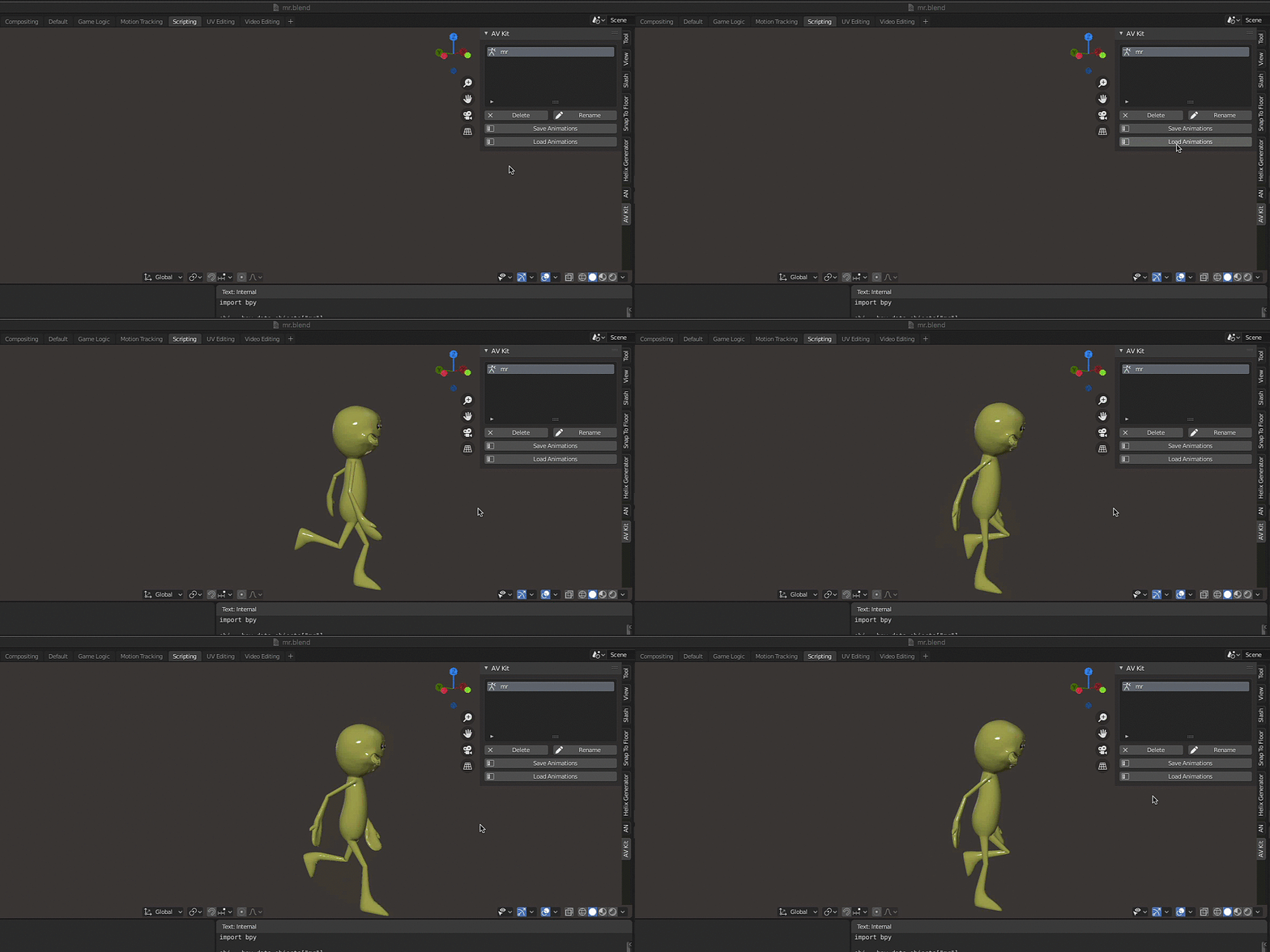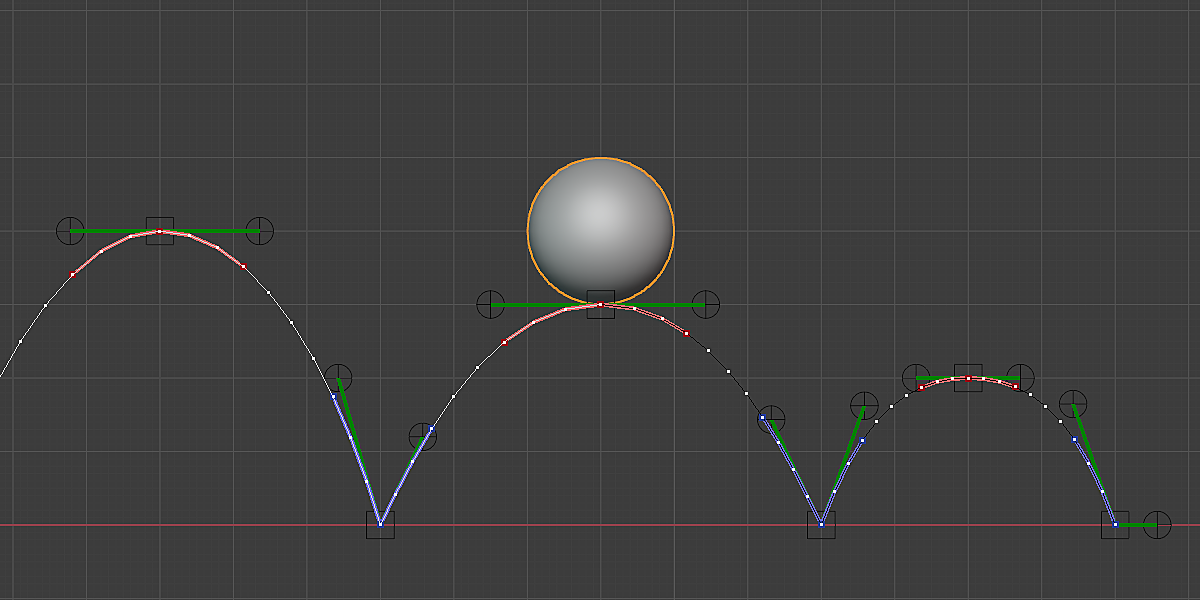
Motiontrail3D is a Blender add-on for editing character-bone motion paths in the 3D viewport. Its trail points and handles are Blender objects, so you can select and transform them with Blender's usual tools, and add or delete keys through standard keyframe operations. The trail updates as you change the target's local channels, including during playback, according to the Superhive product listing.
Editing trails in Blender
Selection sync can keep key and handle selections aligned between the Graph Editor and the motion trail controls. If a dense set of keys makes the viewport hard to work in, you can hide point, handle, and time controls separately.
If you already have a legacy build, the product instructions say to unzip it, then use Blender's File > User Preferences > Add-on tab > Install Add-on command and select the appropriate Python add-on file. Enable it with its checkbox. Save As Default keeps it enabled by default. The supplied documentation disagrees on the button location: the product description lists 3D View > UI Panel > Animation, while the FAQ's installation steps list 3D View > UI Panel > Tool. The product FAQ includes troubleshooting notes.
Compatibility and availability
Superhive lists Blender 2.81, 2.82, 2.83, and 2.9. A May 2024 update says the older builds were made free after support for then-current Blender versions lapsed. It says future builds for Blender 3.6 through 4 might require a separate purchase. The add-on is listed under the GPL, and the product page displays a "Currently unavailable" notice. Check the current listing for download availability, terms, and compatibility before planning to use it. The source does not establish support for newer Blender releases.
Limits and troubleshooting
- Only changes to a trail target's local channels appear in real time. Changes to its parent hierarchy or constraint dependencies need a trail refresh. You can mark other trails as hierarchy dependencies so they update with a parent.
- The developer lists two bone cases that can make a trail behave incorrectly: Use Local Location is disabled, or Inherit Rotation is disabled.
- If a control is selectable but snaps back when you move it, the FAQ recommends Bezier interpolation with Free or Aligned handles. Blender handles Auto, Auto Clamped, and Vector automatically. If controls cannot be selected, check that the mode is not locked and Blender is in Object Mode.
- The FAQ reports that a trail may not update after moving controls in Blender 2.80 and recommends Blender 2.81. Blender 2.80 is not among the versions listed on the product page.
- Trail controls are pooled and reused. Do not animate, constrain, reparent, or delete them during normal work; those actions are undefined behavior. Add and remove keys through Blender's usual keyframe operations. The developer says Auto Keying can remain on.
During playback, transforming controls may fail on some systems, especially when the animation is running at 60 fps and Blender misses its target frame rate. Dense keys can also clutter the trail, so selection sync and hiding individual control types may help.