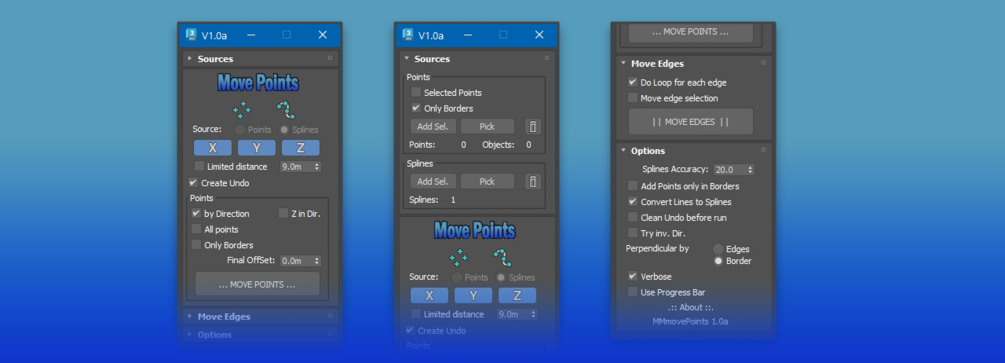
Move Points is a 3ds Max modeling tool for moving mesh points to a point or spline source. For spline sources, it can move points along a direction perpendicular to the selected point or move them by edges. The tool's main code uses .NET C# and the MAX SDK for mesh-point operations.
Point and spline workflows
Use a point source when the destination is an existing point. With a spline source, choose the perpendicular-direction or edge-based option. The listing also says the spline approximation algorithm was rewritten for greater speed and accuracy.
Install and add it to a menu
- Drag the MZP file into the 3ds Max viewport, or open Menu > Scripts and run the script.
- To add the tool to a custom menu, find it under the MMtools category and drag it into the menu.
Registration and compatibility
A register file is required to run Move Points. After installation, open the tool to display its MachineID, then email the code, including its spaces, to [email protected] to request the file. The catalog labels the download as free, while the developer's page lists it at €10+; check that page for current price and licensing terms.
The developer lists support for 3ds Max 2023 through 2027, excluding 2025; the catalog's compatibility field lists 3ds Max 2023 and describes support through 2026, also excluding 2025. Confirm your exact version on the developer's Move Points page before installing. The ScriptSpot entry is also listed as a product reference.