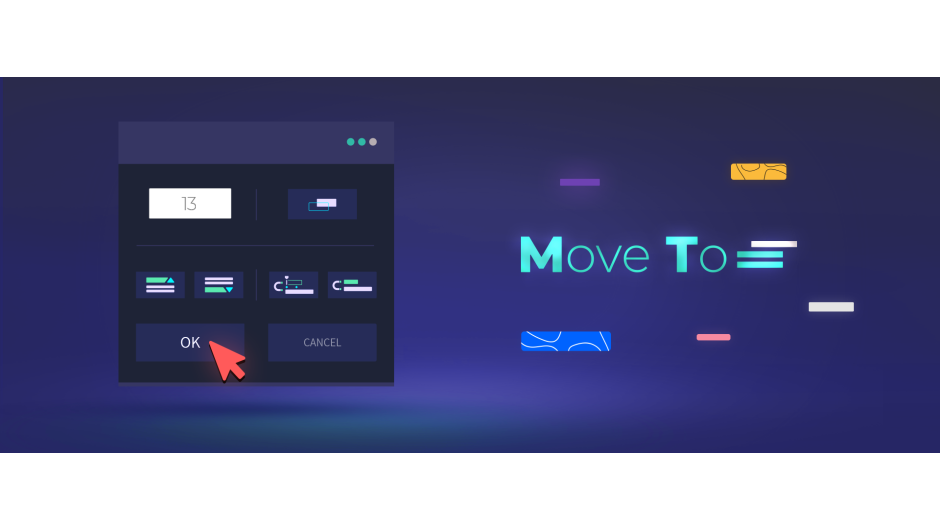
Move To is an After Effects timeline utility by Script-Fighter. It provides shortcut access to layer placement, duplication, alignment and trimming commands.
Layer actions
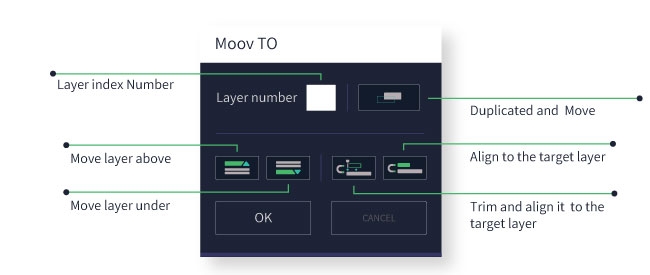
Open Move To with a shortcut to use these commands:
- Move the selected layer above or below a target layer.
- Duplicate the selected layer and move the copy.
- Align the selected layer to a target layer and move it.
- Move layers to the first selected layer.
- Move the selected layer and trim it to its keyframes.
Compatibility and requirements
The aescripts listing says Move To supports Mac and Windows and works with After Effects CC and higher. Its compatibility list names releases from CC through After Effects 2022, including CC 2014. Check with the seller about newer numbered releases, which are not named in that list. You need After Effects installed and an internet connection for the license system.
Price and trial
When retrieved on November 22, 2026, the aescripts listing showed a price of $8.00 and a 25% discount at checkout. It also listed a free trial. Check the listing for current pricing, offer and trial details.