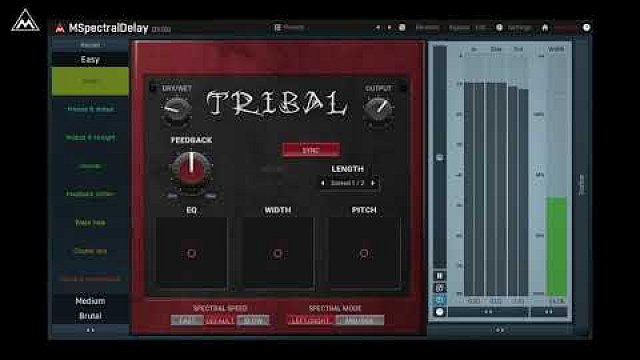
MSpectralDelay is a spectral-domain delay effect. You can set delay time, feedback, panorama, and level for individual frequencies, then reshape the feedback signal with pitch shifts, frequency shifts, formant changes, or frequency and level mappings. Conventional feedback delays repeat similar copies of the input; MSpectralDelay can give different frequency regions distinct echo behavior.
Shape the repeats by frequency
The Delay graph sets delay time across source frequencies. Feedback, EQ, and panorama controls shape the repeats further, adjusting feedback, level, and stereo position. The Transformation graph maps source frequencies to output frequencies, while the level transformation graph can create spectral compression or gating.
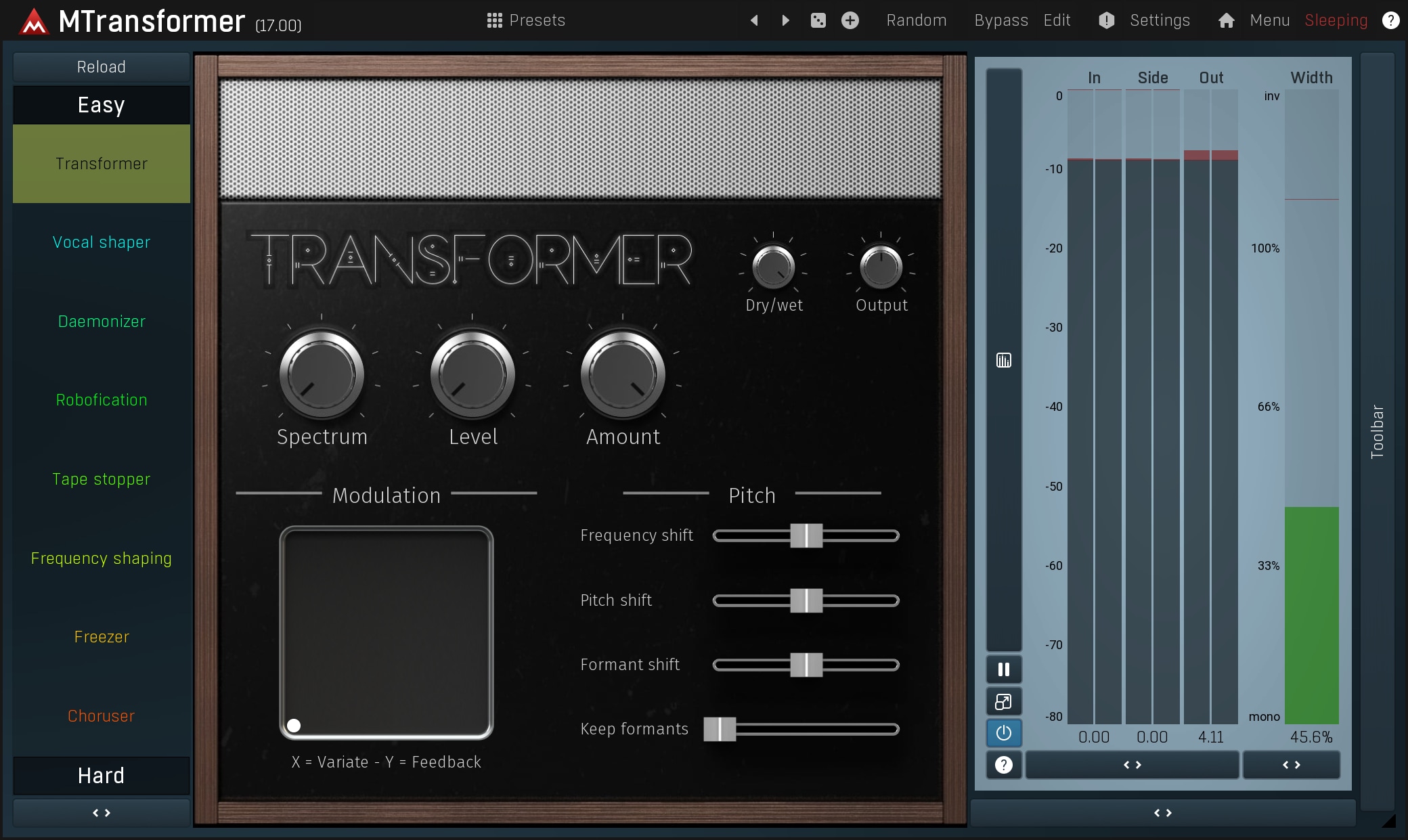
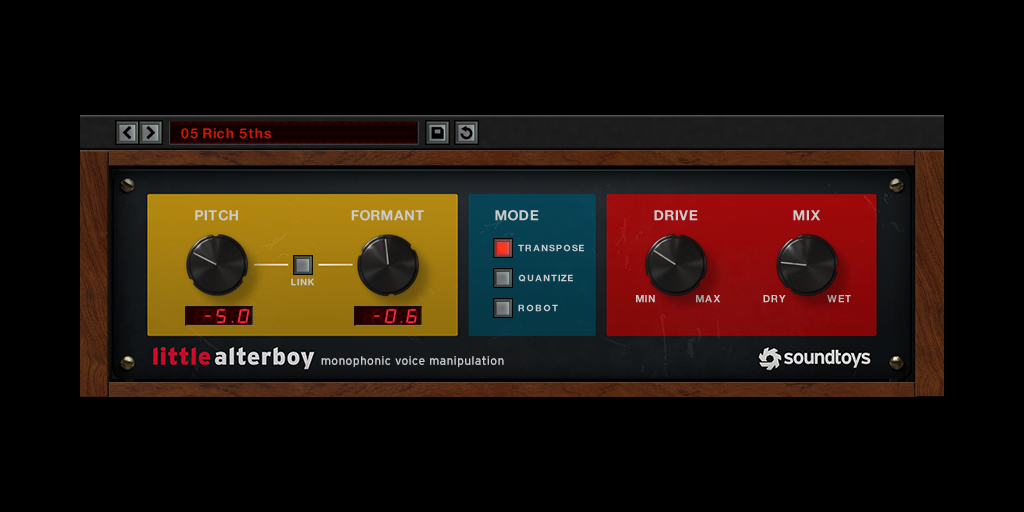
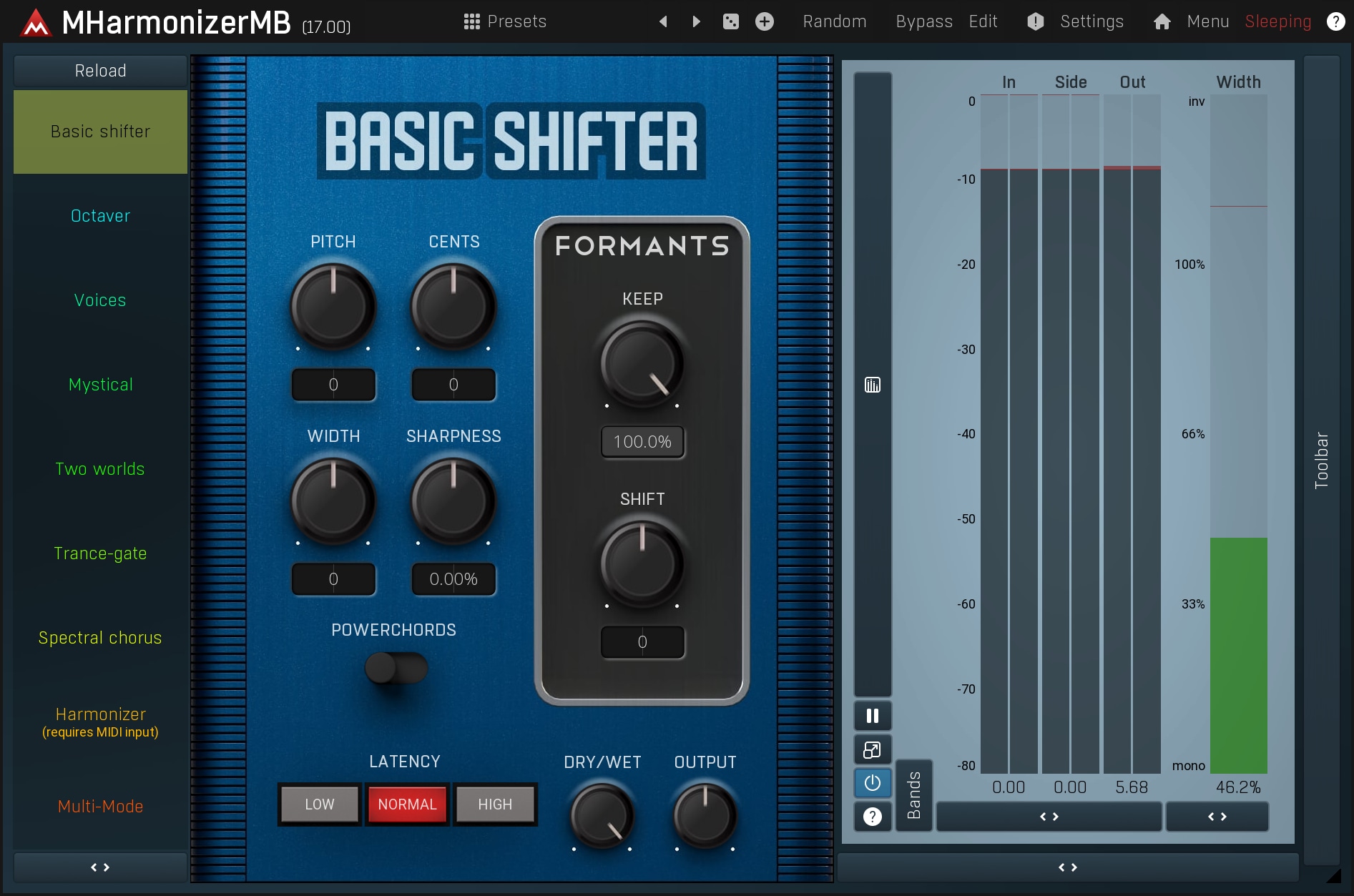
For direct pitch changes, the documented Pitch shift control spans -24 to +24 semitones. Frequency shift spans -1000 to +1000 Hz; larger shifts can make the sound less harmonic and more distorted. Keep Formants attempts to preserve the spectral envelope during pitch changes. These controls make the plugin useful for designed echoes, shifting repeats, and other sound-design work where the delayed signal needs to change across its spectrum.
Start with a device, then edit
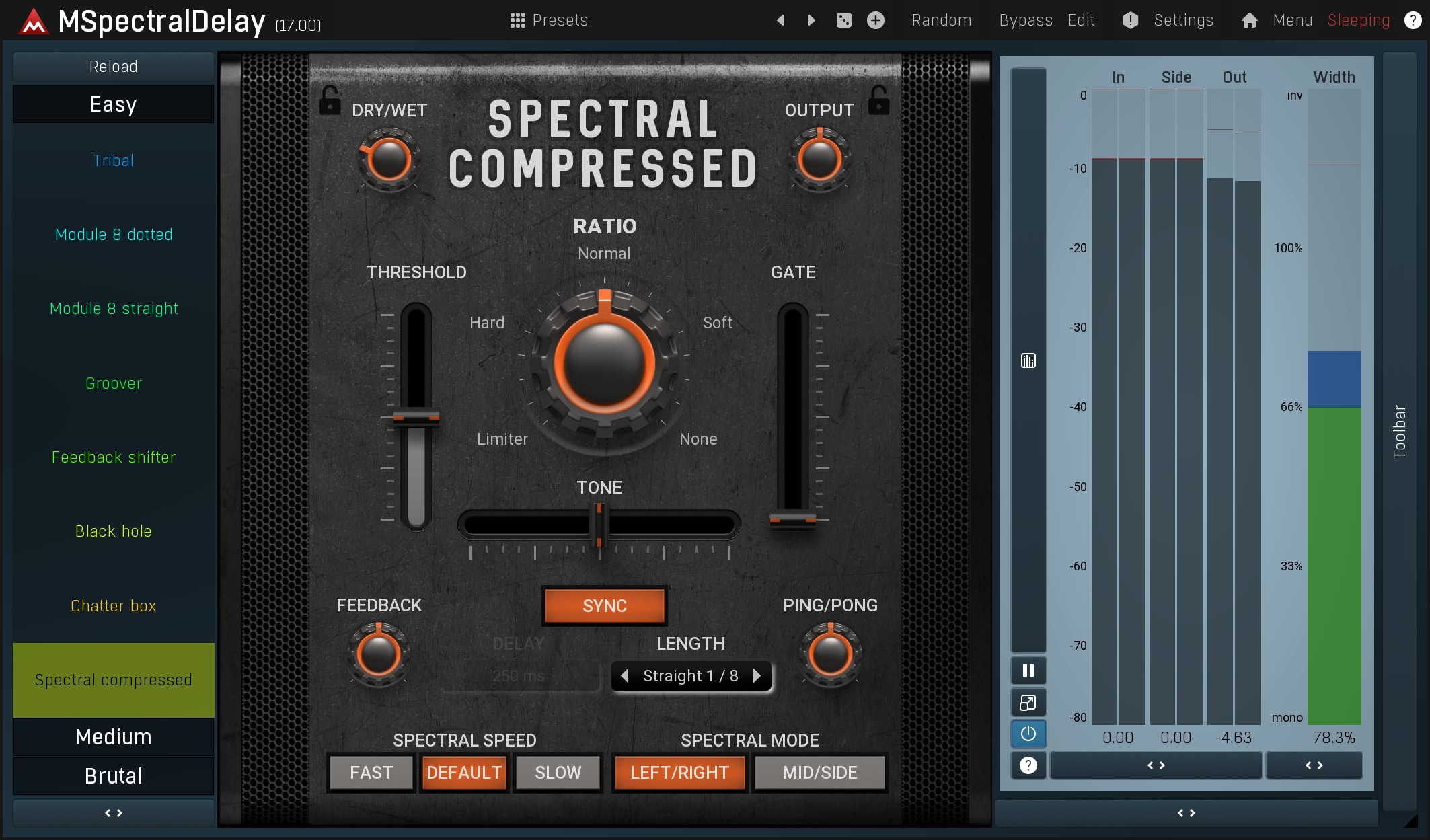
The Easy screen presents purpose-built devices with macro controls for common tasks. Switch to Edit to reach the full parameter set and spectral graphs. Factory devices cannot be edited directly, but you can build a custom Easy screen from multiparameters and save it as a preset. The quick-start guide explains both screens and the main controls.
For comparisons, A-H slots hold up to eight settings; the first four can be morphed with an X-Y pad. This is useful for comparing variations or blending between settings without rebuilding each one.
Modulation and tempo sync
Four modulators can work as LFOs, level followers, MIDI- or audio-triggered envelopes, randomizers, or pitch detectors. They can respond to the sidechain and control other parameters, including other modulators. Oscillators and modulators can sync to host tempo, and the delay has note-length synchronization controls.
Latency and output behavior
Spectral processing works in audio blocks, so it adds latency. A larger buffer usually provides more detail and adds CPU use and latency; with some settings, an overly large buffer can also produce time-smearing. Lower resolution uses more CPU but preserves more time-domain characteristics. Micro-delay can improve timing accuracy at additional CPU cost. The feature page also lists automatic gain compensation to help compare settings at similar loudness and a safety limiter designed to keep output below 0 dB.
Compatibility and licensing
- Windows: Windows 10 or 11, 64-bit, with VST, VST3, or AAX hosts and an Intel or AMD processor with SSE2 support.
- macOS: macOS 10.14 Mojave or newer, 64-bit, with VST, VST3, AU, or AAX hosts; Intel, AMD, and Apple Silicon CPUs are listed.
MeldaProduction says Linux is not directly supported. Its support page links to the quick-start guide, full PDF manual, and current system requirements. The product page offers a trial. The vendor says activation uses a personal license file, requires no dongle or internet access, and permits the license holder to use the software on their own computers. Purchases include free updates, according to the product page.