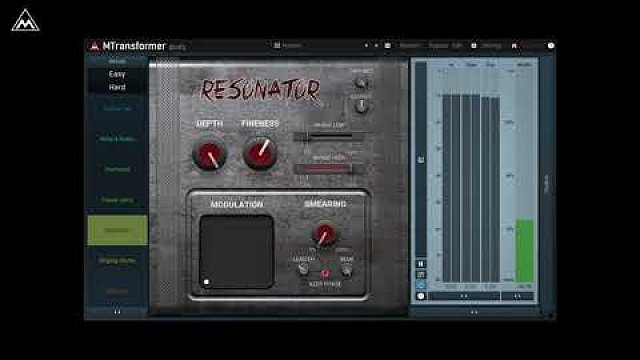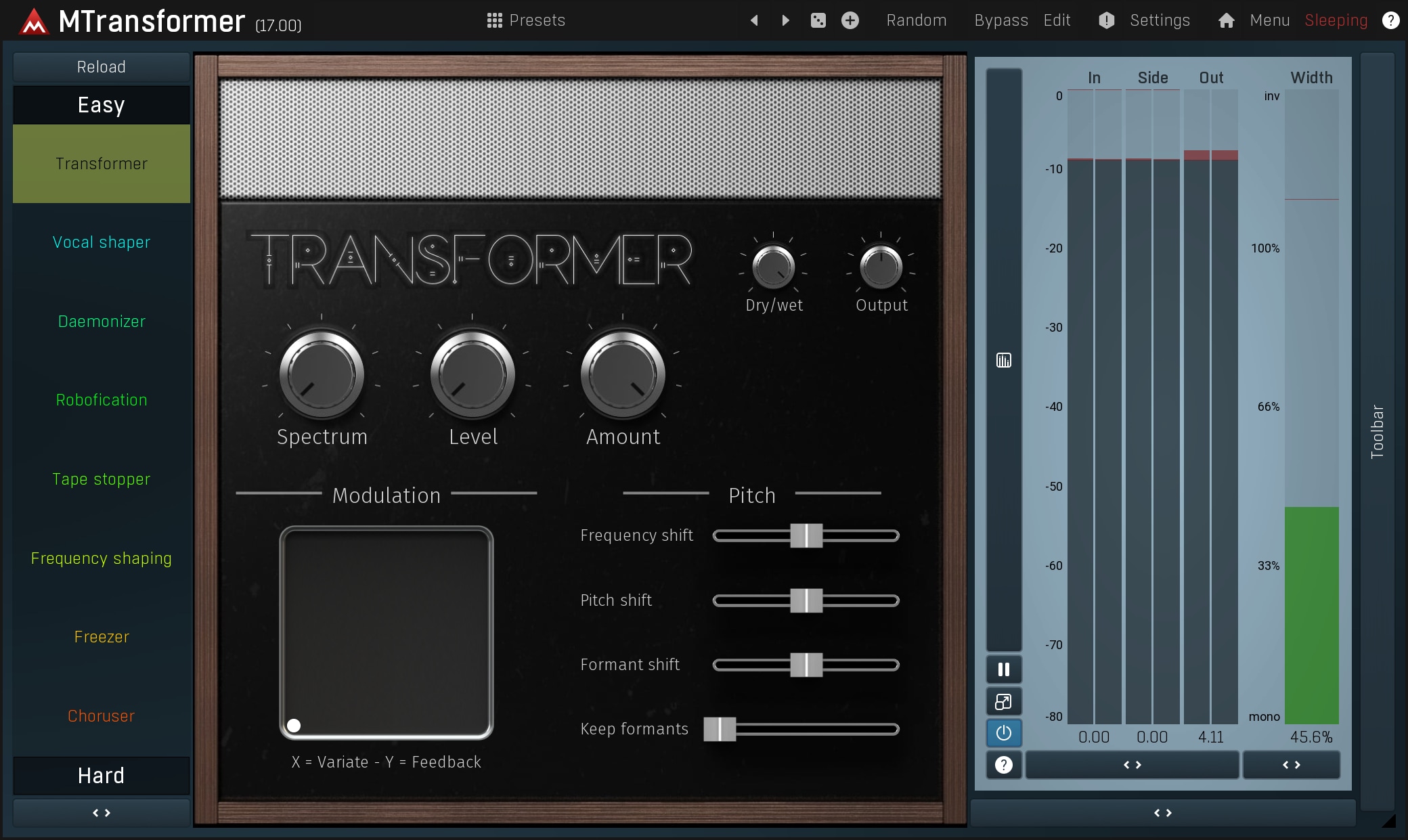
MTransformer is a spectral audio processor for reshaping how an input signal’s frequencies and levels appear at the output. Its frequency graph maps input frequencies to chosen output frequencies, while a separate level graph can change levels according to the input level at each frequency. Pitch and spectral-envelope controls add options for vocal processing and more extreme sound design.
Shape pitch, frequency and level
Pitch shift changes pitch in semitones, while frequency shift moves frequencies by a set amount. MTransformer’s guide gives ranges of -24 to +24 semitones for pitch shift and -1000 to +1000 Hz for frequency shift. As frequency shifting increases, harmonic relationships weaken and the sound can become dirtier and more distorted.
The level graph can produce spectral compression or gating. For monophonic sources such as vocals, Keep below pitch uses the pitch detector to leave content below the current pitch unprocessed, which can reduce artifacts caused by low-frequency rumble. Keep formants can reduce changes to the spectral envelope during pitch shifting; Formant shift adjusts the formant information separately and generally does not shift pitch.
Choose a quick setup or detailed control
The Easy screen presents task-focused devices with a small set of multiparameter controls. The Edit screen exposes the full parameter set for deeper adjustments. Factory devices cannot be edited directly, but you can configure your own controls and save them as a preset. A-H slots support comparisons, and an XY pad can morph among the first four slots.
Four modulators can act as LFOs, level followers, MIDI or audio-triggered ADSR envelopes, randomizers, pitch detectors, or combinations of these. They can also use a sidechain. MIDI learn lets a controller or keyboard operate plugin parameters. Automatic gain compensation helps keep output loudness close to the input while comparing settings, and a safety limiter keeps output below 0 dB.
Latency, formats and activation
Spectral processing divides audio into blocks, which adds latency. The buffer-size control affects latency and processing detail: larger settings generally use more CPU and can cause time smearing with some settings. Check this trade-off in latency-sensitive sessions. The MTransformer quick-start guide explains the controls.
MTransformer supports 64-bit VST, VST3 and AAX on Windows, and VST, VST3, AU and AAX on macOS. MeldaProduction lists Windows 10 or 11 and macOS 10.14 or newer as supported systems. Windows requires an Intel or AMD processor with SSE2 support; macOS supports Intel, AMD and Apple Silicon CPUs. Linux is not directly supported, though MeldaProduction says running the plugins through Wine may be possible. See the feature details and support information before installing.
Activation uses a license file and does not require a dongle or internet access. The license is for an individual user, who can use it on all of their computers. The product page provides a trial route through MeldaProduction’s downloads, so you can check compatibility with your host.