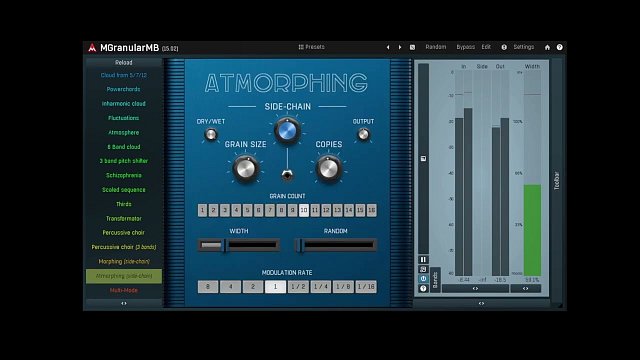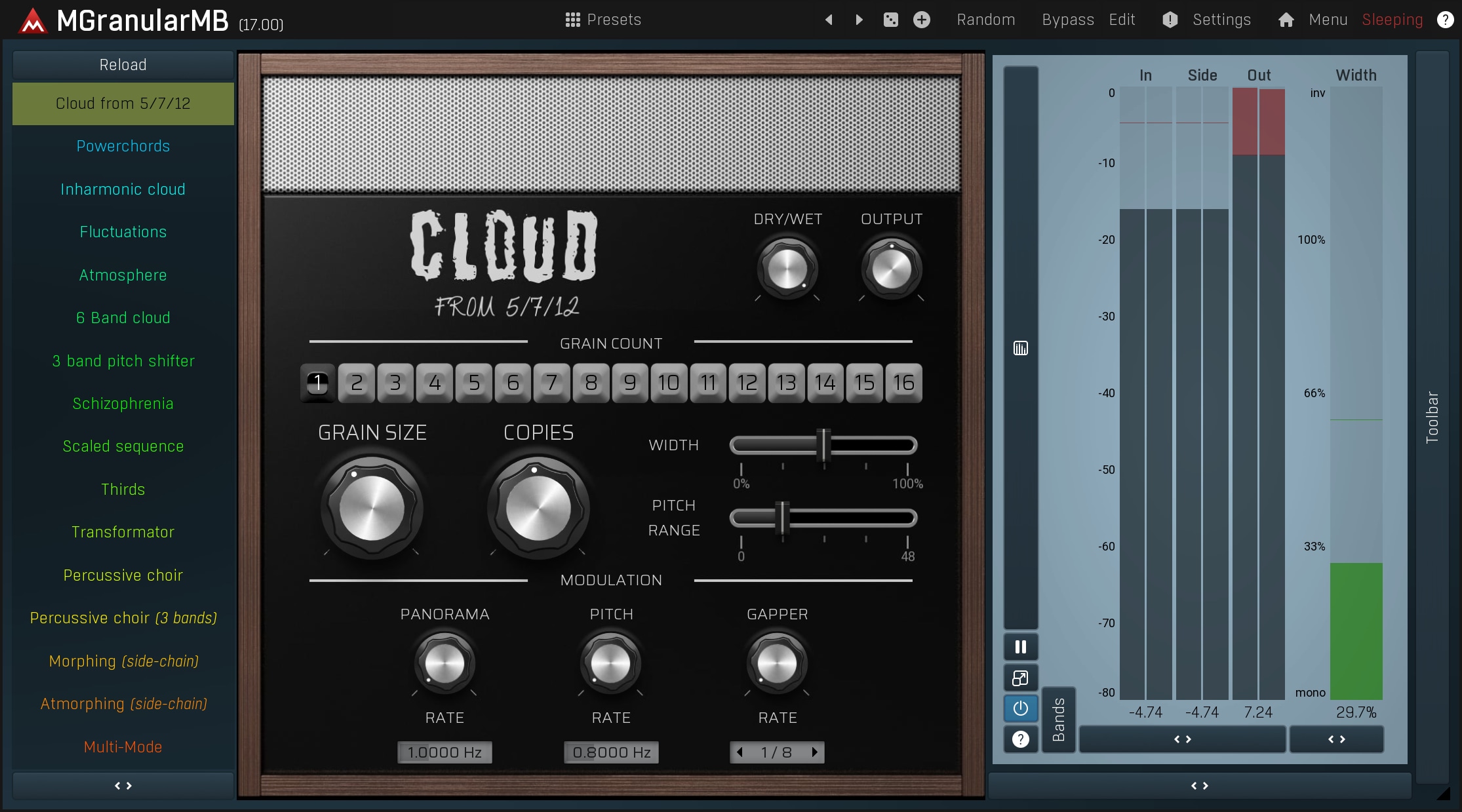
MGranularMB is a granular effect that cuts incoming audio into small grains and rearranges them into new sounds. MeldaProduction describes uses such as turning a lead into a pad, reshaping drums, and creating risers. Grain size can range from 1 ms to 10 seconds, with controls for pitch, panning, level, timing, and repeated copies. The feature list and quick-start guide explain the controls in more detail.
Start with a preset, then shape the grains
The easy screen presents devices with a small set of task-focused controls. Select one to get a quick starting point, then switch to the edit screen for the full parameter set. You can also save your own presets and reuse them in other projects.
In edit mode, grain controls let you vary size and pitch, shift the voice across the stereo panorama, add up to 20 copies, and change each grain's time mapping with transformation graphs. A reverse graph, for example, can read a grain from end to beginning. Freeze stops new grains from entering and keeps the grains already in use. Random settings can add differences between grains or vary the result when playback restarts.
Process bands and add movement
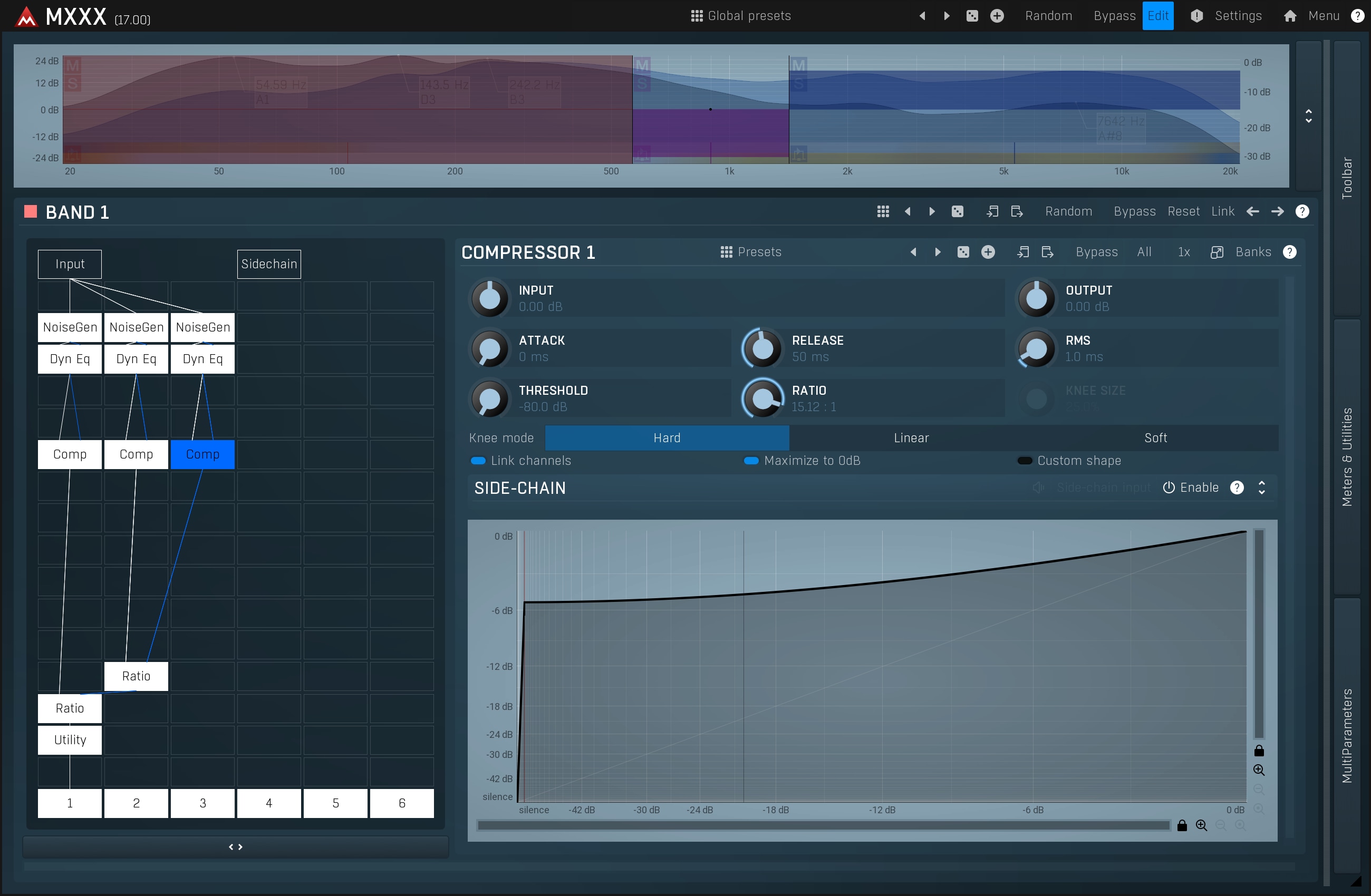
MGranularMB can split audio into as many as six bands. Depending on the selected crossover, bands can be separated by frequency, level, panorama, mid-side position, transient or tonal content, or handled in parallel. This lets you focus a granular treatment on a particular frequency range or part of a stereo signal. MGranularMB also supports mono and stereo, mid-side and separate left/right processing, up to eight-channel surround, and up to 64-channel ambisonics.
Four modulators can control plugin parameters. They can act as LFOs, level followers, envelopes triggered by MIDI or audio, randomizers, or pitch detectors, and can respond to a side-chain input. MIDI learn and multiparameters provide additional ways to control several settings from a controller or a single macro. Devices that require MIDI or side-chain input need the corresponding routing in your host.
Who it suits
MGranularMB suits producers and sound designers who want to turn existing audio into pads, evolving textures, or more heavily reshaped drums. The easy screen offers a simpler entry point; the edit screen exposes a large set of grain, crossover, and modulation controls for more deliberate sound design. Its range can be more than needed if you only want a basic pitch or level adjustment.
Compatibility, trial, and licensing
MeldaProduction lists 64-bit VST, VST3, and AAX support on Windows, and VST, VST3, AU, and AAX support on macOS. The stated minimums are Windows 10 or 11 with an Intel or AMD processor supporting SSE2, or macOS 10.14 Mojave or later on Intel, AMD, or Apple Silicon. Linux is not directly supported; the vendor says running through Wine may be possible with Microsoft TrueType fonts installed in Wine's Windows Fonts directory. See the support page for platform details.
The product page offers a trial download alongside a purchase option. MeldaProduction says activation uses personal license files and requires neither a dongle nor an internet connection; the license can be used on the owner's computers. Online preset exchange does require an internet connection. The vendor also lists free updates with purchase.