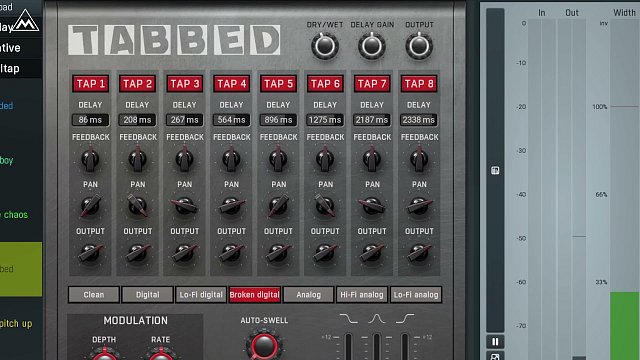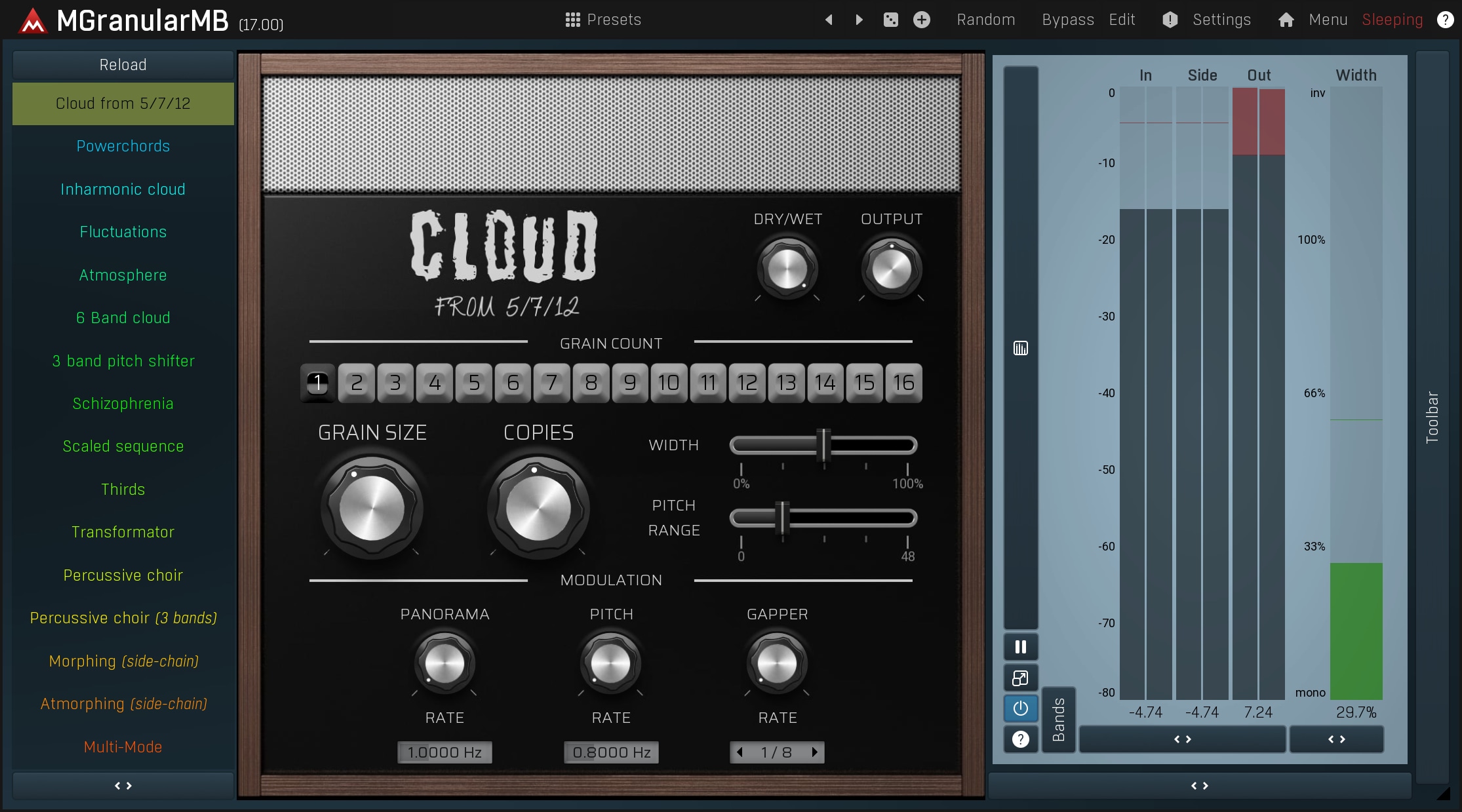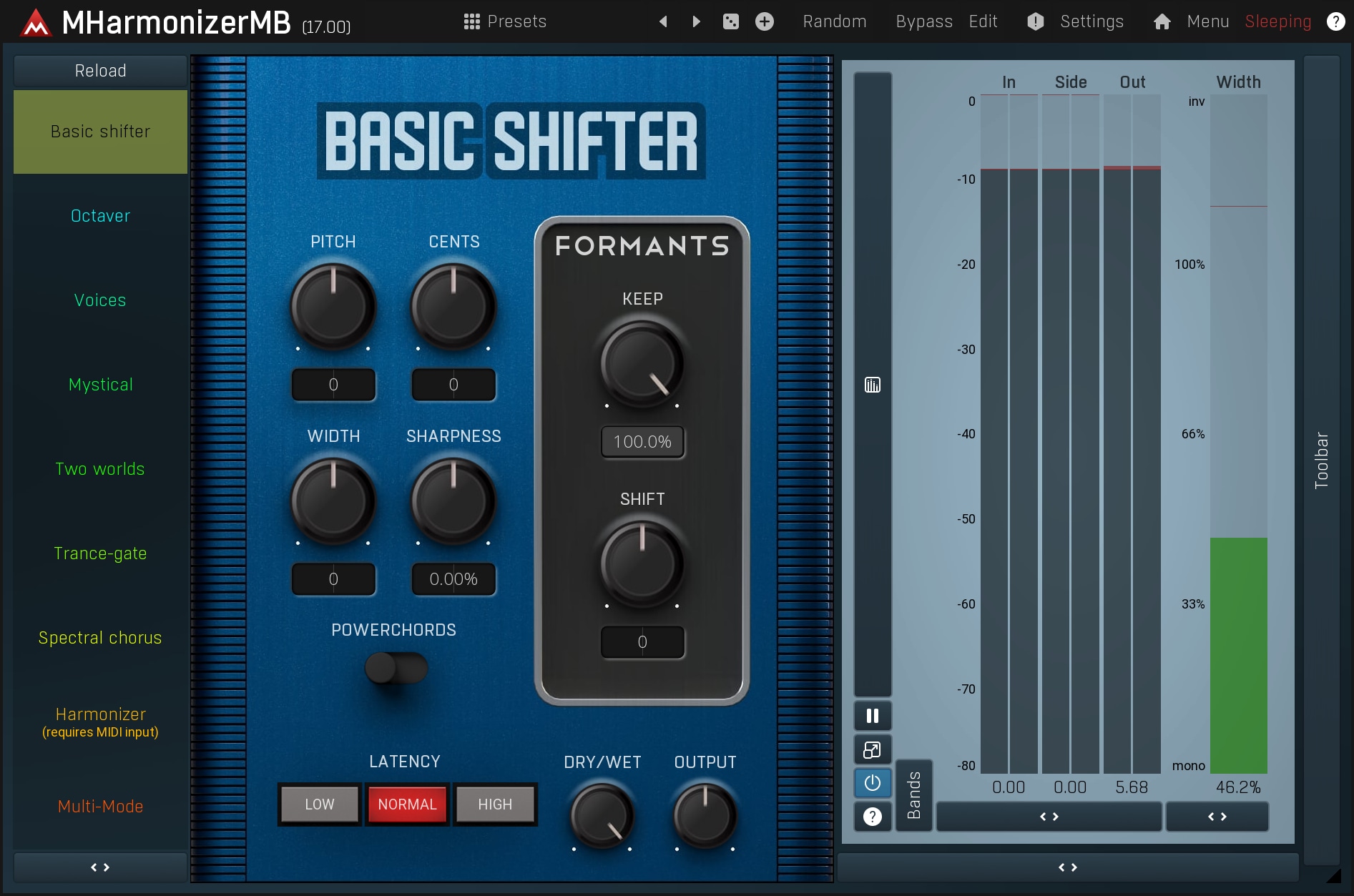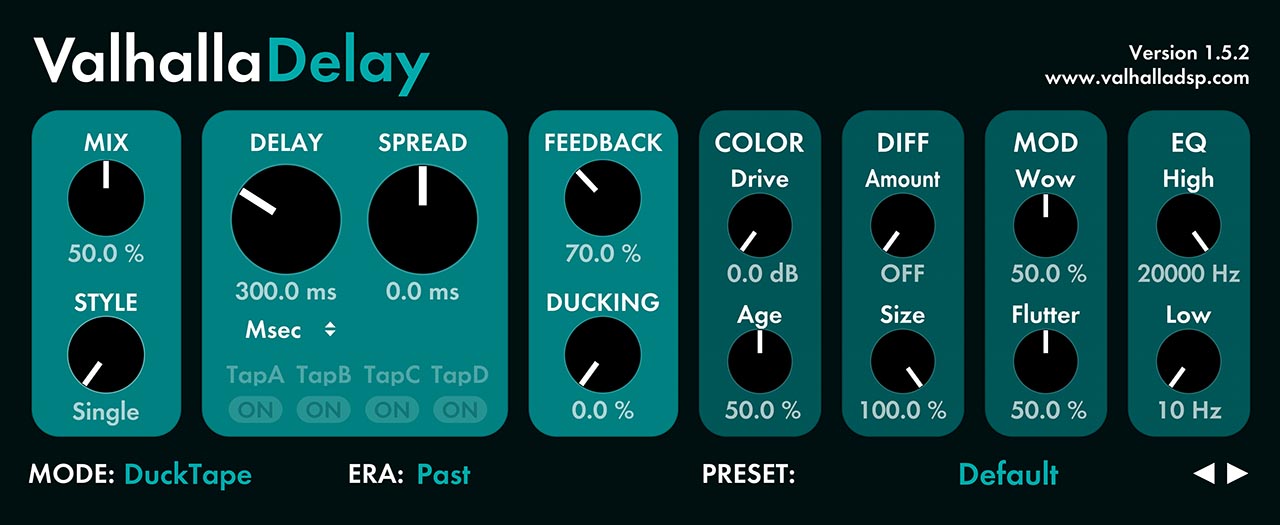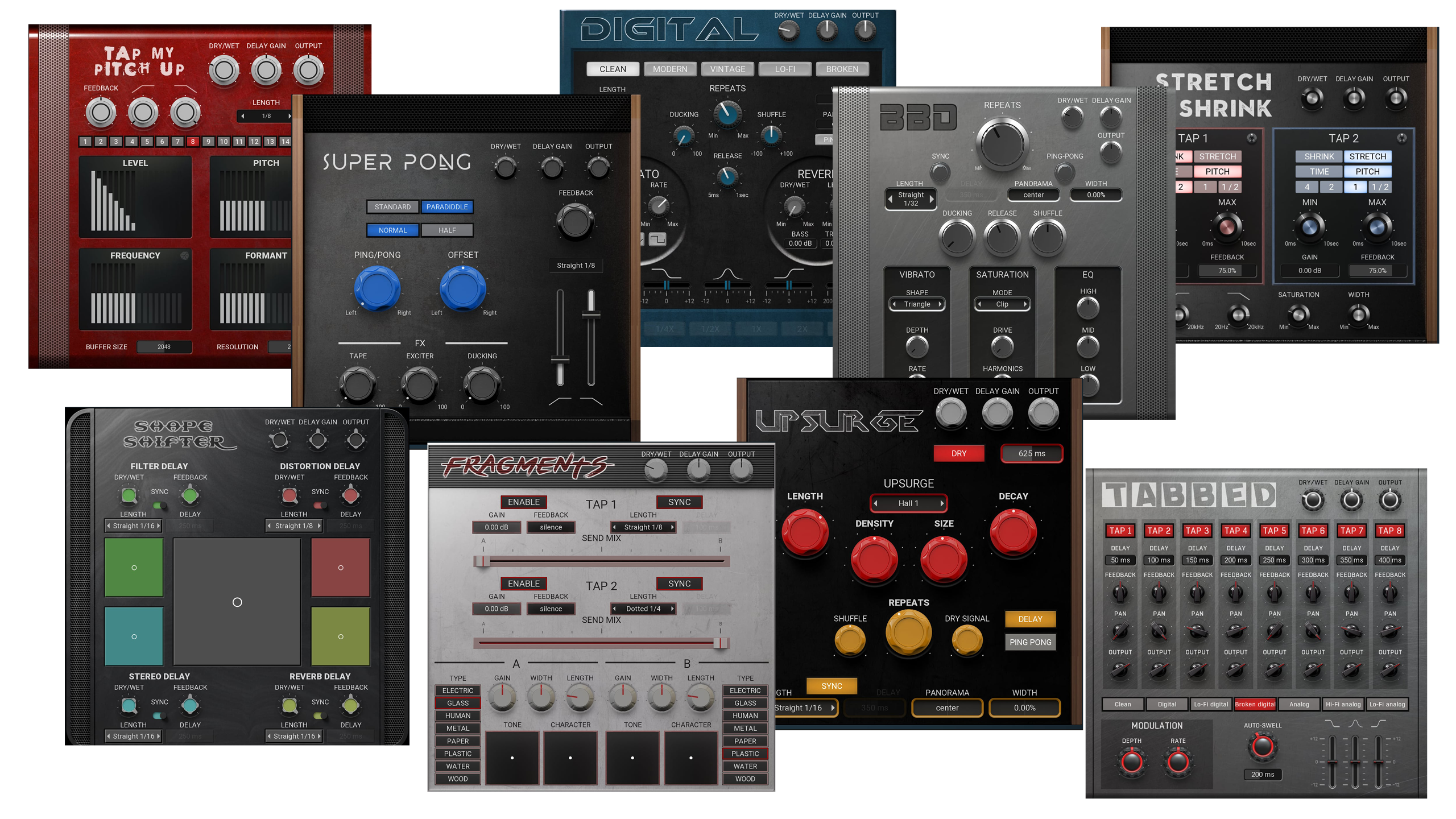
MTurboDelay is MeldaProduction's creative delay effect, with 41 distinct designs inspired by analog and digital delays. It suits producers and mix engineers who want to compare different delay characters within one plugin. The designs use complex algorithms with multiple taps and feedback processing that can include filtering, pitch shifting or distortion, so the repeats can develop a different tone or texture as they feed back.
Compare and shape delay settings
Start with a source and audition different designs, then adjust the taps and feedback to shape the repeats. The A-to-H system lets you copy and switch among up to eight settings. A-to-D morphing uses an X-Y pad to blend settings from the first four slots. Automatic gain compensation matches output loudness to the input, making settings easier to compare. A safety brickwall limiter keeps output below 0 dB.
Use separate delays across bands
MeldaProduction says the multiband version, MTurboDelayMB, is included. It lets you use different delays on separate parts of the frequency spectrum, or process transients and sustain with different delays. This makes the multiband option useful when one delay treatment across the whole signal is not the goal. If you only need a single basic echo, the range of designs and multiband controls may be more than your task requires.
Channels and host compatibility
The feature page lists mono, stereo, mid/side, separate left and right channels, surround up to eight channels, and Ambisonics up to 64 channels. MeldaProduction lists 64-bit VST, VST3 and AAX support on Windows, and 64-bit VST, VST3, AU and AAX support on macOS. The listed minimums are Windows 10 or 11 and macOS 10.14 Mojave or newer, both with 64-bit hosts; Windows also lists Intel or AMD processors with SSE2, while macOS lists Intel, AMD or Apple Silicon CPUs. MeldaProduction says the plugins may still work below these minimums and recommends using the trial to check. Linux is not directly supported; MeldaProduction says running the plugins through Wine may be possible with the ".wine/drive_c/windows/Fonts/" directory populated with Microsoft True Type fonts before installation. Check the system requirements and host notes for your setup.
Activation and updates
Activation uses a license file and does not require a dongle or internet access. The license is per person, so the same user can use it on all their computers. MeldaProduction also states that purchased software includes free updates for life. The feature details and support page provide further product and installation information.