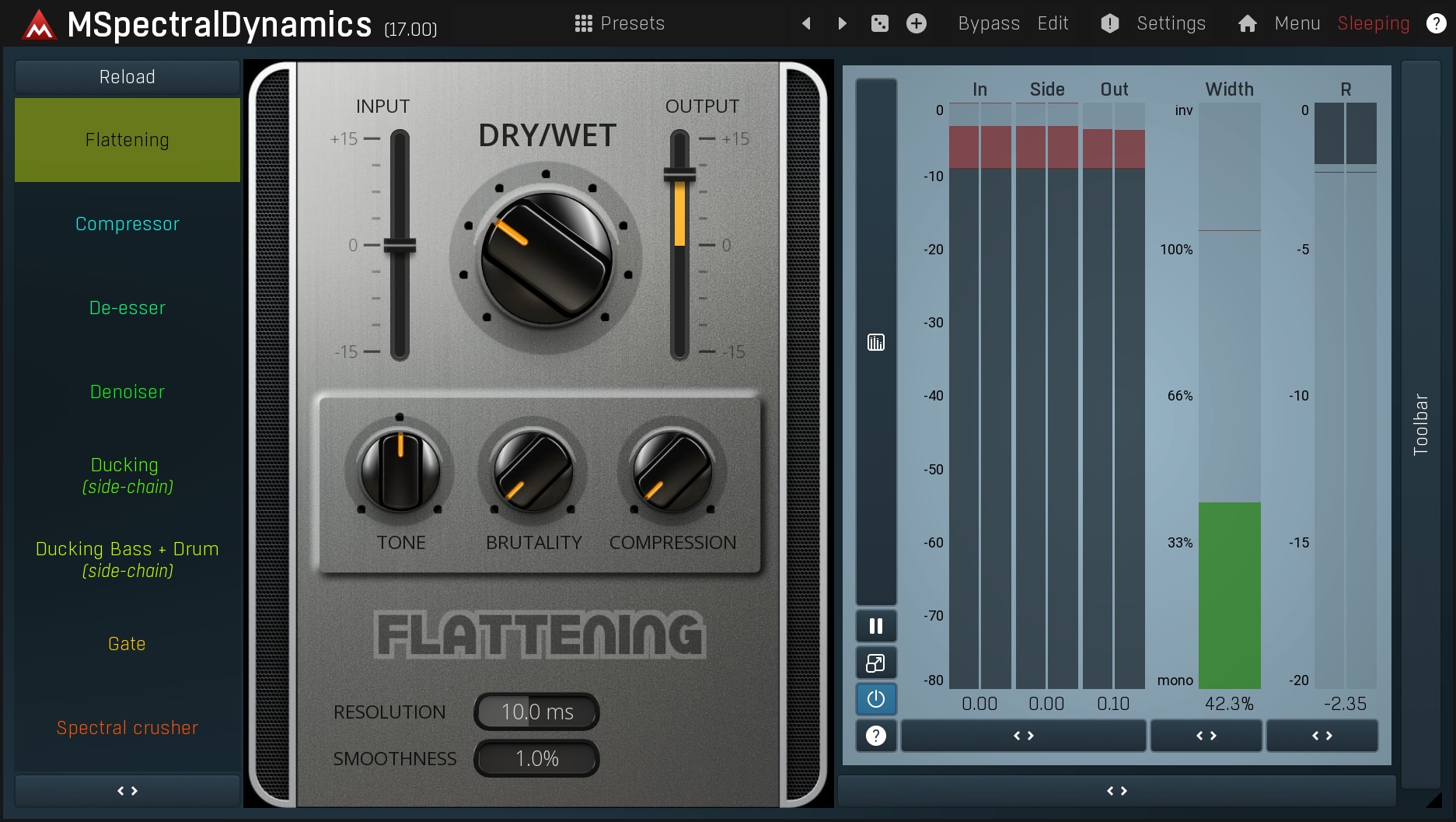
MSpectralDynamics is a spectral-domain dynamics processor. It analyzes energy across the spectrum and applies processing to individual frequencies and their neighbors, rather than splitting audio into fixed frequency bands. Its compressor, expander and gate can balance a spectrum, shape a sound or reduce noise. Strong settings can also introduce spectral artifacts, so the threshold and ratio need to suit the source.
Workflows it supports
To balance a mix or raise perceived loudness, use spectral compression to reduce dominant frequency areas. The manual notes that pushing the threshold lower can make the output more even, but can also create artifacts.
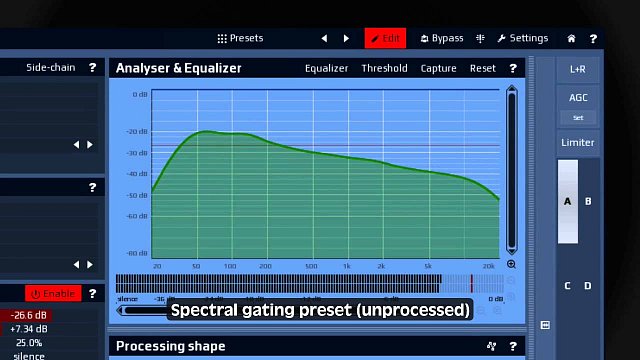
For noise reduction, use the gate or set Processor 1 to downward expansion. During playback, find a section containing only background noise, click Capture to analyze it and set the threshold graph, then click Capture again to finish. Adjust the threshold so processing targets only noise and silent frequencies, then tune attack and release for a natural result.
To reduce frequency clashes between tracks, put the plugin on the track you want to change, route the other track to it as a sidechain using your host's routing controls, and activate the plugin's side-chain input. For example, a kick drum can trigger frequency-dependent compression on a bass guitar. The detector analyzes the kick while the plugin processes the bass.
For sound design, spectral expansion can bring dominant frequencies forward or change a track's timbre. The manual also describes sending white noise to the main input and another track to the sidechain, then using the gate so the noise follows that track's frequency pattern.
Controls for detailed work
The Easy screen provides a smaller set of controls for common tasks; the Edit screen exposes the full parameter set. In the analyzer, you can compare input and output spectra and view gain reduction by frequency. The free-form processing controls let you draw a threshold or processing shape. A dry/wet control supports parallel compression. When the signal level touches the threshold with temporary gain at 0 dB, changing that control adjusts compression while approximately maintaining output level.
For comparing settings, A-H slots let you switch between saved states, and an X-Y pad can morph among the first four. Automatic gain compensation helps compare settings at a similar loudness. A safety limiter keeps output below 0 dB.
Compatibility and licensing
MeldaProduction lists Windows 10 or 11, 64-bit, with VST, VST3 or AAX hosts and an Intel or AMD processor with SSE2. On macOS, it lists version 10.14 or newer, 64-bit VST, VST3, AU or AAX hosts, and Intel, AMD or Apple Silicon processors. The plugin supports mono, stereo and mid/side processing, up to 8-channel surround, and ambisonics up to 64 channels. Linux is not directly supported. MeldaProduction says its plugins may run through Wine, provided the .wine/drive_c/windows/Fonts/ directory contains Microsoft TrueType fonts before installation.
The product page says activation uses license files and does not require a dongle or internet access. It describes licenses as belonging to one person, who may use them on their own computers. See MeldaProduction's feature list, MSpectralDynamics manual, support page and system requirements for product and installation details.