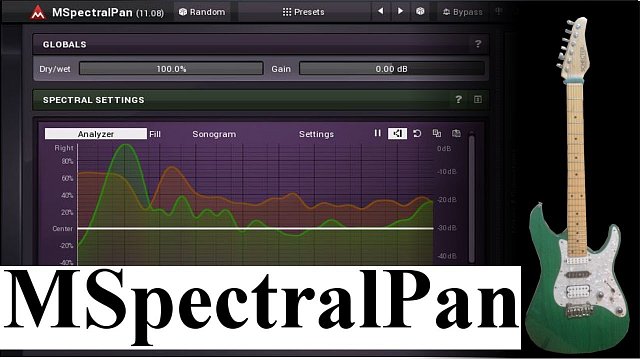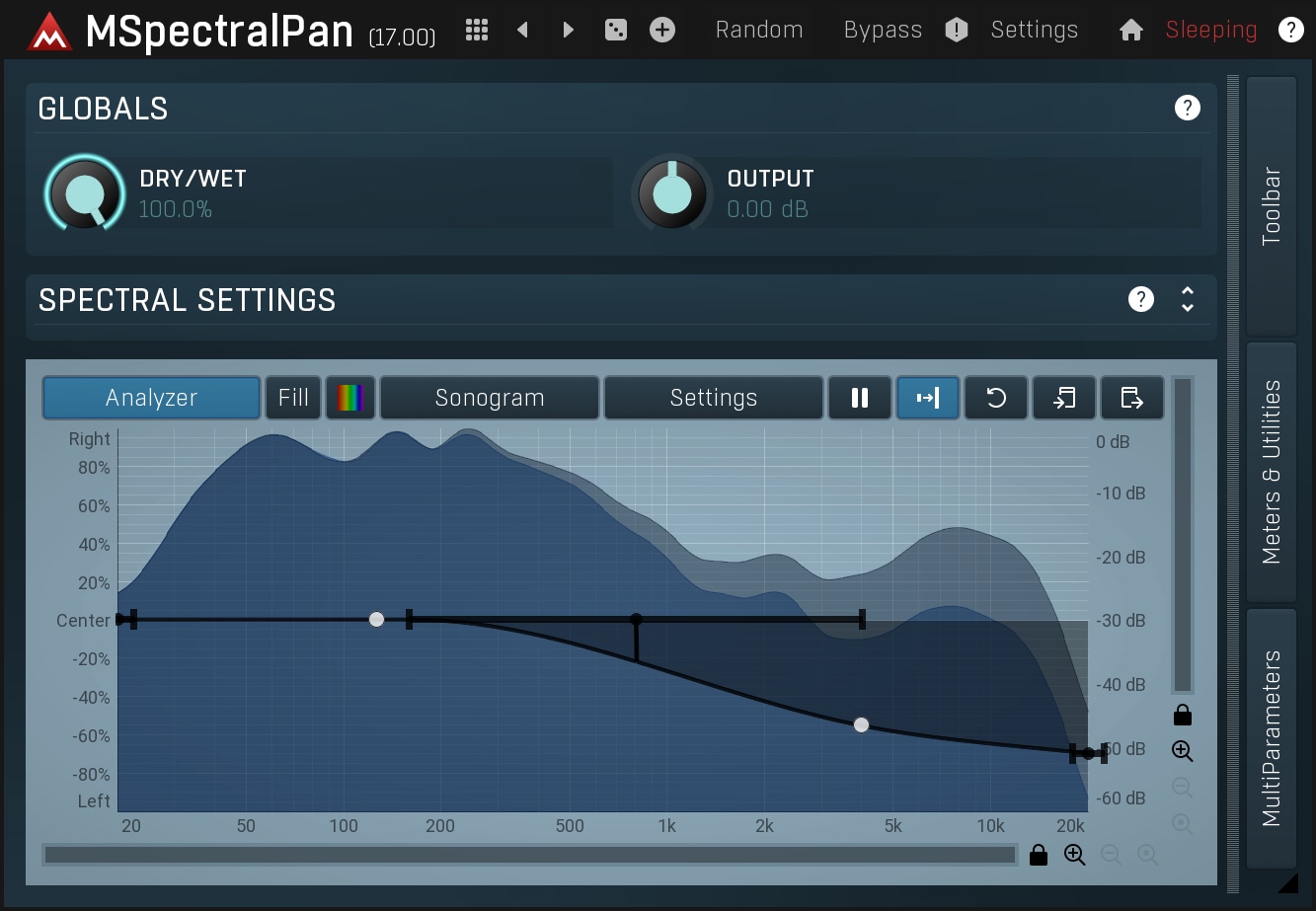
MSpectralPan is a spectral-domain panning effect from MeldaProduction. It lets you set stereo position by frequency, so different parts of one track can occupy different places in the stereo field. The product page describes it for mix placement and creative stereo effects.
Place crowded frequencies separately
The quick-start guide gives a mix example with a vocal, guitar, and keyboard competing in the midrange. Keep the vocal centered, place the guitar to the left and the keyboard to the right, then pan only the overlapping midrange. This lets you change the crowded range while leaving the rest of each track in place.
Make the panning move
MSpectralPan has four modulators that can control parameters. The feature page lists LFOs, input or sidechain level followers, ADSR envelopes triggered by MIDI or audio, randomizers, and pitch detectors. Step sequencers are another option. In the guide's example, a sidechain modulator shifts the midrange only while the vocal is present. The plugin can also create automatic panning and artificial stereo effects.
Account for latency
Spectral processing adds latency, so MeldaProduction says MSpectralPan is not well suited to live use. A smaller buffer reduces latency but also lowers spectral resolution; a larger buffer provides more detail and usually uses more CPU. No buffer setting removes the latency completely, and extreme pan shapes can produce pre-ringing. These trade-offs matter for live monitoring and timing-sensitive sessions.
Check compatibility and licensing
- Windows: Windows 10 or 11, 64-bit, with a VST, VST3, or AAX host and an Intel or AMD processor with SSE2 support.
- macOS: macOS 10.14 Mojave or later, 64-bit, with a VST, VST3, AU, or AAX host. Supported processors include Intel, AMD, and Apple Silicon.
- Linux: Not directly supported. MeldaProduction describes Wine as a possible route and says Wine's Windows fonts directory must contain Microsoft TrueType fonts before installation.
MeldaProduction lists MSpectralPan as a free effect available through MFreeFXBundle. Its feature page says activation uses person-specific licence files and does not require a dongle or internet connection. The licence can be used on the licensee's computers while they remain the user.
For installation and host details, see the MSpectralPan support page.