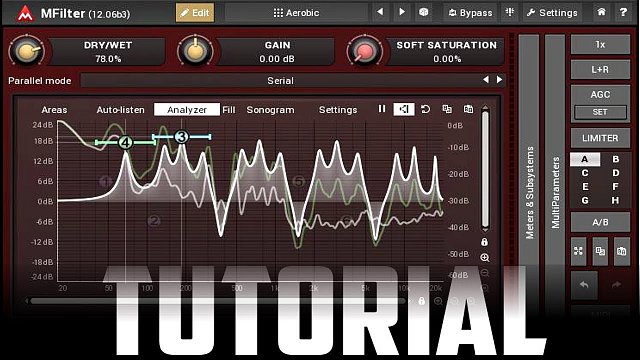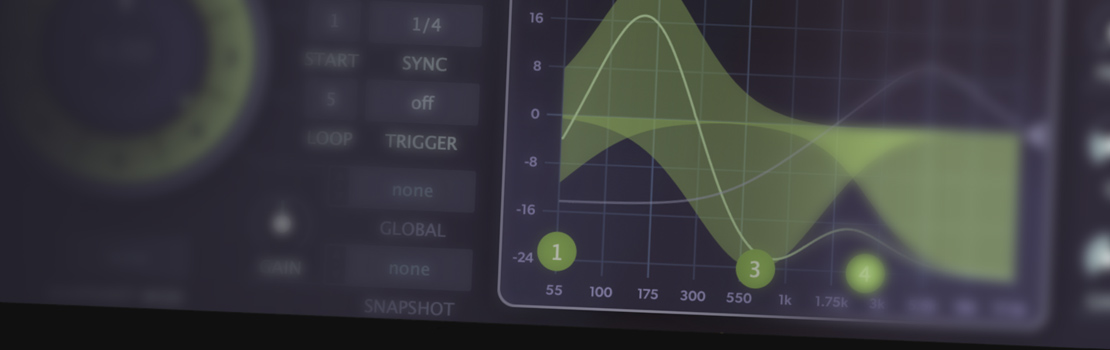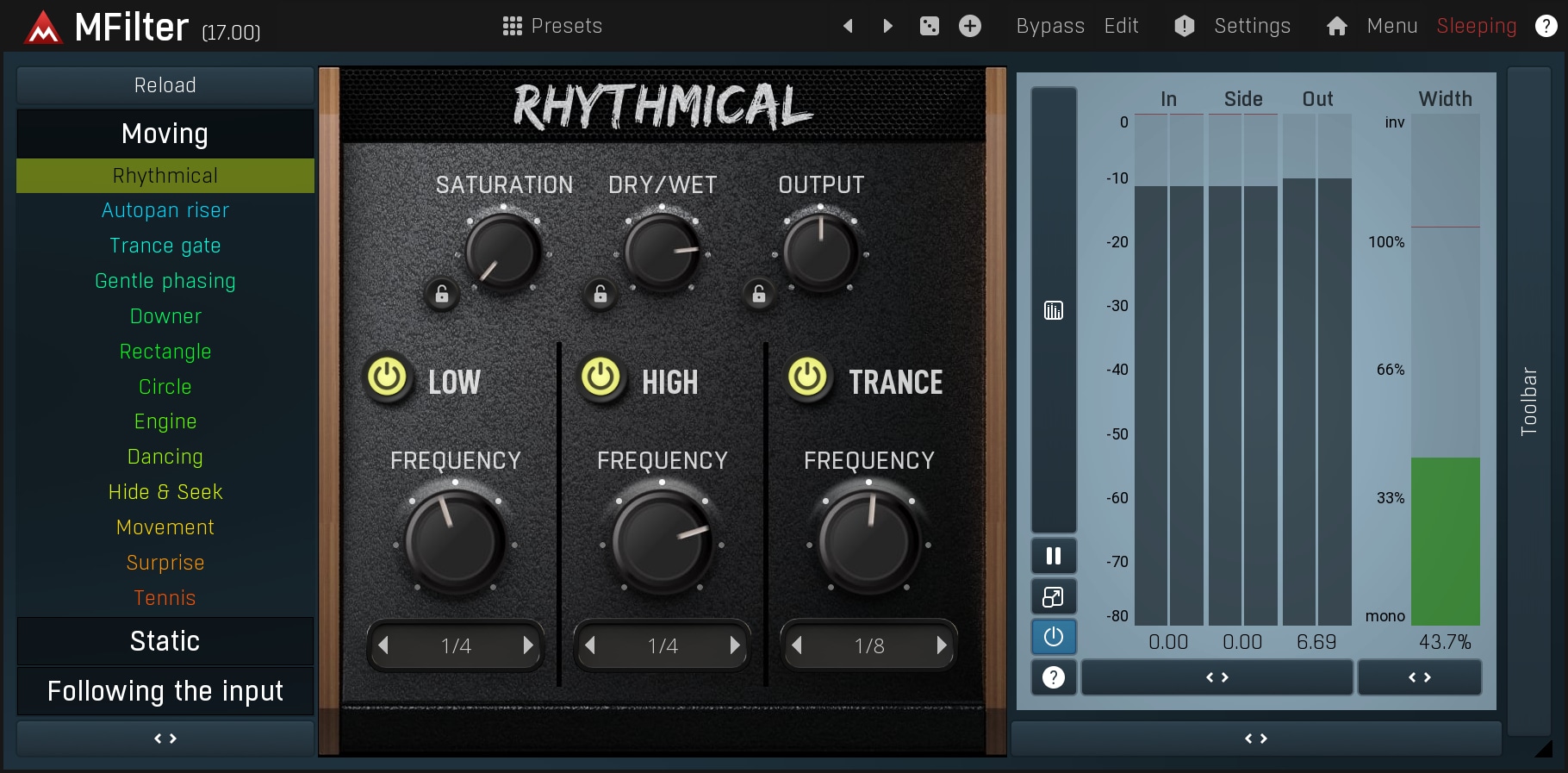
MFilter is MeldaProduction’s filter and equalizer plug-in for shaping frequency balance and adding movement to a sound. Each band offers nine filter types, including peak, shelves, low-pass, high-pass, band-pass and notch. You can adjust frequency and Q on the response graph or open detailed controls for numeric entry. See the MFilter features page for the full list.
Use four modulators to create moving filters
MFilter has four modulators that can control its parameters, including other modulators. Each can work as an LFO, level follower, MIDI or audio-triggered ADSR envelope, randomizer or pitch detector. The modulators can also listen to the plug-in’s sidechain, and they can sync to the host tempo. These options support rhythmic filter sweeps, envelope-driven changes, and filtering that responds to the incoming signal. Sidechain-driven setups require routing the signal through your host.
MeldaProduction’s audio examples include bass auto-wah and rhythmic filter patterns, along with moving band-pass and trance-gate effects on pads.
Edit and monitor the filter response
The Easy screen exposes a smaller set of controls for common adjustments. The Edit screen provides access to the plug-in’s parameters. For frequency searches, the manual describes an Auto-listen mode that temporarily isolates a band as you move it. The spectrum analyzer displays frequency levels, while the sonogram shows how those levels change over time. The MFilter quick-start guide explains these controls.
Automatic gain compensation adjusts output loudness as settings change, which can make preset comparisons easier to judge. A safety limiter keeps the output below 0 dB, according to MeldaProduction’s feature description.
Channel handling and compatibility
MFilter supports mono and stereo processing, left/right and mid/side channel modes, surround configurations up to eight channels, and ambisonic configurations up to 64 channels. Check that your host supports the channel format you plan to use.
MeldaProduction lists 64-bit VST, VST3 and AAX support for Windows 10 and 11. On macOS 10.14 Mojave or newer, it lists VST, VST3, AU and AAX support. For Ableton Live 11 and 12 on macOS, MeldaProduction strongly recommends VST3 because of reported issues with its AU versions. Linux is not directly supported; MeldaProduction says Wine may work if the .wine/drive_c/windows/Fonts/ directory contains Microsoft TrueType fonts. MeldaProduction says the plug-ins may work below the minimum requirements and recommends using the trial to check. For Ableton Live, it says reported-bus handling prevents surround-capable plug-ins from working and directs users to the VST version, which reports stereo capabilities by default. See the MFilter support page and system requirements for setup details.
Trial and license terms
MeldaProduction offers a free trial through its downloads page. Activation uses license files and does not require a dongle or internet access. MeldaProduction describes the license as personal, allowing the named user to use it on all of their computers. Purchases include free updates for life, according to the MFilter features page.