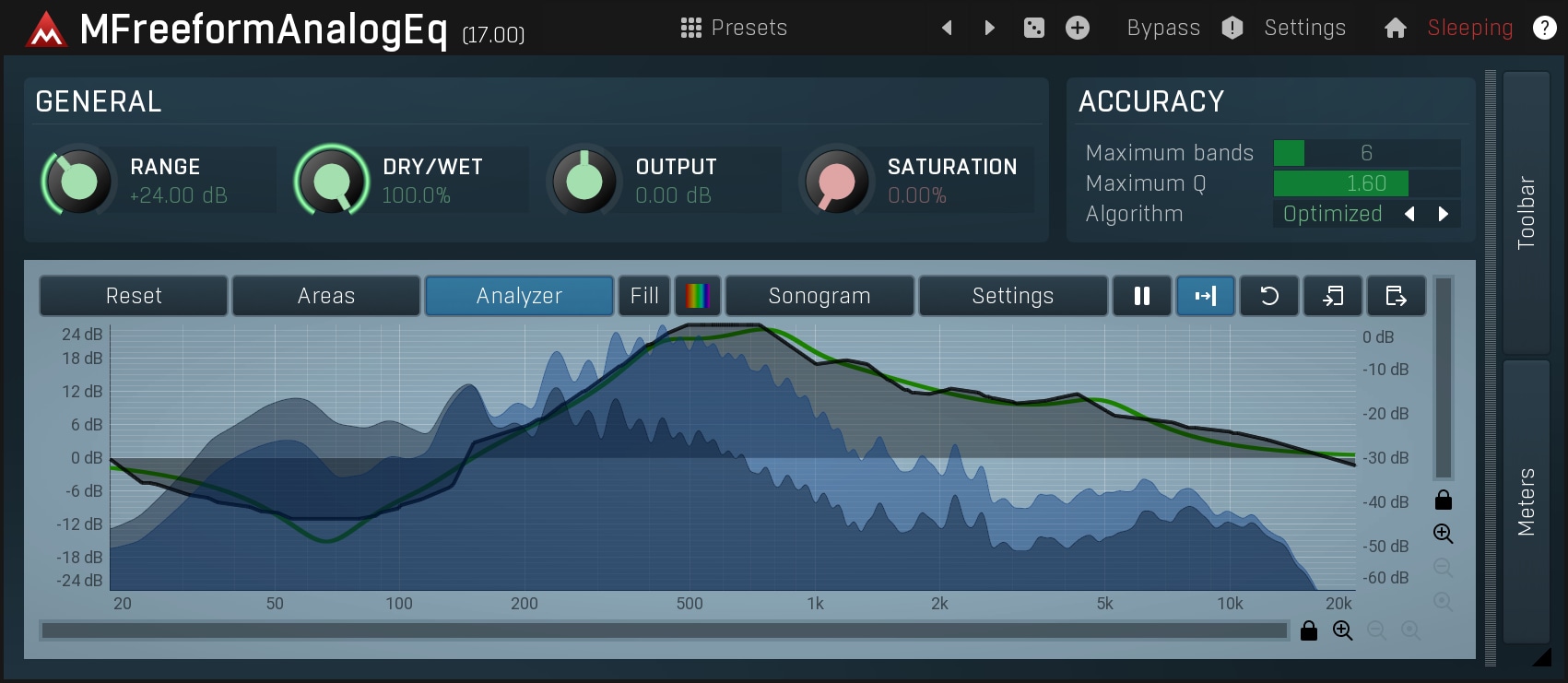
MFreeformAnalogEq is a MeldaProduction equalizer built around a drawn target curve. It translates the shape you sketch into a set of parametric analog filters. The result is an approximation, and the graph shows both the requested shape and the filters’ actual response. It suits users who prefer to shape a tonal contour visually and then adjust how closely the filters follow it.
Draw a curve and tune the filters
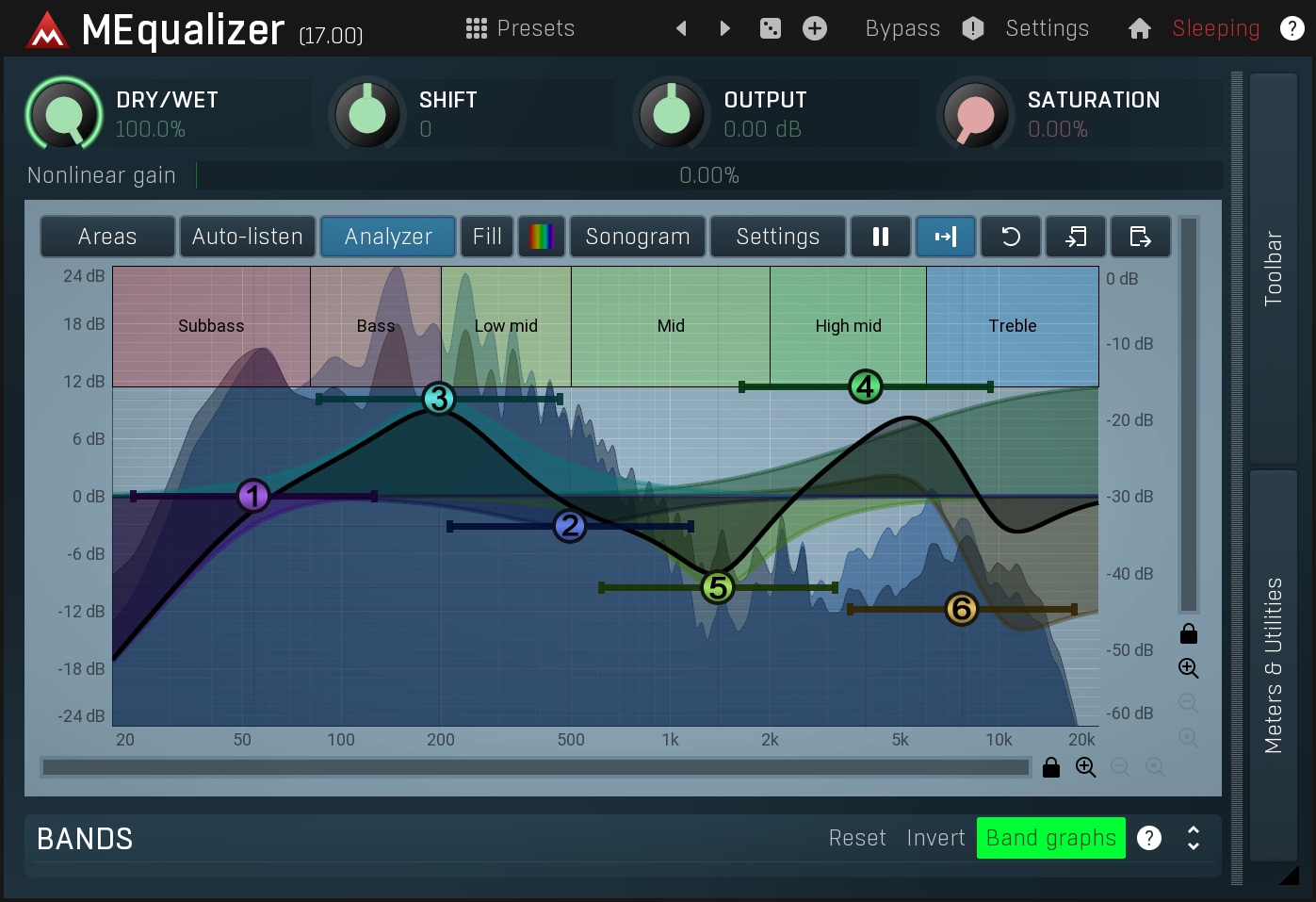
Draw directly in the EQ shape graph for a quick contour. For more controlled edits, the envelope graph supports points, curved segments and smoothing. You can set a maximum of 1 to 32 filter bands, with six as the manual’s default. More bands can follow the drawn shape more closely, at the cost of more CPU use and a greater effect on the signal. A maximum-Q setting limits filter resonance; higher values can match sharper details but may create overly sharp edges.
The conversion algorithm gives another trade-off. Default prioritizes accuracy and uses more CPU while recalculating the curve. Optimized is faster and may smooth peaks with slightly less accuracy. Super-fast favors speed over accuracy. The manual says this choice changes curve calculation cost, while playback processing requirements are the same across algorithms. See the MFreeformAnalogEq manual for the controls and curve-editing options.
Analyze and compare
The integrated spectrum analyzer and sonogram help inspect frequency content before and after EQ. The analyzer provides level detail; the sonogram shows how frequencies change over time, with less level resolution. Peak detection, bass super-resolution and deharmonization add ways to inspect dominant frequencies. Super-resolution uses additional CPU.
For listening comparisons, the plugin has A-H settings, A/B switching and X/Y morphing across A-D. Automatic gain compensation matches input and output loudness so level changes are less likely to dominate a comparison. The manual gives its response time as 400 ms and warns that it can cause pumping with compressors whose attack and release times exceed 100 ms. Switch AGC off if that interaction works against the dynamics you want.
Channel processing
MFreeformAnalogEq can process left and right channels or mid and side signals. To use different EQ curves for mid and side, the manual describes placing two instances in series, one set to M mode and the other to S mode. The plugin also supports up to eight surround channels and up to 64-channel, seventh-order Ambisonics. These modes depend on routing and host bus support. The manual requires global Ambisonics activation and a DAW restart; VST2 surround also requires global activation and a restart, while VST3, AU and AAX do not require the surround activation. Optional soft saturation adds nonlinear coloration.
Compatibility and licensing
For Windows 10 and 11, MeldaProduction lists 64-bit VST, VST3 and AAX support and requires an Intel or AMD processor with SSE2. For macOS 10.14 or later, it lists 64-bit VST, VST3, AU and AAX support for Intel, AMD or Apple Silicon CPUs. Linux is not directly supported; the developer notes that running through Wine may be possible. Check the product support page and system requirements for host details.
Activation uses a license file and does not require a dongle or internet connection. The license is tied to one person: the license holder may use it on their own computers, but only that person may operate the software. MeldaProduction says purchases include free updates. Its product page has a Try for free option.